WooCommerce is flexible because it lives inside WordPress. That makes it a strong fit for stores that combine commerce with content, advice pages, landing pages and SEO.
It also means visitors often arrive through content before they are ready to choose. They read an article, compare a category or open a product page from search. At that point, a product grid is not always enough.
Guided selling adds a practical next step: answer a few questions and see products that fit.
Why WooCommerce stores need advice
Many WooCommerce stores sell products where the right choice depends on context:
- supplements;
- pet food;
- tools;
- cosmetics;
- parts and accessories;
- home and garden products;
- sports gear;
- B2B products.
In these categories, shoppers may not know the right product name. They know their goal, problem or constraint. A Flow widget can translate that information into product matching.
Use content as the entry point
WooCommerce stores often have useful blog posts, buying guides and landing pages. These pages are perfect entry points for guided selling.
For example:
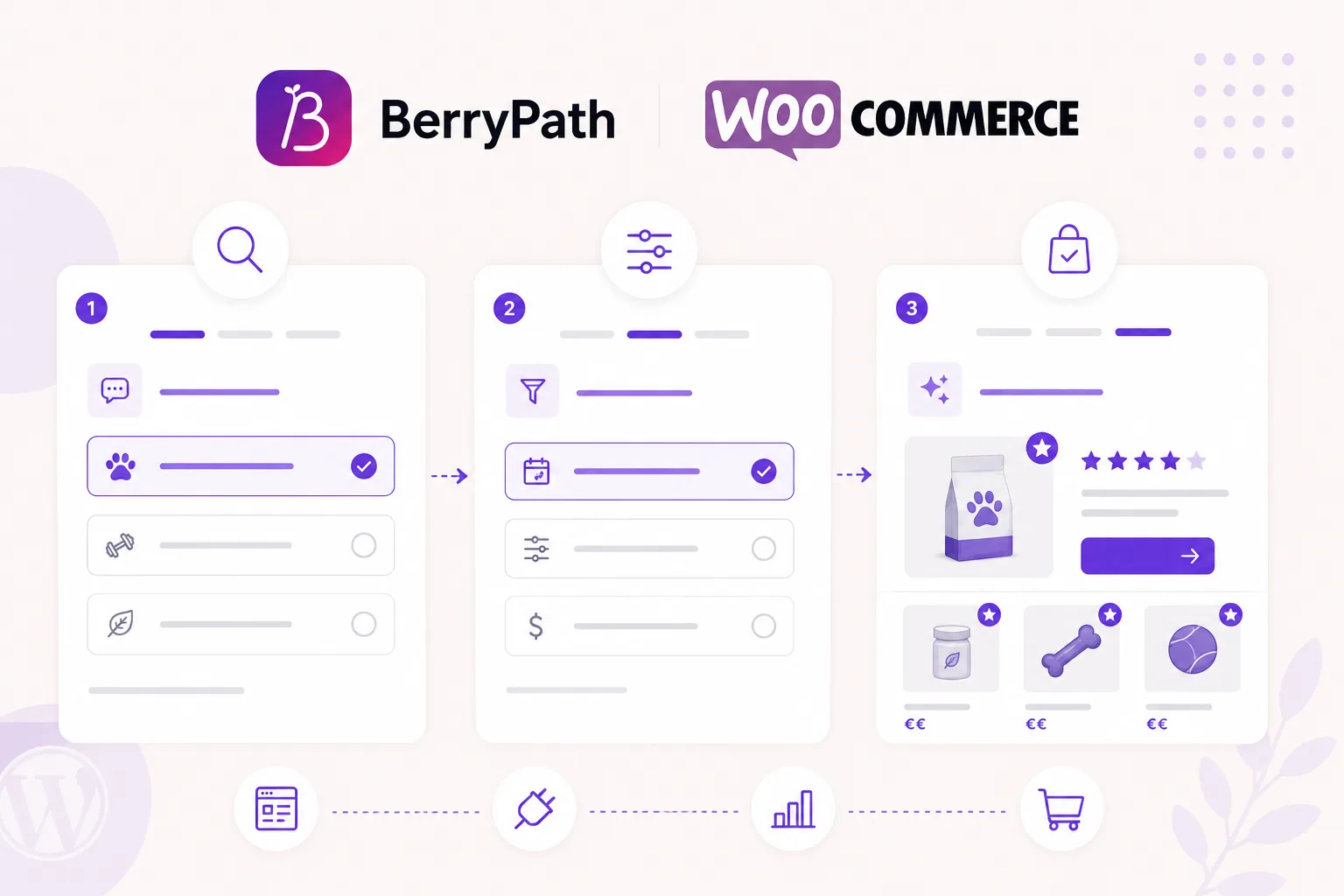
- a blog post explains the difference between product types;
- the Flow widget asks which situation applies;
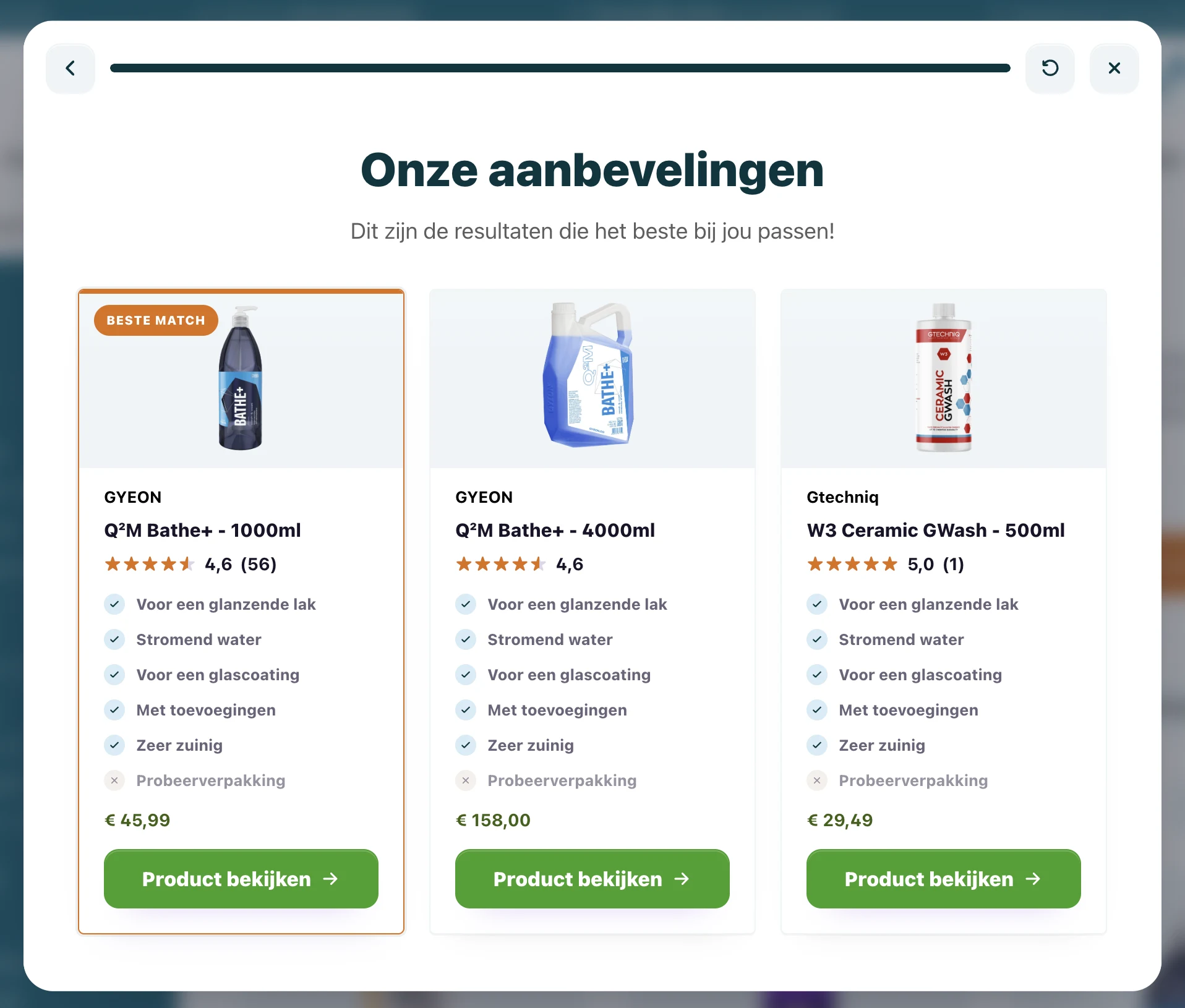
- the result recommends a shortlist;
- the shopper clicks through to the product page.
That route connects education and conversion without forcing every visitor into a generic category page.
Product pages can answer doubt
A visitor may land directly on a product page and still be unsure. A short product check can ask a few questions and confirm whether the current product fits.
If it fits, the recommendation reinforces the purchase decision. If it does not, the flow can show a better alternative before the visitor leaves the store.
This is especially useful for products with compatibility, sizing, use-case or safety considerations.
Keep WordPress and WooCommerce in control
Guided selling should not replace WooCommerce. WooCommerce should keep handling products, cart, checkout, orders and customer accounts.
The Flow widget adds advice on top. BerryPath manages the questions, matching, styling and analytics. Your store keeps the purchase flow.
That keeps implementation focused and easier to maintain.
Use the plug and play WooCommerce plugin
For WooCommerce stores, BerryPath also has a plug and play plugin. It adds Flow widget placement to WooCommerce products, product categories, WordPress blocks and shortcodes, with assisted conversion tracking on the WooCommerce thank-you page.
Use these links when you are ready to test it:
- Read the WooCommerce plugin docs
- View the WooCommerce plugin on GitHub
- Open the WooCommerce integration overview
What product data matters?
Start with the fields that help the shopper choose:
- product URL;
- image;
- price;
- stock status;
- category;
- tags;
- use case;
- suitability;
- compatibility;
- size or variant.
You do not need perfect data for every product on day one. Start with one category and improve the fields that affect recommendations.
Measure the advice route
After launch, look at:
- which pages start the flow;
- how many visitors complete it;
- where they drop off;
- which products are recommended and clicked;
- which support questions still appear.
WooCommerce gives you a flexible content base. Guided selling helps turn that content into a product decision.
For the wider ecommerce approach, see how guided selling software for ecommerce connects product data, matching and storefront advice across platforms.