Ready to turn that approach into a working product advisor? See choice helper software for webshops.
Carclean sells specialist products for washing, protecting and detailing cars. In the showroom, the team naturally asks the right follow-up questions. Online, that is harder: shoppers often know the result they want, but not yet which product will get them there.
Carclean uses BerryPath to bring that knowledge into the webshop. With the BerryPath Shopware plugin, the first Flow widget was running in Shopware within 30 minutes. Today, 18 product finders guide shoppers across different product groups. Measured revenue from assisted orders is approximately 102 times what Carclean pays for BerryPath.
The Carclean product finders in action
This short video shows how the Flow widget guides shoppers from a recognisable question to focused product advice within the existing Shopware experience.

The goal: make showroom advice scalable
Car care is not a category where one filter always produces the answer. The right choice can depend on the surface, contamination, existing protection, experience, available tools and the desired finish.
Carclean can quickly gather that context in the showroom or through customer service. Its product finders do the same online. They start with a recognisable job and ask only the follow-up questions that actually change the recommendation.
Live in 30 minutes with the BerryPath Shopware plugin
Carclean runs on Shopware. The BerryPath Shopware plugin kept the technical step small, without requiring a storefront rebuild. The plugin is also publicly available on GitHub.
The first placement involved a few focused steps:
- install the Shopware plugin;
- copy the published Flow code from BerryPath;
- allow the webshop domain for embedding;
- place the Flow widget in the right Shopping Experience;
- check the experience on desktop and mobile.
The technical base was ready after about 30 minutes. The work after that went into improving the advice: sharpening questions, connecting product data, checking the matching and aligning the Styling with Carclean.
From one placement to 18 product finders
The fast implementation made it easy to start small. Carclean could launch one category, learn from real shoppers and then reuse the same technical foundation.
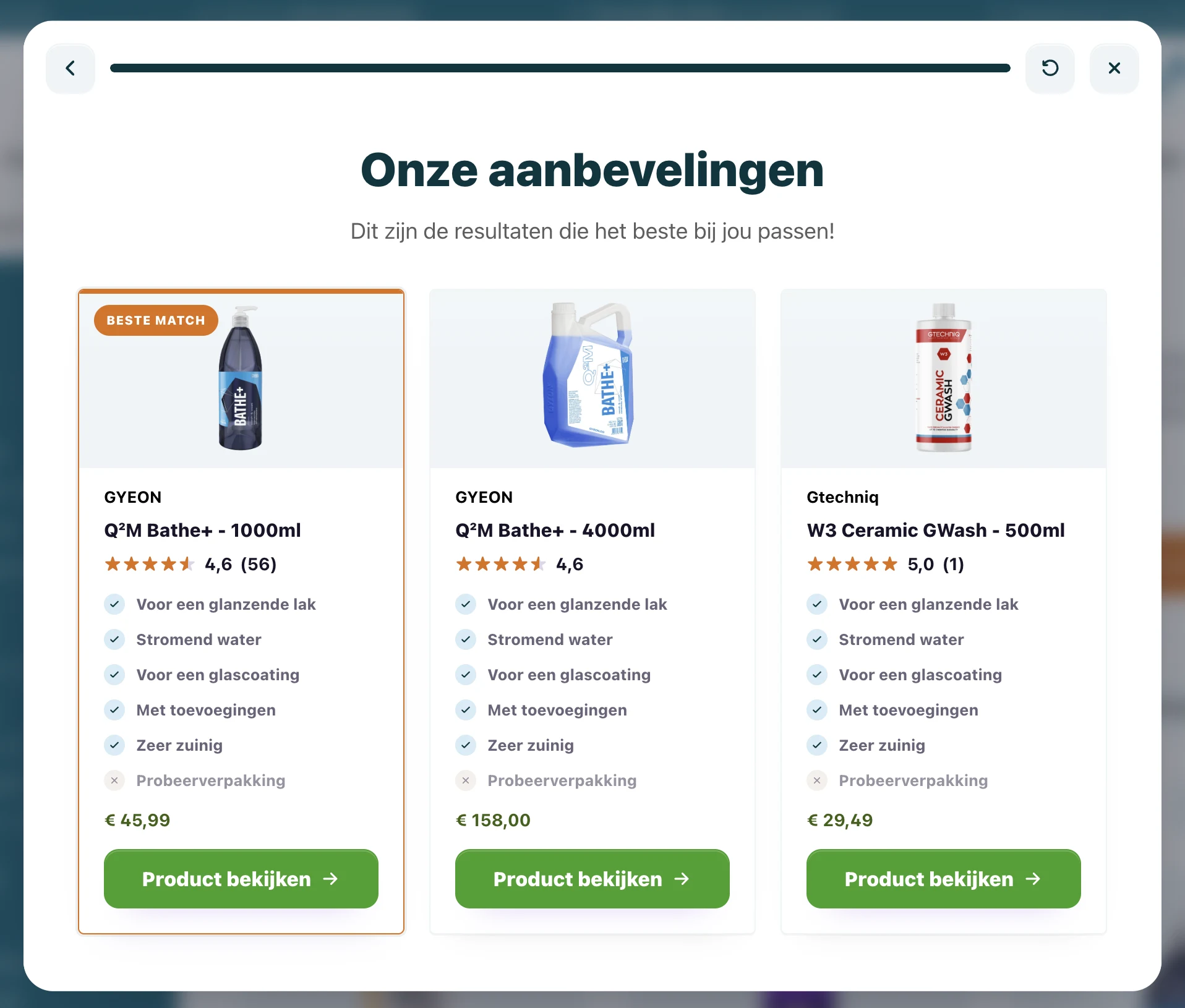
There are now 18 product finders for different buying questions, including car shampoos, foams and pre-wash products, and polishing machines. The questions differ by category, but the approach stays consistent:
- start with the job or desired result;
- ask only about properties that change the choice;
- connect answers to existing product data;
- show a clear best match and relevant alternatives;
- send the shopper to the right product page.
New product finders therefore do not require a new Shopware integration. The team manages content and matching in BerryPath, while the same plugin places Flow widgets where shoppers need guidance.
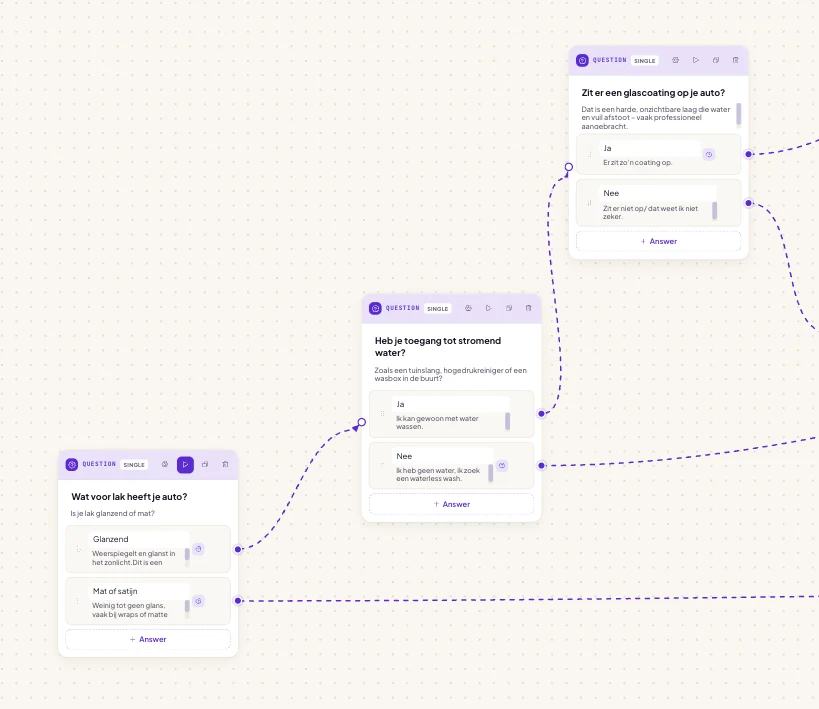
Product expertise lives in the matching
A product finder only becomes useful when each relevant answer influences the outcome. Carclean's matching uses product properties such as surface, finish, protection level, application method and use case.
Shoppers no longer need to understand every technical difference themselves. The product finder translates a practical question into the same trade-offs a showroom specialist would make.
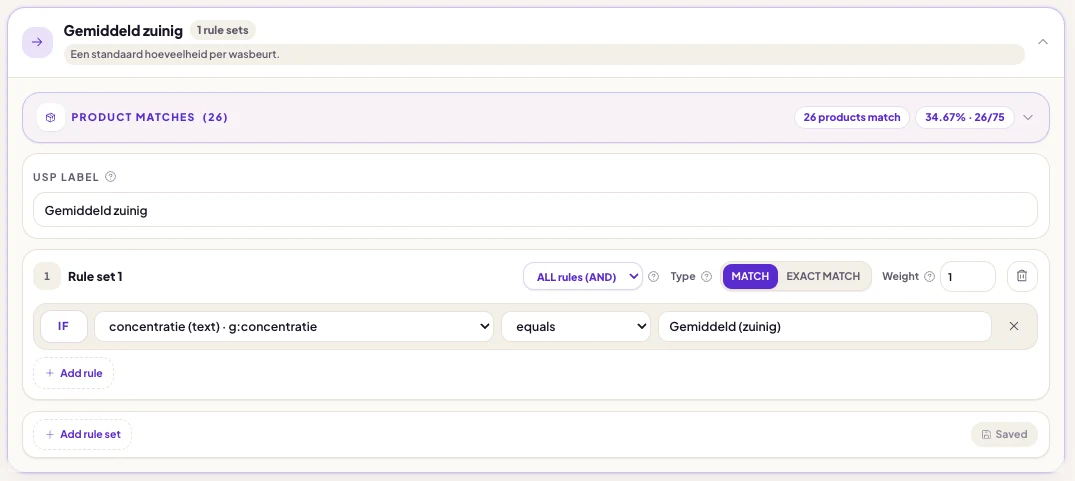
102× as much revenue as cost
The 18 product finders are more than an extra service layer. Analytics show which shoppers complete an advice route, click a recommended product and go on to order.
Based on that measurement, every euro Carclean pays for BerryPath corresponds to approximately 102 euros in revenue from orders where a product finder was used. This is a ratio of measured revenue to subscription cost, not a claim of 102 times profit. It does show that the product finders support substantially more value than the subscription costs.
The operational effect matters too: shoppers can resolve more of their buying question independently. The team has more time left for questions that genuinely need personal attention.
What this Shopware case shows
A product finder does not need to become a large technical implementation project. Carclean's first Shopware placement was ready within 30 minutes. The team could then improve the content at its own pace and expand the approach to 18 different advice routes.
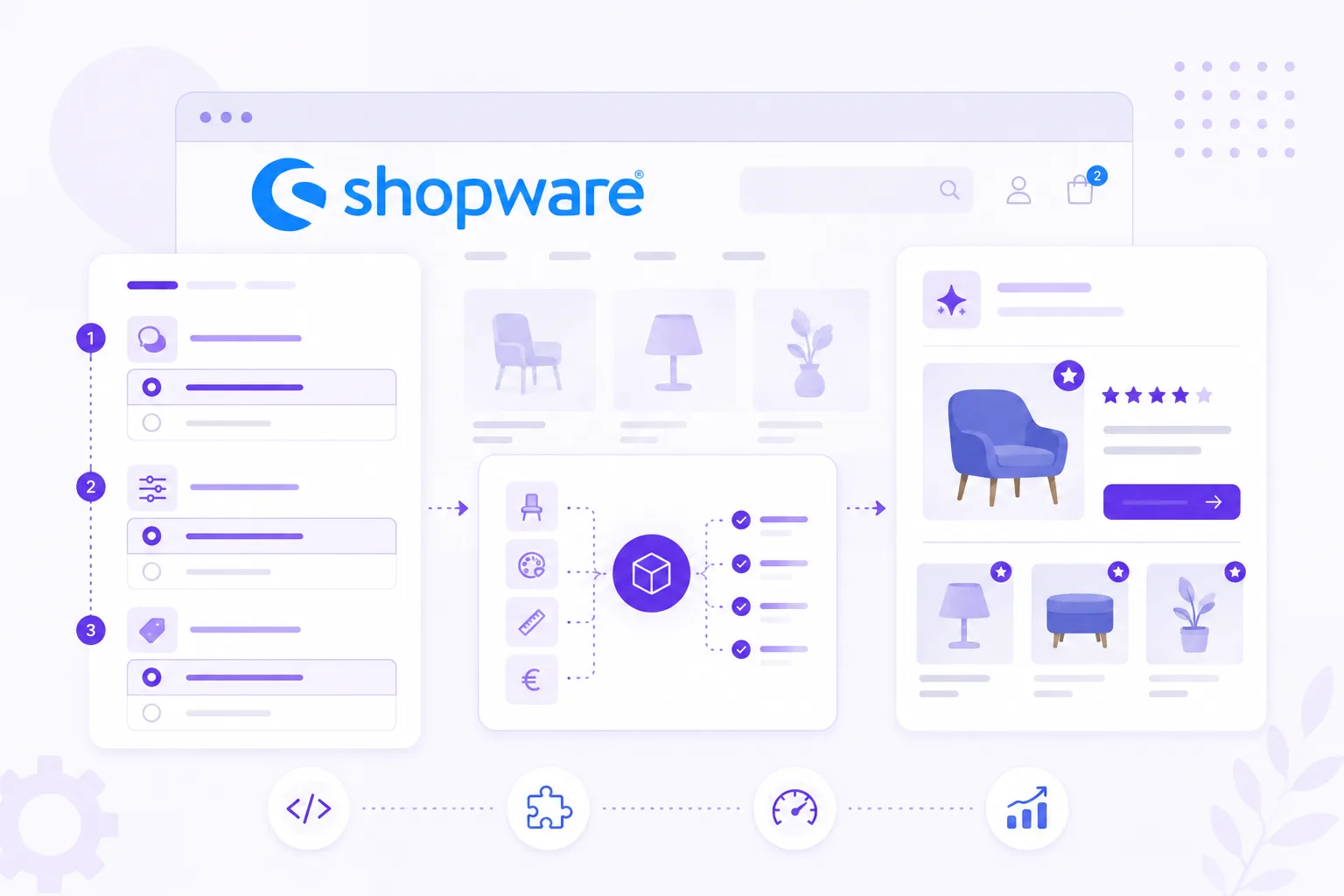
The combination works because each part keeps a clear role: Shopware manages catalog and checkout, BerryPath manages questions and matching, and the Flow widget brings guidance to the moment where shoppers hesitate.
More about this implementation
Explore the full Carclean case, learn more about the Shopware integration or follow the Shopware plugin guide. The plugin is also available on GitHub: Shopware 6 Flow widget.
Quick answers
Do I need to rebuild my storefront?
Can I keep my own styling?
How does product data stay useful?
Can this work without a native plugin?
What should we test before publishing?
Where is the safest first placement?