

















They know what they need.
Not which product fits.
What is guided selling software for ecommerce?
Guided selling helps webshop visitors choose through questions about their needs and preferences. You match the answers to your product data and show relevant recommendations. Shoppers don't have to know the technical specifications themselves.
-
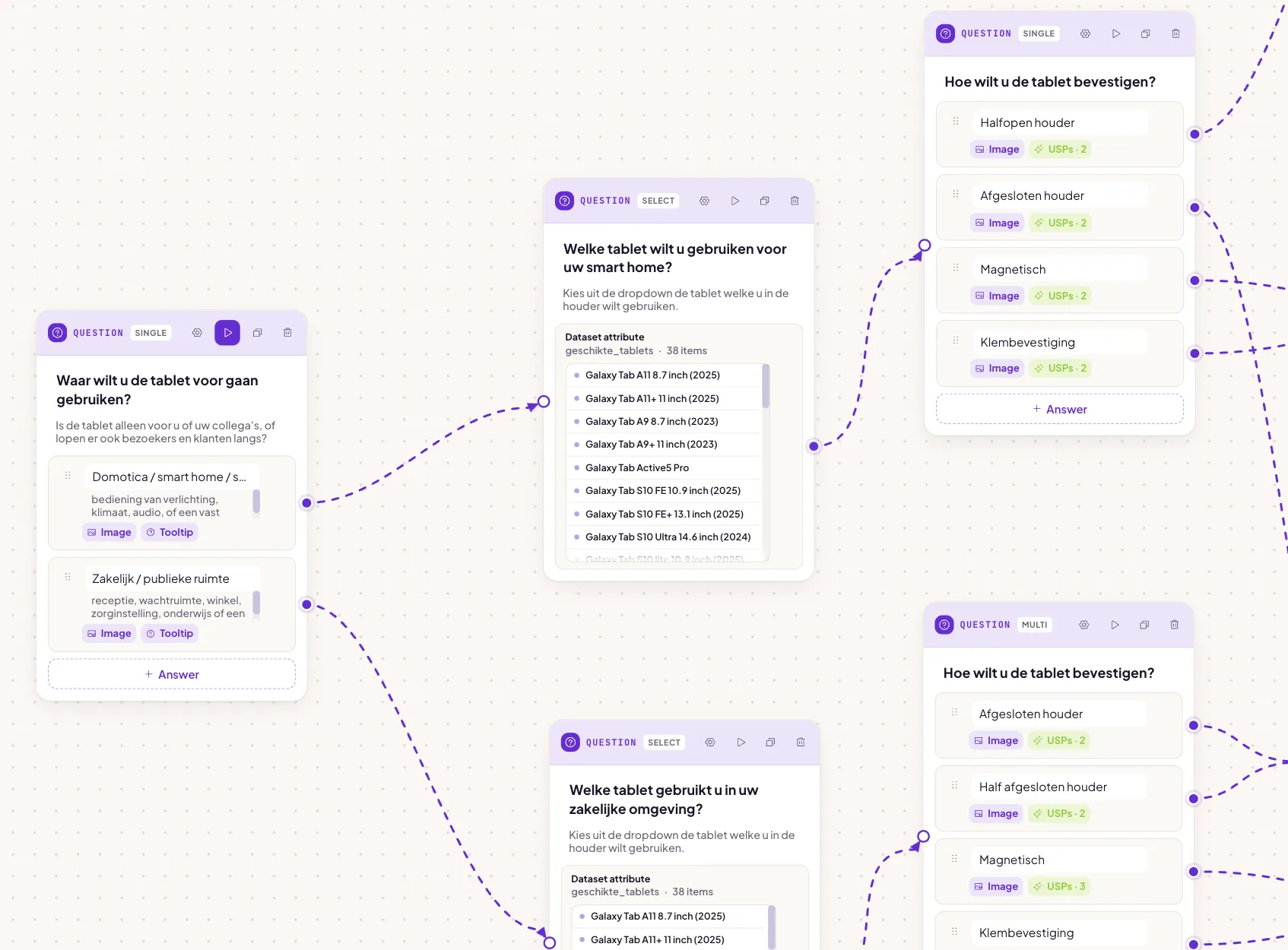
Ask the right questions
Build short advice flows around needs, preferences and constraints.
-
Match answers to products
Use product data and scoring rules to rank the most relevant results.
-
Publish and improve
Embed the Flow widget, track where visitors drop off and refine the flow over time.

“Which plant suits a room with little daylight?”
This demo asks about the room, the light and plant care. Try it and see how your answers change the recommendations.

Start small. Learn
from real visitors.
Pick one category your customers often ask about. Turn your product knowledge into a few good questions. Everything else can wait.
What do you need to start?
Your products Start with the products you want to recommend.
Use a feed or upload with stable product IDs, titles and product links. Add images, prices and the attributes your questions depend on, such as use case, fit or compatibility. Missing attributes cannot support reliable advice.
Prepare your product dataYour advice rules You decide what fits and what doesn't.
Connect each answer to a product attribute. Requirements exclude unsuitable products; preferences influence the ranking. Leave a no-preference answer neutral, and test both common choices and combinations with no suitable product.
Connect answers to product attributesA place in your shop On your own page, in your own style.
Choose a category page for a broad selection or a product page for a fit check. Use the integration for your platform or the embed code, then check the experience on mobile. Your webshop keeps its checkout.
Place the Flow widgetSee what works Follow answers, recommendations and product clicks.
Follow starts, advice views and product clicks. Orders appear only when conversion measurement is connected. Compare similar periods and keep assisted revenue separate from a proven increase in sales.
Understand usage and results Anything else
on your mind?
Not sure if this fits your product range? Share your webshop and we'll think it through with you.
 Jelle Siderius
Ask your question
Jelle Siderius
Ask your question
