B2B guided selling software can mean two very different things. One type helps a buyer choose a suitable product in an ecommerce storefront. The other helps a sales team configure, price and quote a complex solution. Both guide a decision, but they solve a different job.
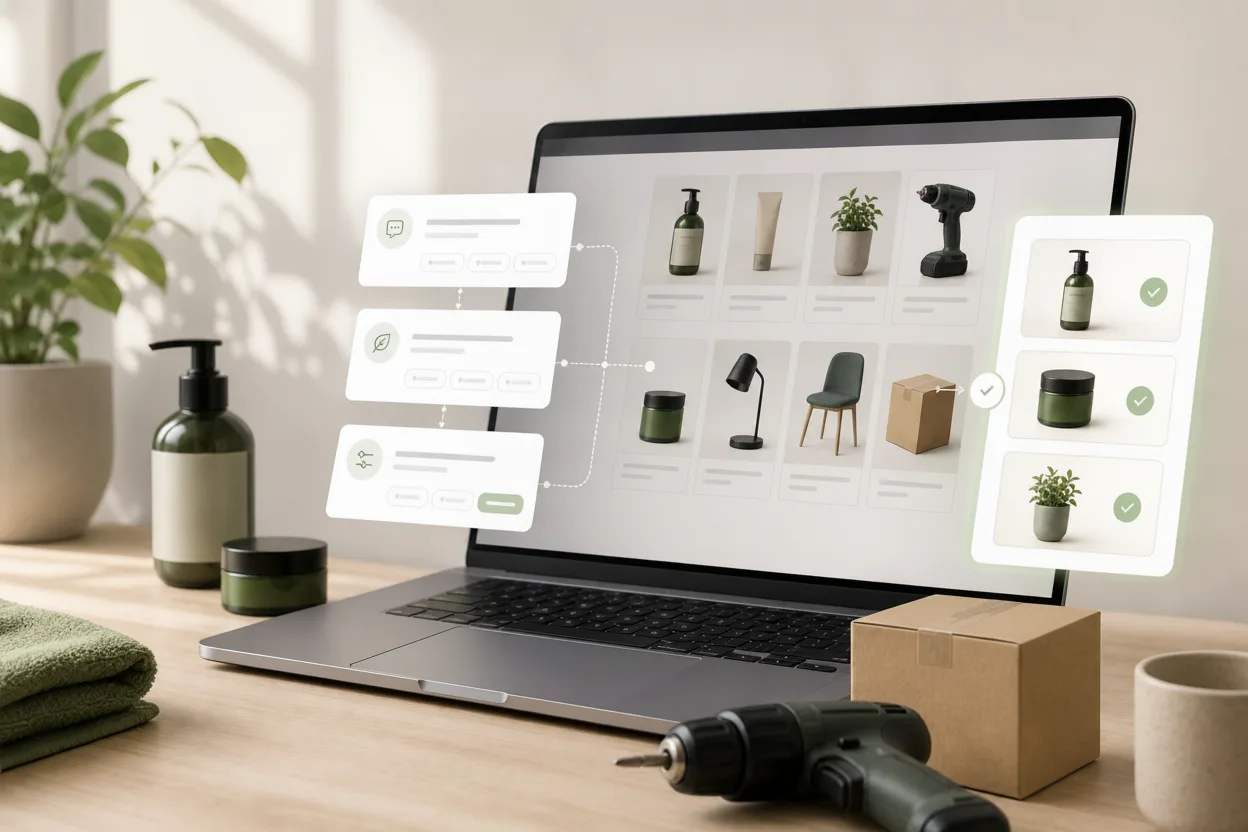
This guide focuses on self-service product advice for B2B ecommerce: a buyer describes the application, requirements and constraints, then receives a relevant shortlist from the real catalog. That is especially useful when a webshop contains technical products, compatible parts, many variants or terminology that only a product specialist normally understands.
What does guided selling mean in B2B?
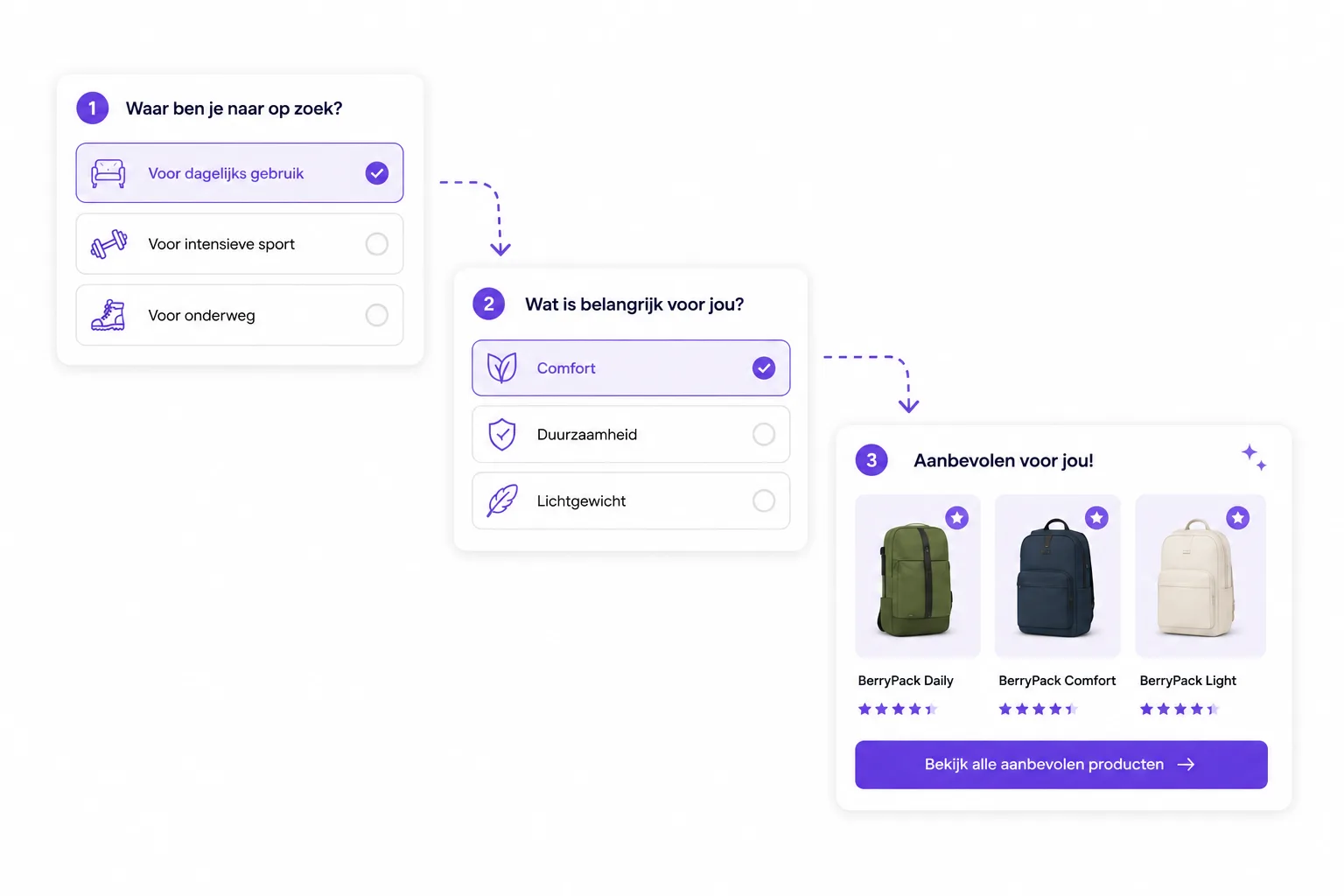
In B2B ecommerce, guided selling translates a buyer's situation into product criteria. Instead of asking the buyer to know the right filter values, a product finder asks questions such as:
- What will the product be used for?
- Which machine, system or environment must it work with?
- Which capacity, dimensions or certification are required?
- Is the buyer replacing an existing part or planning a new setup?
- Which constraints are strict, and which are preferences?
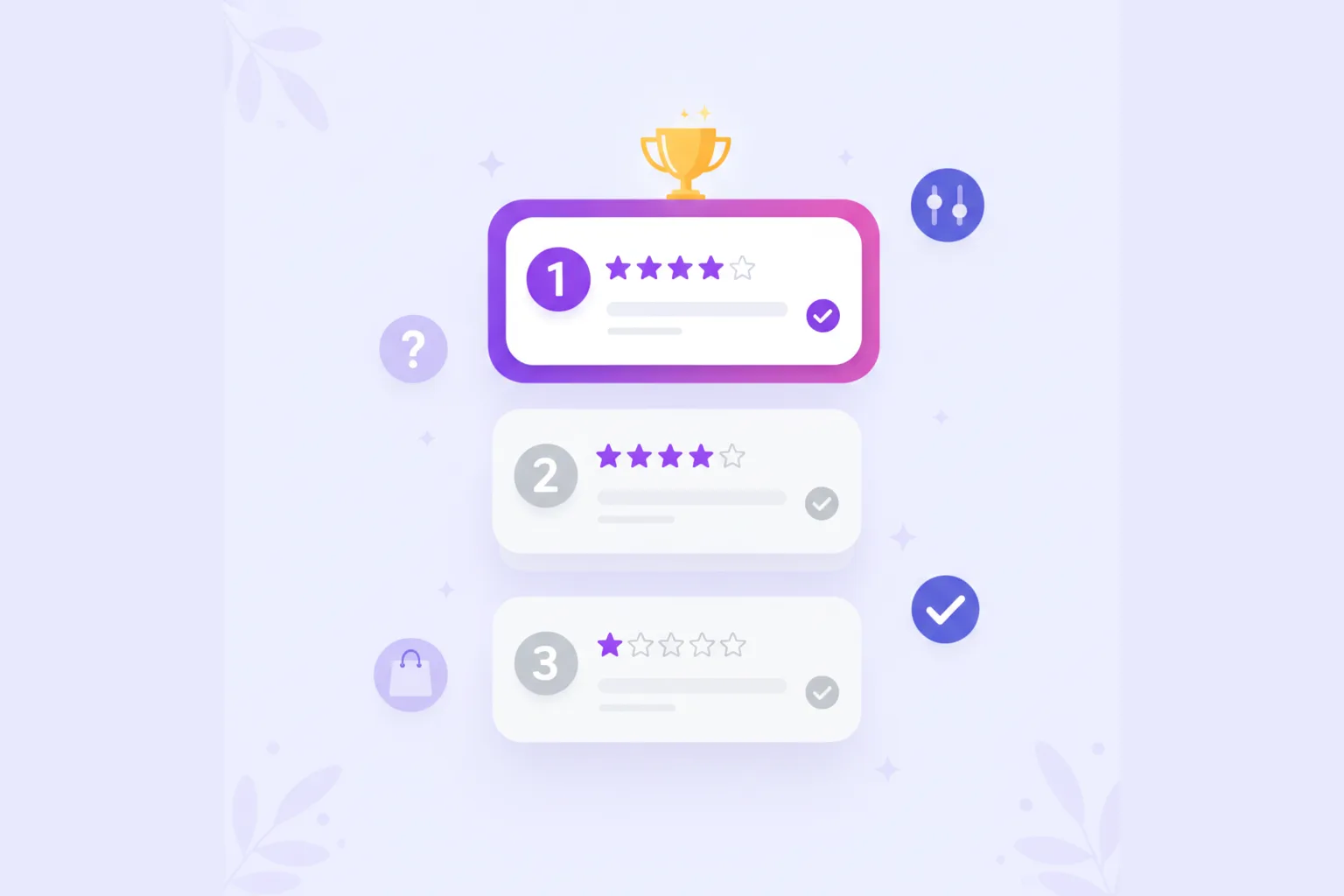
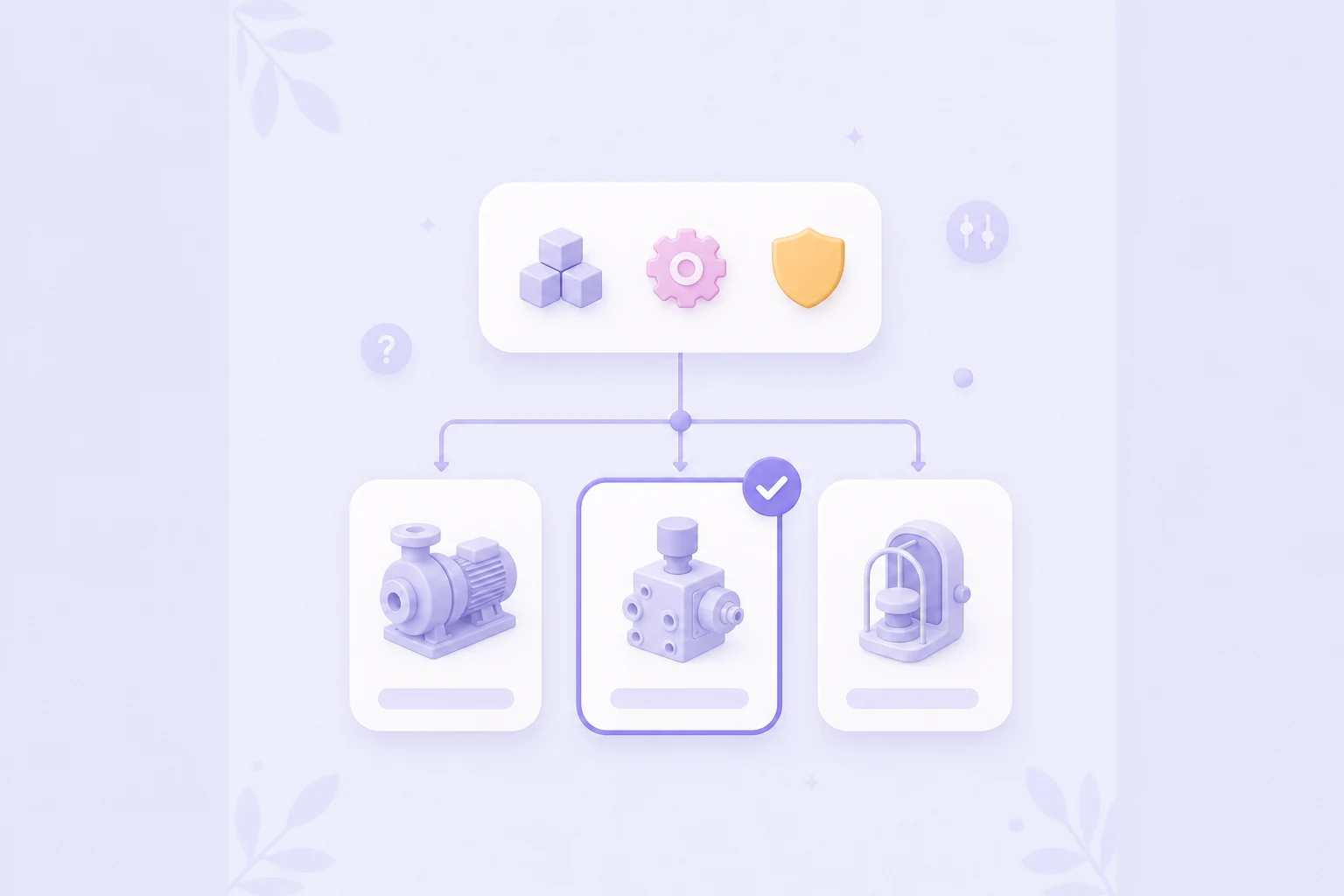
The answers filter out impossible products and rank the remaining options. A useful result does more than show a product card: it explains why the item fits, which requirement decided the match and where the buyer still needs to verify a detail.
This is the shopper-facing form of guided selling software. It can support anonymous visitors, logged-in business customers, distributors or buyers who want to prepare before contacting sales.
B2B ecommerce guided selling vs CPQ: what is the difference?
The simplest distinction is the output. Ecommerce guided selling ends with a suitable product or shortlist. CPQ ends with a configured commercial offer.
| Question | B2B ecommerce guided selling | CPQ |
|---|---|---|
| Primary user | Buyer or webshop visitor | Sales rep, partner or account team |
| Main job | Find products that fit a need | Configure, price and quote an offer |
| Typical output | Shortlist with match explanations | Approved configuration, price and proposal |
| Core data | Catalog fields, compatibility and availability | Configuration models, price books, discounts and approvals |
| Best first placement | Category, advice or product page | CRM, sales portal or quote workflow |
A business may need both. Guided selling can help a buyer identify the right product family before a CPQ process configures options and creates a quote. Do not force one system to do both jobs unless the buying journey genuinely requires that integration.
If the final decision needs customer-specific pricing, discount approval, contract terms, engineering configuration or a formal proposal, CPQ is likely part of the answer. SAP, for example, describes CPQ around complex configuration, pricing and quote generation. If the main problem is that buyers cannot identify the right catalog item, start with guided product advice.
When does a complex B2B catalog need a product finder?
A large catalog alone is not enough reason. Guided selling becomes valuable when the buyer can describe the problem but cannot reliably translate it into product specifications.
Strong signals include:
- support and sales repeatedly answer the same pre-sales questions;
- buyers search by part number because category navigation is too broad;
- the wrong variant creates installation problems, returns or delays;
- important compatibility information is spread across PDFs and product descriptions;
- buyers compare near-identical products without understanding the practical difference;
- new customers need more help than experienced repeat buyers;
- and category pages receive traffic but few useful product clicks.
Good first categories have meaningful choice stress, structured product data and a manageable number of decision rules. Pumps, filters, components, tools, safety equipment, materials and professional supplies are common examples, but the same principle applies to any catalog where fit matters more than browsing.
For a wider category map, compare the shopper questions and product fields in these guided selling examples for ecommerce and technical catalogs.
How do product data, compatibility rules and matching work?
The quality of a B2B recommendation depends on the data behind it. Marketing copy is not enough. The flow needs structured fields that can answer real buying questions.
Start with four layers:
- Hard requirements: compatibility, dimensions, voltage, certification, material limits or application range. A mismatch should exclude the product.
- Operational preferences: capacity, frequency of use, maintenance level, delivery time or ease of installation. These can influence ranking.
- Commercial context: availability, pack size, minimum order quantity or visible price. Use these without pretending to replace account-specific pricing.
- Explanation fields: the benefit, limitation or proof that tells the buyer why the recommendation fits.
Use hard filters for conditions that must be true and scoring for preferences where several products can still fit. The practical setup is explained in the guides to product data for product matching, product data and matching rules.
Keep the model reviewable. A product specialist should be able to explain why product A appears above product B without reverse-engineering an opaque score. That makes testing, maintenance and stakeholder approval much easier.
What should a useful B2B recommendation explain?
A recommendation is trustworthy when the buyer can check it. Show the reasons behind the shortlist instead of presenting a mysterious match percentage.
A useful result can include:
- the requirements that were matched;
- a warning for a condition the buyer still needs to verify;
- the difference between the top recommendation and the alternatives;
- availability, pack size or lead-time context when reliable;
- a link to the product detail page, datasheet or relevant documentation;
- and a clear route to sales when the situation needs human review.
Do not hide uncertainty. If a compatibility field is missing or a safety-critical answer cannot be validated, say so and route the buyer to a specialist. Guided selling should reduce avoidable questions, not create false certainty.
How do you choose B2B guided selling software?
Choose the software around the journey you need, not around the broadest feature list. The comparison should start with these questions:
- Can it use your existing catalog fields and update from a feed?
- Can it separate hard exclusions from scoring and boosts?
- Can product specialists review and change the logic without a development project?
- Can each recommendation explain why it fits?
- Can the experience be placed on category, content and product pages?
- Does it support the languages and storefronts your buyers use?
- Can you measure starts, drop-off, results and product clicks?
- Does the tool handle self-service product advice, CPQ, or both—and is that the job you actually need?
Platform fit also matters. For large B2B storefronts, review the implementation route for Magento or Shopware, including product feeds, storefront placement, analytics and ownership after launch. If you are shortlisting vendors, use the broader guided selling software comparison but evaluate it against your B2B requirements.
How do you pilot and measure one B2B category?
Start with one category rather than the complete catalog. A focused pilot is easier to validate and gives the team evidence before it invests in a wider rollout.
- Choose a high-friction category. Use support questions, search terms and sales feedback to find a product group where buyers hesitate.
- Interview the product expert. Capture the three to five questions that genuinely change the recommendation.
- Prepare the minimum useful data. Fill the fields required for compatibility, ranking and explanation in this category.
- Test edge cases. Check impossible combinations, missing data, out-of-stock products and situations that should route to sales.
- Publish where the decision starts. Usually that is a category page, buying guide or campaign page—not a hidden tools page.
- Measure the full route. Track starts, completion, drop-off per question, result views, product clicks, contact requests and assisted orders.
The first success metric is not simply the number of completed flows. Look for better product discovery: more qualified clicks, fewer empty routes, useful sales handovers and fewer repeated pre-sales questions. Revenue impact becomes more meaningful once the flow has enough volume and a stable measurement window.
Where does BerryPath fit?
BerryPath is designed for the self-service ecommerce side of this distinction. It helps teams build an Adviesflow, connect product data, apply filters and scoring, explain recommendations and publish a Flow widget in an existing storefront. It is not presented as a CPQ system for customer-specific quoting, approval workflows or proposal generation.
That makes it relevant when the B2B problem is product discovery: buyers need a clearer path through a technical or varied catalog before they view a product, order online or contact sales.
Sources and scope
This article is published by BerryPath, a provider of shopper-facing guided selling software. The distinction and examples were checked on 24 July 2026 against primary vendor information, including SAP CPQ, the Excentos Product Selector and Zoovu's multichannel guided selling overview. Product capabilities change, so verify requirements with each vendor before buying.
Want to test the approach without starting with the whole catalog? Try the live demo or discuss one B2B product category with us.
Quick answers
What is B2B guided selling software?
Is B2B guided selling the same as CPQ?
Can guided selling and CPQ work together?
Which product data matters most in B2B?
Where should a B2B product finder be placed?
How should we test a B2B guided selling pilot?