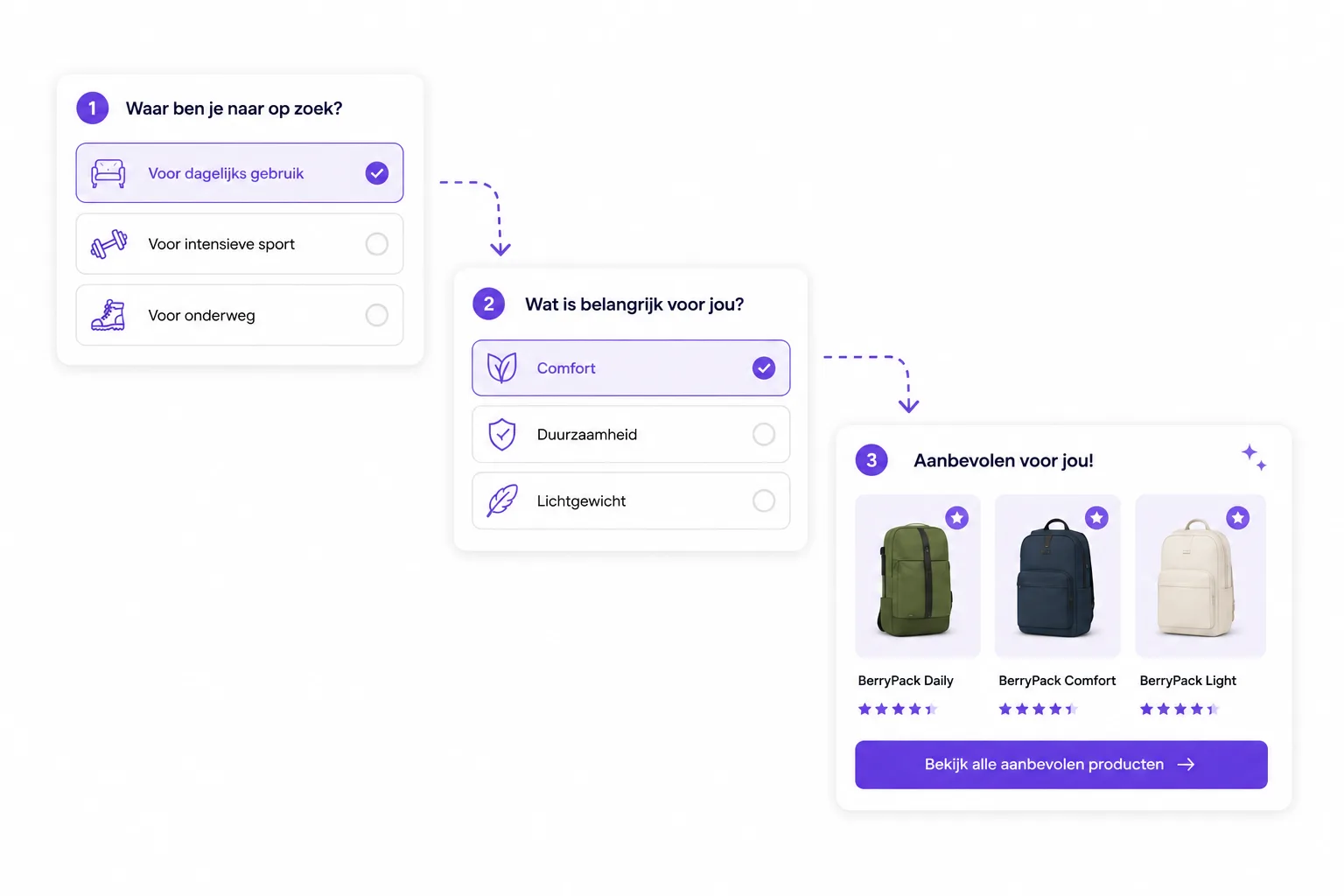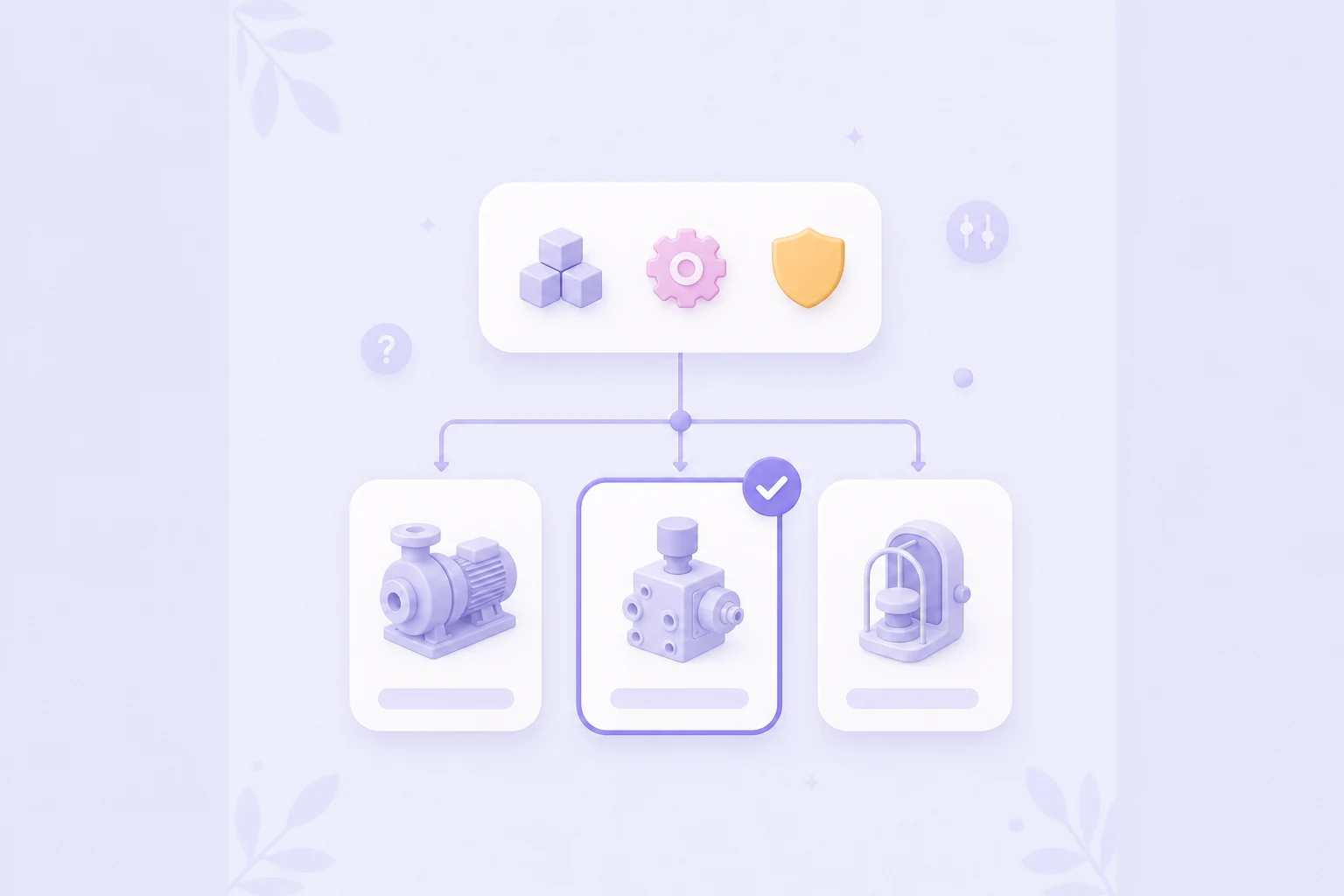
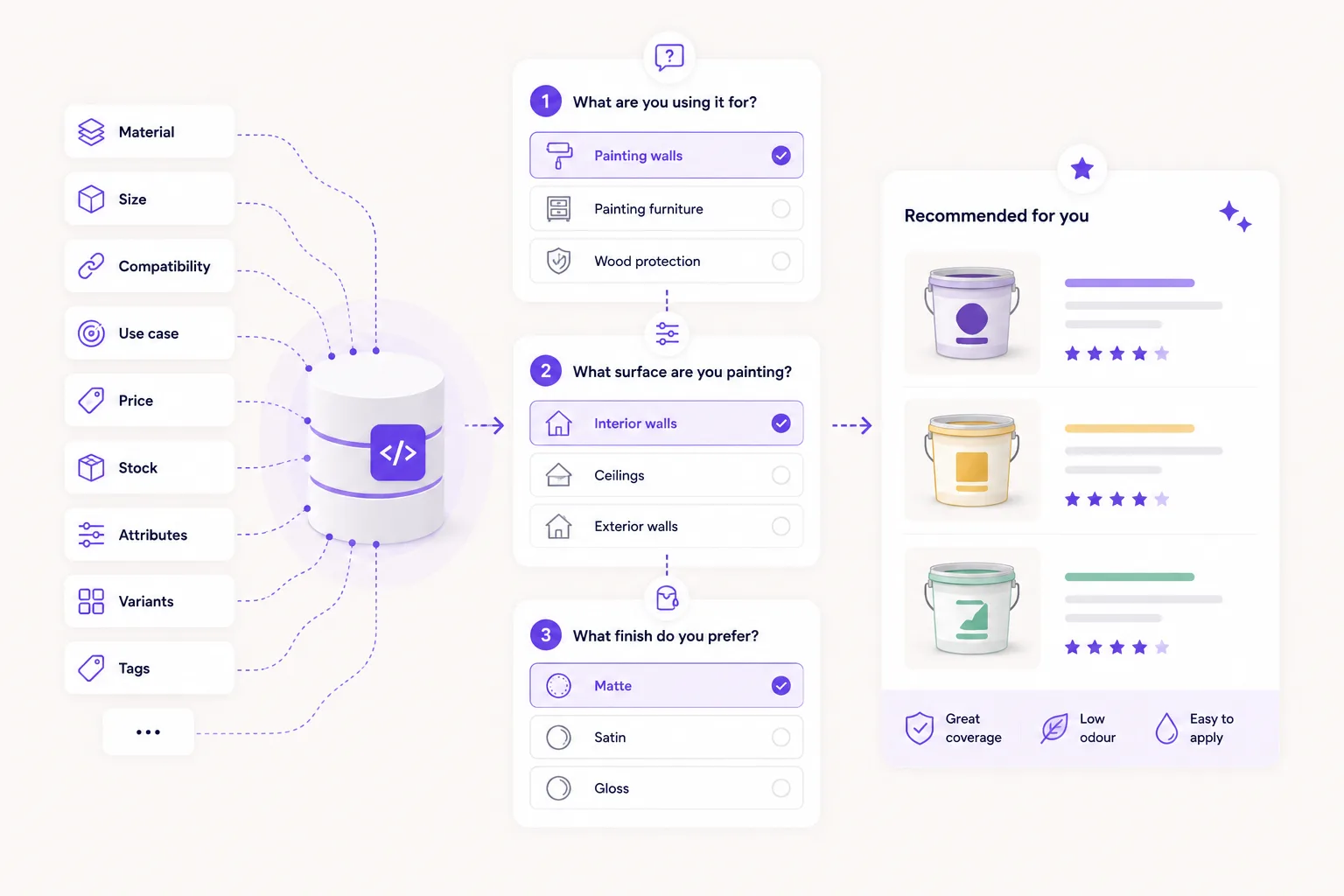
Good product matching depends on good product data. An advice flow can ask smart questions, but the recommendation only becomes useful when your products clearly describe what they are suitable for.
For many ecommerce teams, this is where the real improvement starts. Not with more filters. Not with longer product descriptions. But with better data behind the catalog, so the Flow widget can help shoppers choose based on use case, preference, budget, stock and the differences that actually matter.
This article explains which product data you need for strong product matching, how to build it in a practical way and how to keep recommendations useful as your catalog changes.
Why product data matters
Shoppers do not think in internal product fields. They think in questions like:
- Does this fit my situation?
- Which variant do I need?
- What works for my budget?
- Which option is safe, available or easy to use?
Product matching turns those answers into recommendations. To do that well, your webshop needs to know what each product means in practice. A title, price and image are not enough. You need attributes that describe use case, audience, constraints and the strength of the match.
An advice flow without clear product data quickly becomes generic. With better data, product advice becomes specific and trustworthy: this product fits because it matches these answers, while this alternative may be better if price or stock matters more.

What product data do you need?
Do not start with every field you already have. Start with the decision the shopper needs to make. Then decide which product fields are needed to support that decision.
Product attributes
Product attributes are the foundation of product matching. Examples include size, color, material, volume, power, compatibility, skin type, room type, weight, age range, use case or difficulty level.
The key is that attributes must be useful for advice. "Premium range" may make sense internally, but it only helps if the customer understands what it means. "For daily use", "suitable for sensitive skin" or "fits model X" is much clearer.
Keep attributes structured whenever possible. A field such as use = daily is easier to filter, score and explain than the same information hidden in a long product description.
Tags and situations
Tags are useful for softer matching. They describe context, intent or preferences that do not always fit neatly into standard specifications.
Examples:
- beginner-friendly;
- gift-ready;
- suitable for small spaces;
- low maintenance;
- heavy use;
- quick choice;
- best value;
- popular with returning customers.
Use tags with care. Too many tags make matching messy. Choose tags that actually influence product advice and define when each tag should be used.
Price and budget
Price is often an important advice signal, but it does not always have to be a hard filter. A shopper with a clear budget may not want to see a much more expensive product, but a slightly more expensive option can still be relevant if it is clearly a better fit.
Price often works best in layers:
- hard exclusion for clear budget limits;
- a small score penalty when a product is just above budget;
- a score boost for products inside the preferred price range;
- a clear explanation when a more expensive alternative is shown.
Also think about sale prices, bundle prices and price per unit, liter, kilo or use moment. In some categories, value is more important than the visible product price.
Stock and availability
Good product advice should take stock into account. Recommending the perfect product when it is unavailable can make the experience feel like a dead end.
Use stock data to:
- exclude out-of-stock products;
- lower the score for products with limited stock;
- show alternatives that are available now;
- include pre-order or longer delivery times in the advice logic.
Stock does not always have to be strict. For exclusive products, "temporarily unavailable" may still be relevant. For everyday products, available options should usually come first.
Variants
Variants can make product matching more complex. Think of sizes, colors, flavors, bundles, volumes or technical versions.
Decide what your flow should match:
- match the parent product first and let the shopper choose a variant later;
- or match directly on variant level, for example for size, compatibility or stock.
For fashion, parts, supplements, care products and B2B catalogs, variant-level matching can be important. A product that fits well but is not available in the right size or version is not a good recommendation for the shopper. Technical catalogs can use the same data in B2B guided selling software to separate hard compatibility rules from softer preferences.
Rules and exclusions
Not everything should be solved with scoring. Some situations need hard rules.
Examples:
- do not show a product that is incompatible;
- exclude products that do not fit the age range, material or use case;
- avoid products outside a legal or practical application area;
- prevent recommendations for products that should not be used together.
Keep these rules explicit. That makes product matching more reliable and easier to review.
Scoring and priority
Scoring helps when several products fit, but not equally well. You give products points based on answers, attributes and preferences.
A simple scoring model can already work:
- +10 for a direct use-case match;
- +5 for a preferred attribute;
- +3 for availability;
- -8 for a price above budget;
- exclude the product for a hard mismatch.
The goal is not to build a complex model. The goal is to make the order feel logical. If your team can explain why product A appears above product B, the scoring is usually good enough for a first version.
Product data checklist
Use this checklist before publishing an advice flow:
- Are the most important decision criteria filled for each product?
- Are attributes structured and written consistently?
- Are tags limited to situations that actually influence advice?
- Are price, sale price and relevant price logic clear?
- Is stock included in filtering or scoring?
- Is it clear whether matching happens on product or variant level?
- Are hard exclusions stored separately from scoring?
- Are scoring weights understandable for your team?
- Can the recommendation be explained in plain customer language?
- Is someone responsible for maintaining product data after catalog changes?
Maintenance: keeping product advice useful
Product matching is not a one-time setup. Your catalog changes, stock moves, prices shift and shoppers use different words than you expected.
Plan regular maintenance. Each month, review:
- products missing important attributes;
- tags that are used too often or never used;
- recommended products with low click-through;
- search terms and support questions that reveal new criteria;
- products often excluded because of stock or price;
- new variants that are not matched well yet.
Start small. A strong product dataset for one category is more valuable than half-filled data across the entire catalog. Once the first product group works well, you can extend the same structure to the next one.
FAQ
Do you need perfect product data to start?
No. You need the right product data for the first advice flow. Pick one category, decide which questions change the recommendation and fill only the fields needed for that flow. Then improve based on real shopper behavior.
What is better: rules or scoring?
Most webshops need both. Use rules for hard limits, such as compatibility or availability. Use scoring to rank suitable products when several options could fit.
Should product matching happen on product or variant level?
It depends on your catalog. If variants are mostly color or flavor, product-level matching may be enough. If size, stock, volume or compatibility decides whether something truly fits, variant-level matching is usually better.
Which product data has the biggest impact on conversion?
The data that removes buyer doubt. That is usually use case, compatibility, price, stock, size or variant, plus a short explanation of why the product fits. Extra fields matter less when the basics are unclear.
Start with one category
Want to guide shoppers to better product advice faster? Start with one category where customers often hesitate. Build a short advice flow, connect the most important product data and publish the Flow widget where choice support makes the biggest difference.
For a practical product selector, combine this data work with product finder software and the setup steps in Advice flows.