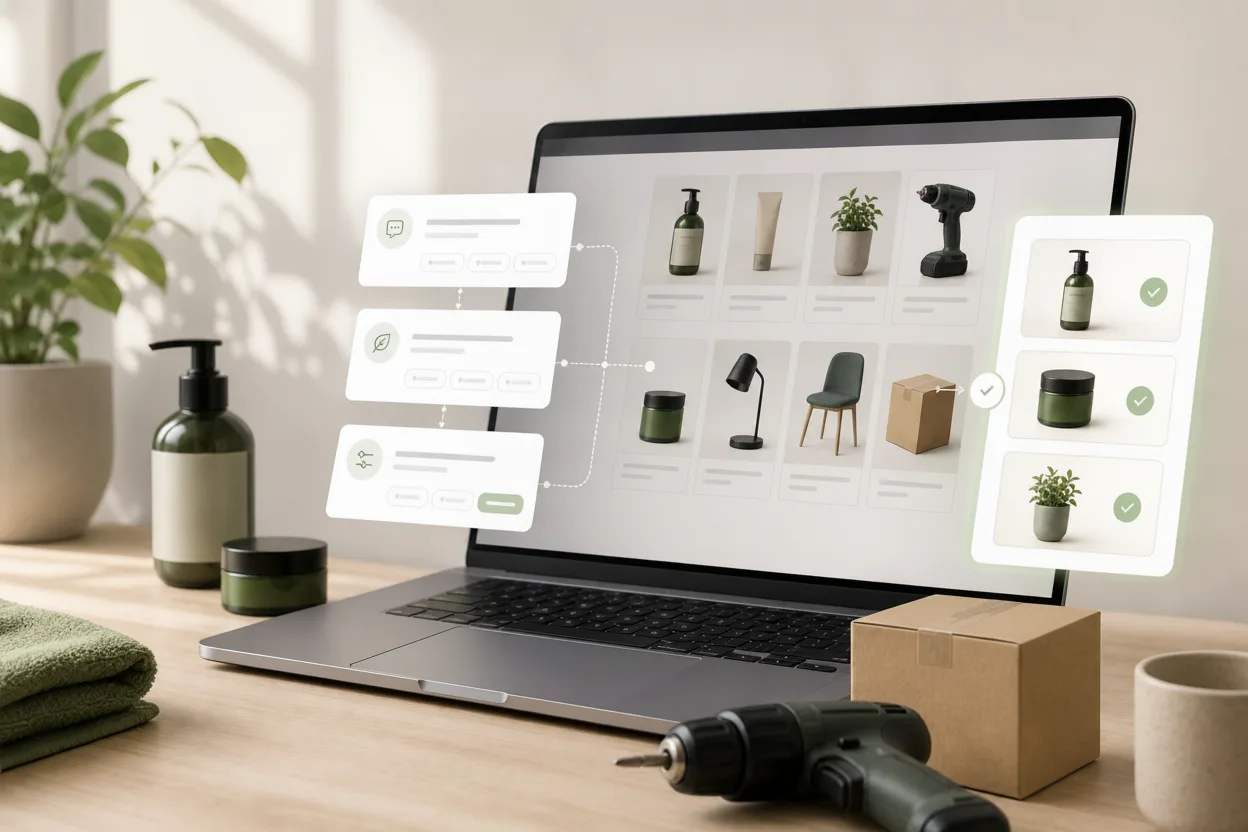
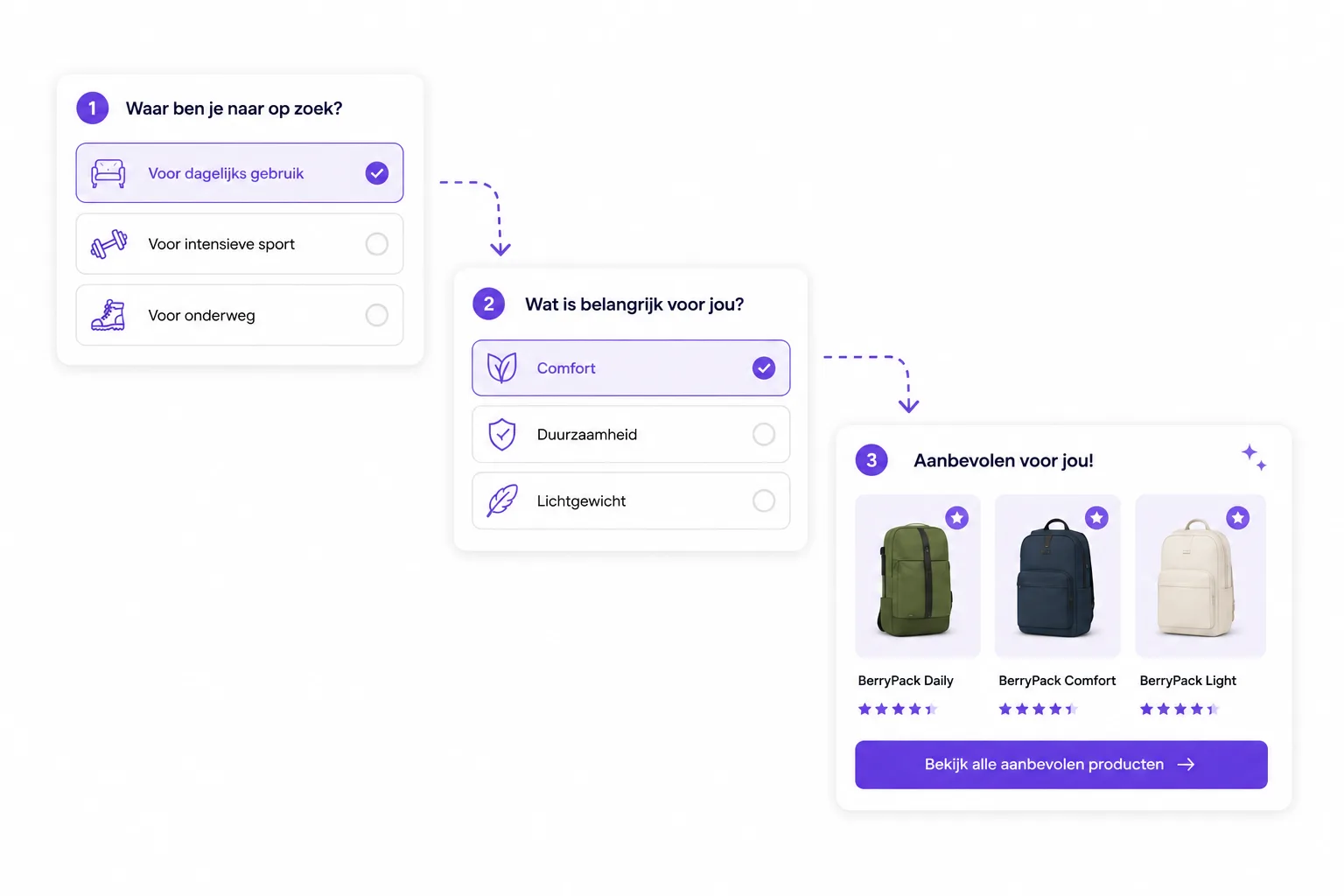
Guided selling is the online version of a good store assistant. Instead of asking visitors to compare every product, filter, variant and specification by themselves, the webshop asks a few clear questions and uses the answers to recommend the products that fit.
That sounds simple, but it changes the job of a webshop. A normal product list says: “Here are all options.” Guided selling says: “Tell me what you need, and I will narrow this down with you.”
For ecommerce teams, that is useful wherever visitors know their problem but not the exact product. Think of skincare, car care, supplements, garden products, tools, sports gear, home appliances, pet food, B2B parts or any category where the best choice depends on use case, budget, compatibility or preference.
If you are comparing guided selling software, product finder software, a webshop choice helper or a product advice tool, the core idea is the same: help the visitor make a confident product choice faster. For the practical category term, read what a webshop choice helper is.
Guided selling meaning
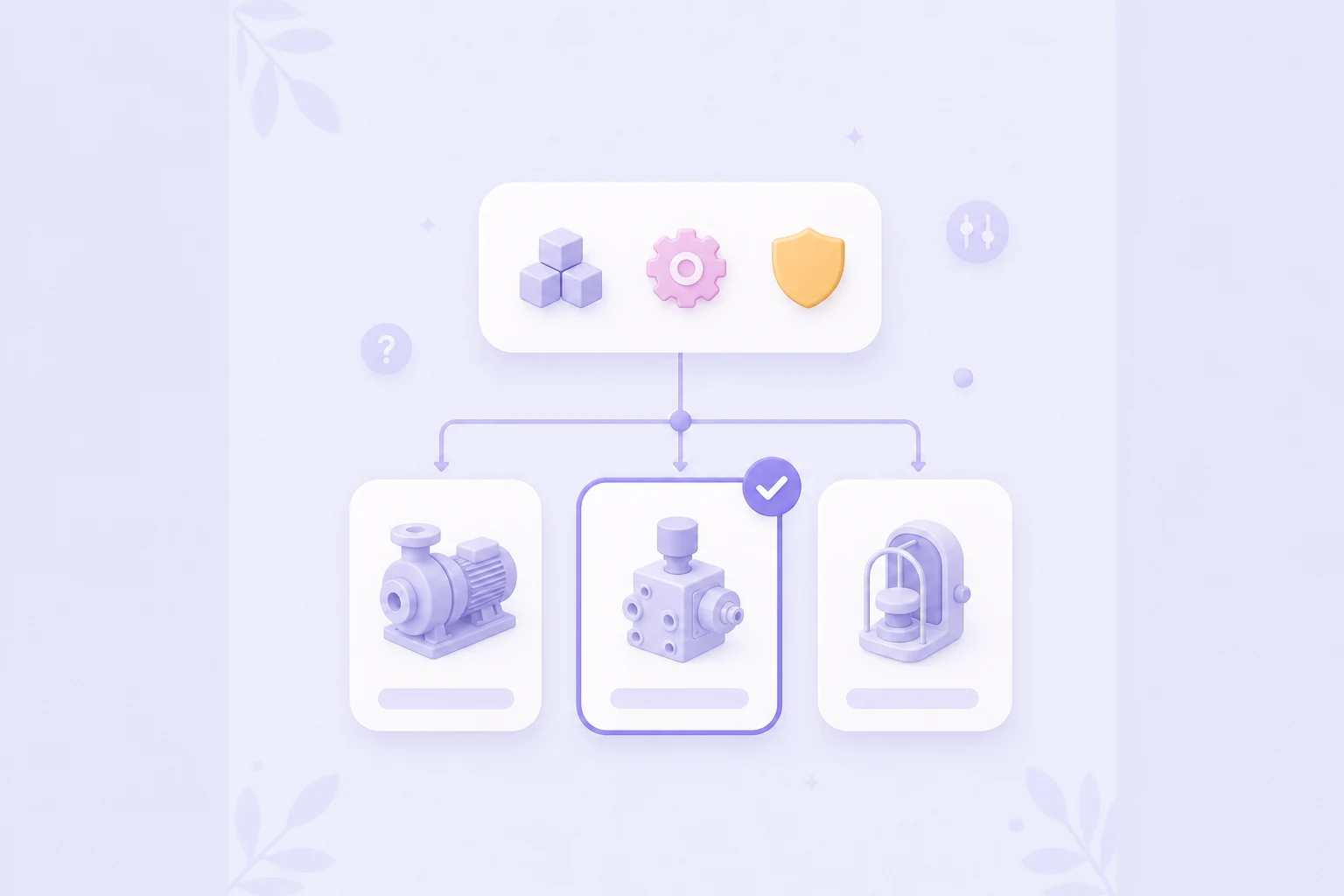
Guided selling is a structured decision path that helps a visitor move from need to recommendation. A guided selling experience usually contains four parts:
- Questions that capture the visitor's situation, goal and constraints.
- Logic that turns answers into filters, rules, scores or branches.
- Product data that describes what each product is suitable for.
- Recommendations that explain why a product fits and give the visitor a next step.
The questions should feel calm and practical. A visitor does not want an interview. They want the same help they would get in store: a few relevant questions, a clear recommendation and enough explanation to trust it.
Guided selling benefits
Online stores often assume that visitors are ready to buy when they land on a product or category page. Many are not. They are comparing, learning, checking whether a product fits, or trying to avoid a bad choice.
Filters help when shoppers already know which specifications matter. Guided selling helps when they do not. It turns expert knowledge into a route that is easier to follow than a long product grid.
That can improve several parts of the buying journey:
- Less choice stress: visitors see fewer irrelevant options.
- More confidence: recommendations are tied to their answers.
- Better self-service: recurring advice questions are answered before support is needed.
- Higher-quality product clicks: visitors arrive at product pages with more context.
- Useful insight: teams learn which questions, doubts and needs appear most often.
The goal is not to push every visitor to the most expensive item. Good guided selling recommends what fits. Sometimes that is a simpler product, a bundle or a different category. That honesty is exactly what makes the advice credible.
How guided selling works
A strong guided selling flow starts with the decision the shopper is trying to make. Do not begin with all available product attributes. Begin with the human question behind the visit.
For example:
- “Which plant fits this room?”
- “Which cleaner is safe for this surface?”
- “Which helmet fits my riding style?”
- “Does this product suit my situation?”
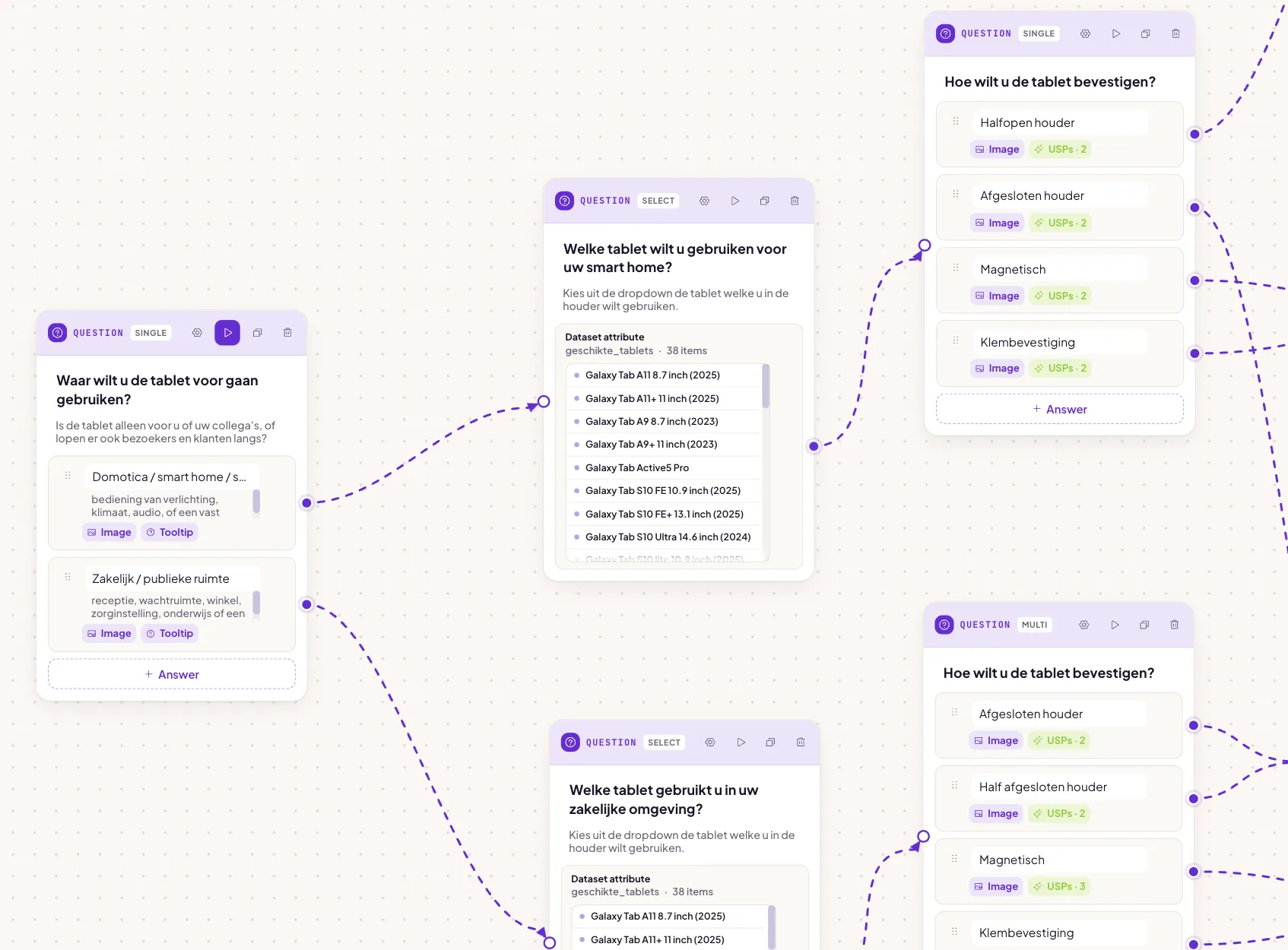
From there, the flow asks only the questions that change the recommendation. Answers can branch to different follow-up questions, filter out products that do not fit, or boost products that match a preference.
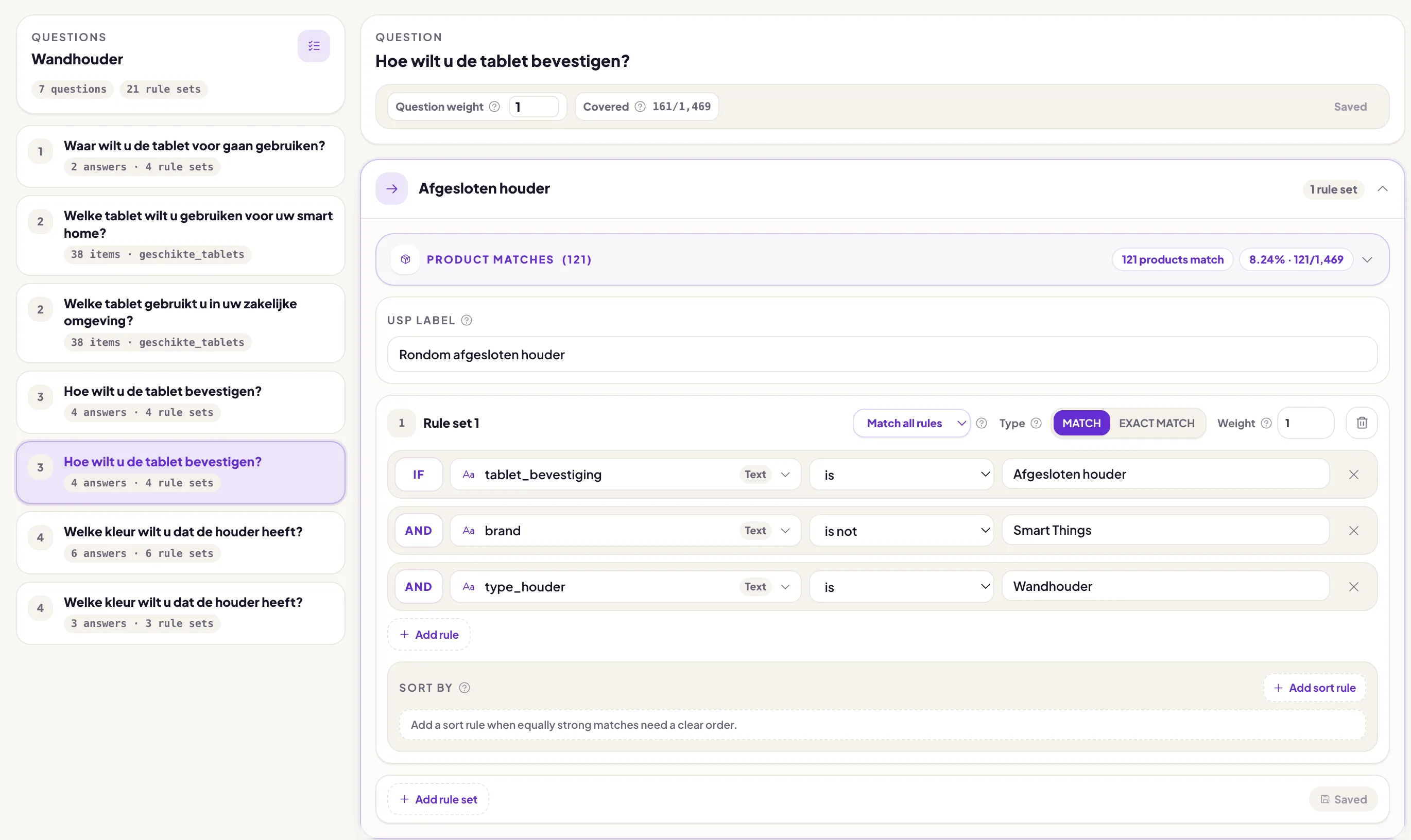
Behind the scenes, the product data does the heavy lifting. Product attributes such as material, use case, size, compatibility, care level, budget range or target audience become matching signals. The visible result should stay simple: a short list of products, a best match and a clear reason why.

Guided selling examples
Guided selling works best in categories where shoppers need context before they can choose. Common ecommerce examples are:
- Product finders for broad categories such as plants, supplements, tools or electronics.
- Buying guides for products with technical specifications or many close alternatives.
- Product checks on product detail pages where visitors want to know whether the item fits their situation.
- Bundle advisors that recommend a complete set instead of one loose product.
- Compatibility flows for sizes, parts, accessories or B2B products.
These examples can all use the same foundation: questions, product data, matching rules and a recommendation that explains the fit.
See the full breakdown of eight guided selling examples by industry, including the shopper question, useful product fields and matching approach for each use case.
Ecommerce placements
Guided selling can live in more than one place. The best placement depends on where shoppers hesitate.
Category pages are a natural starting point. If a visitor opens a category with many similar products, a product finder or buying guide can help narrow the catalog quickly.
Product pages are just as important. A visitor may land directly on a product page from search, ads or email, but still be unsure whether that product is right. A product check can answer: “Does this product fit me?” If it does, the advice confirms the choice. If it does not, the flow can point to a better match.
Landing pages and campaigns work well when the flow is tied to one need, season or product group. A shared advice flow can also support social, email or customer service conversations.
The practical rule: place the Flow widget where doubt appears, not only where the catalog starts.
Quiz, finder or guided selling?
These terms overlap, but they are not identical.
A quiz is usually a set of questions. It can be fun and lightweight, but it does not automatically mean the result is based on real product data.
A product finder helps shoppers find a product in a specific category. It is one common form of guided selling.
Guided selling is the broader approach. It includes the questions, product data, matching logic, recommendation explanation, placement in the webshop and improvement over time.
For a webshop, the difference matters. A simple quiz can collect preferences. A guided selling setup should help the visitor make a better buying decision and should give the ecommerce team control over why products are recommended.
Best practices
The best flows are short, specific and honest. They avoid asking for information that does not change the advice.
Use these principles:
- Start with the shopper's goal. Ask what they want to achieve before asking about product specs.
- Keep the route short. Most flows should start with three to six meaningful questions.
- Use plain language. Translate expert terms into questions customers understand.
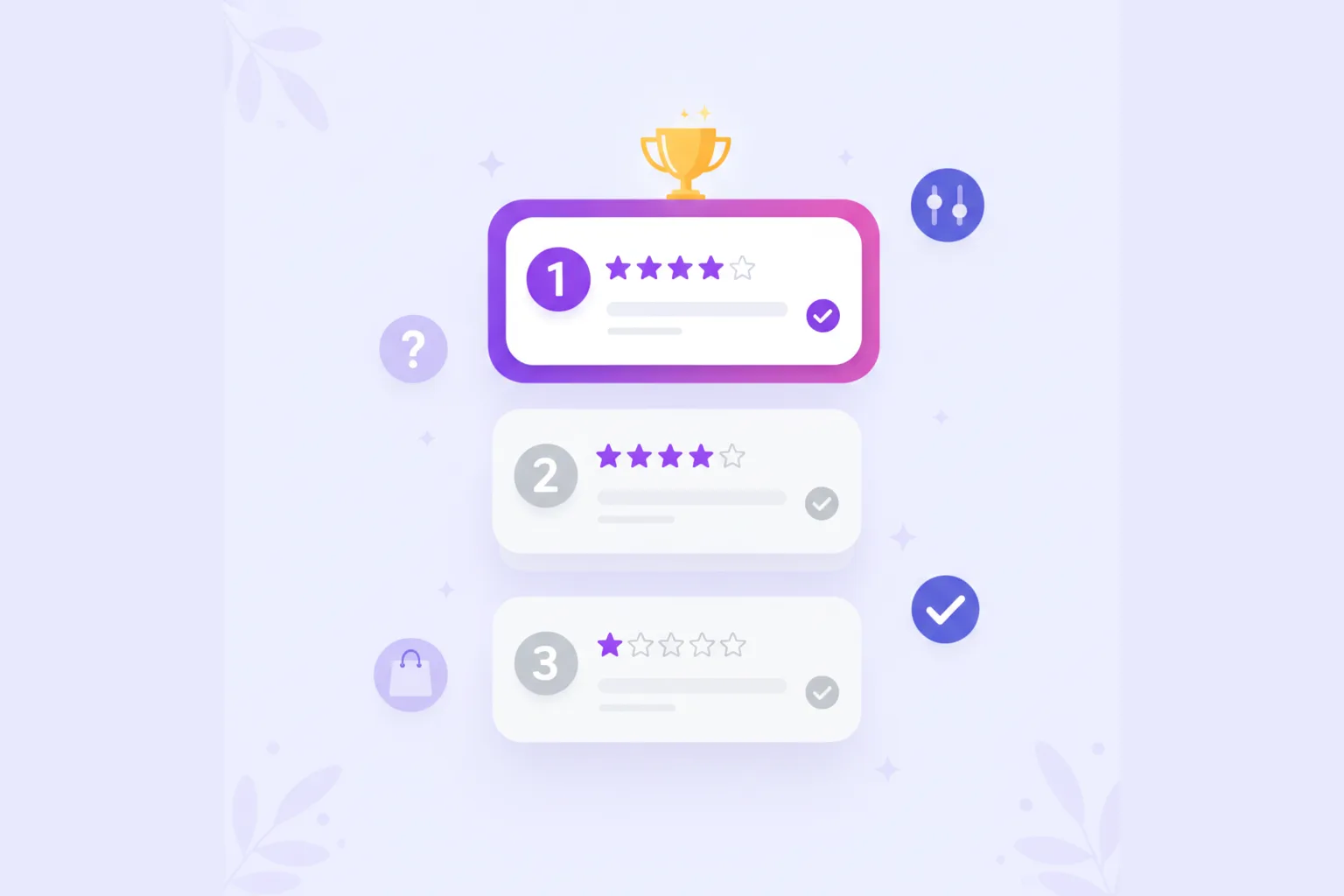
- Explain the match. A recommendation is stronger when the visitor can see why it fits.
- Offer useful alternatives. A second-best product can still be the right choice for price, style or availability.
- Measure drop-off. If many visitors stop at one question, simplify it.
- Iterate with real behavior. Guided selling improves when support questions, search terms and analytics feed back into the flow.
Good guided selling does not feel like a separate tool pasted onto the shop. It should look, sound and behave like part of the webshop.
Implementation steps
Start small. Pick one category where visitors often compare, hesitate or ask for advice. Write down the questions your sales or support team already asks. Then connect those answers to product data.
A practical first version can be:
- One clear entry point on a category page or product page.
- A short advice flow with the few questions that matter most.
- Product data for only the attributes used in matching.
- A result screen with a best match, alternatives and an explanation.
- Analytics to see where visitors start, stop and click.
After that, improve the flow. Add missing answer options. Remove questions that do not help. Adjust product matching when recommendations feel off. Expand only when the first route proves useful.
For technical business catalogs, the same approach needs a clearer boundary around compatibility, self-service and quoting. Read how B2B guided selling software differs from CPQ.
With BerryPath, this becomes a manageable workflow: build the advice flow, connect product data, publish the Flow widget and learn from the results. You can try the demo, read how to build an advice flow, or explore more about guided selling software, product finder software and a product advice tool.
Guided selling FAQ
Is guided selling the same as a product finder?
Not exactly. A product finder is one type of guided selling. Guided selling is broader: it includes the questions, product data, matching logic, recommendation explanation, placement and analytics.
Where should a webshop place guided selling?
Start where visitors hesitate most. For many shops that is a category page with too many similar products. Product detail pages, advice pages and campaign landing pages can also work well.
Does guided selling help conversion?
It can help conversion when it answers real buyer doubt. The strongest flows reduce choice stress, send better-qualified visitors to product pages and make the reason behind each recommendation clear.
Guided selling summary
Guided selling helps shoppers choose with confidence. It replaces endless browsing with a clear path: ask the right questions, match answers to product data and recommend products with a reason.
For webshops, that means more helpful product advice, less choice stress and better insight into what visitors need before they buy.