A webshop choice helper helps shoppers choose when a product grid, filter or search bar does not give enough direction. Instead of asking someone to inspect every option, you ask a few short questions and show products that fit the visitor's situation.
That is especially useful for products with many variants, specifications or doubts. Think of skincare, supplements, spare parts, tools, interior products, pet food, sports gear or B2B products where the right choice depends on use case, size, material, budget or compatibility.
A good choice helper does not feel like a trick to sell faster. It feels like calm advice: this fits your answers, and this is why.
What is a webshop choice helper?
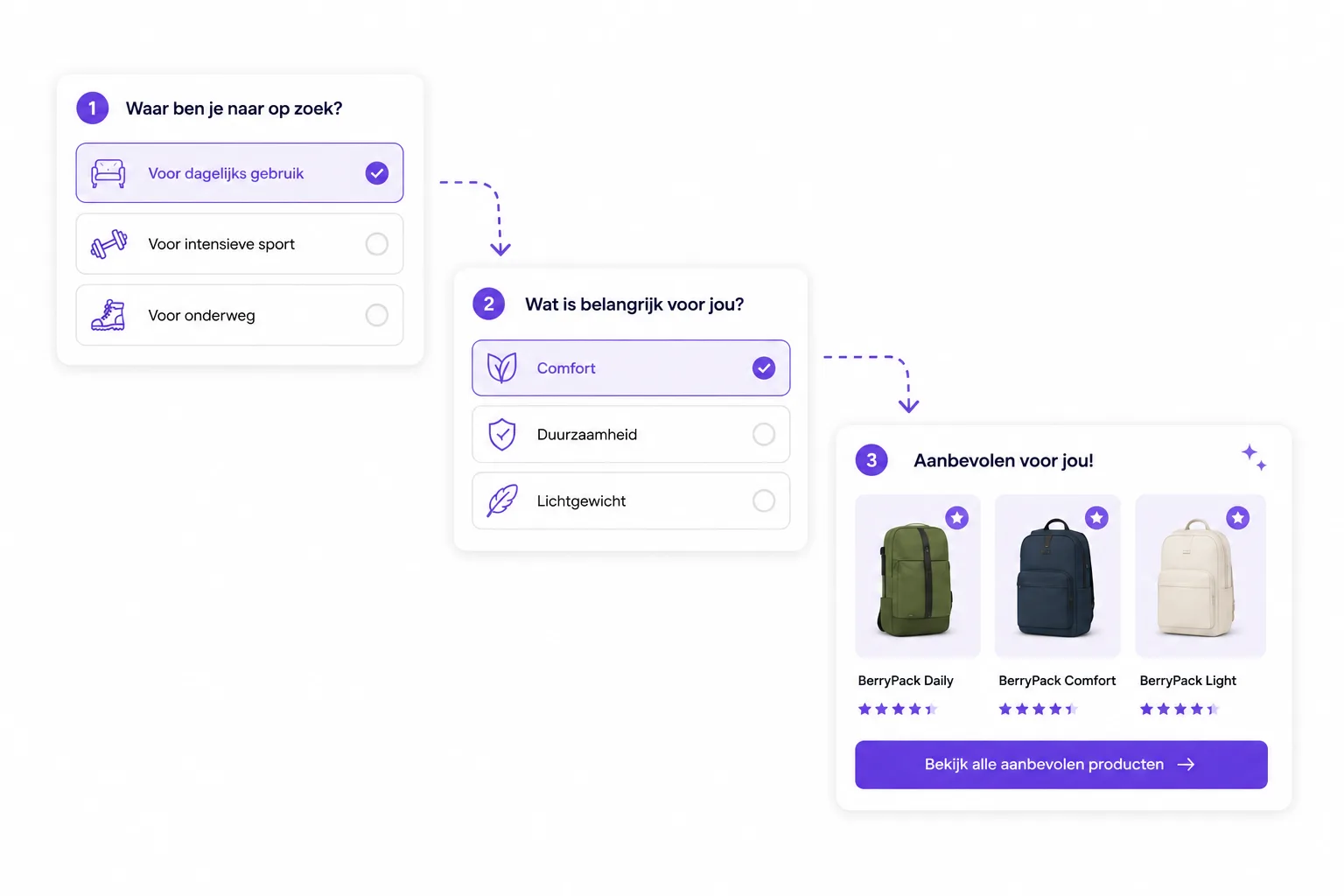
A choice helper is an interactive buying path in your webshop. The visitor answers a few questions, the flow uses those answers to match products, and the result shows a small selection with relevant product advice.
In BerryPath, we call that path an advice flow. The advice flow can appear as a Flow widget on a category page, product page, landing page or campaign page.
The foundation has four parts:
- Questions that match how customers describe their need.
- Product data that makes products findable and comparable.
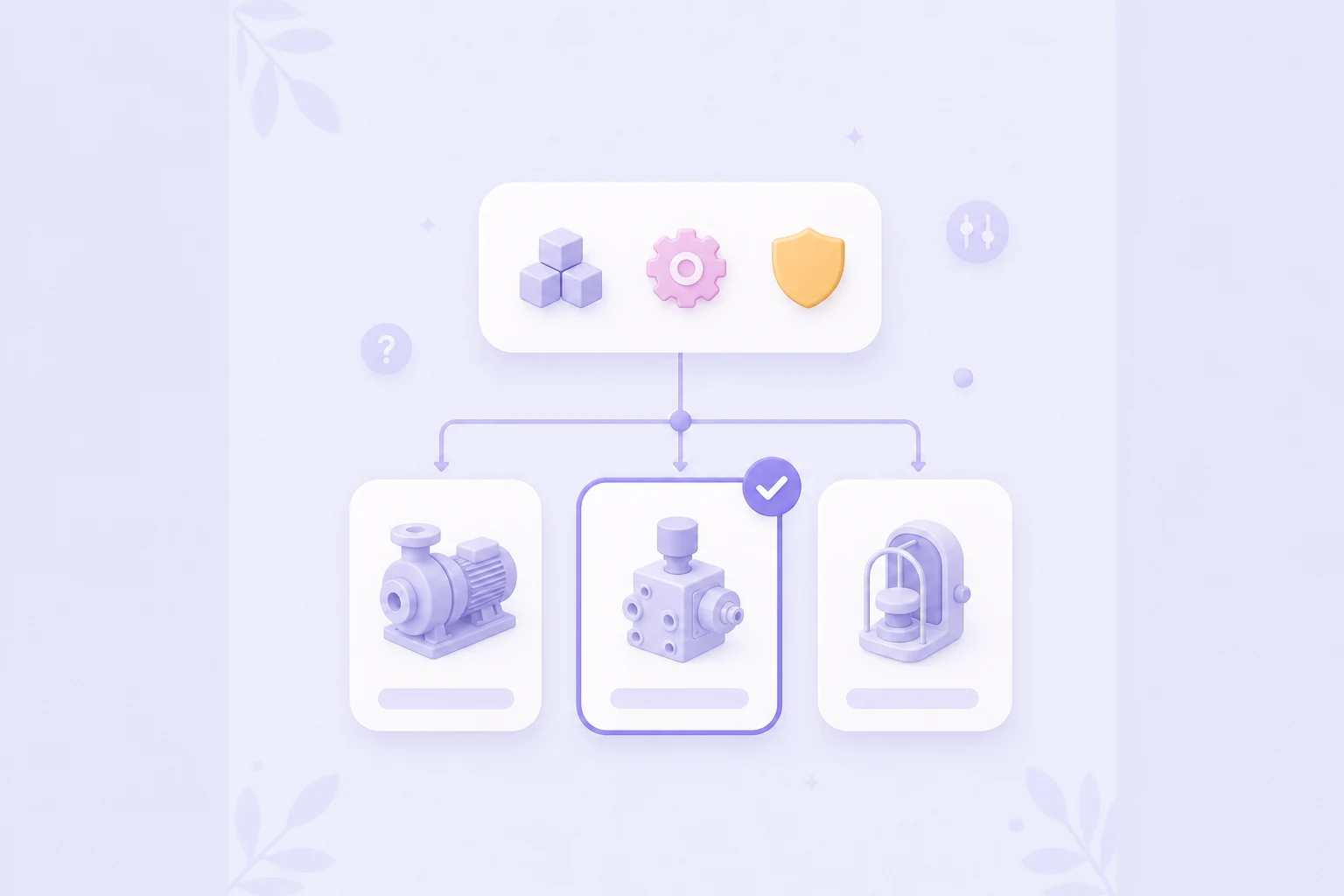
- Matching rules that connect answers to products.
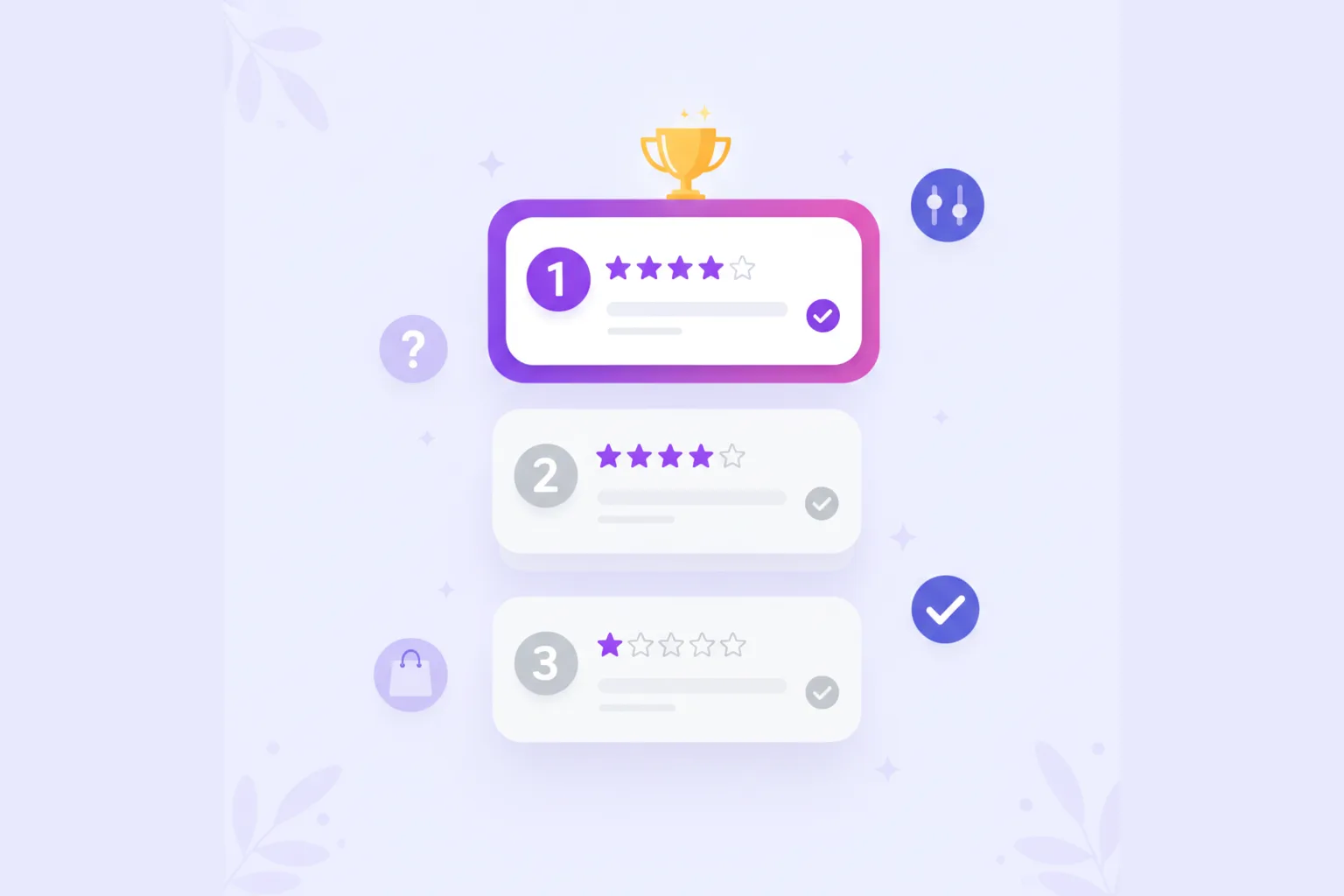
- Results with a best match, alternatives and explanation.
That puts a choice helper between search, filters and personal advice. The shopper does not need to know every specification, but still gets an explainable recommendation.

When does a choice helper work better than filters?
Filters are useful when someone already knows which specification matters. A visitor who knows the exact size, color, capacity or connector can filter well.
A choice helper works better when the visitor knows the goal, but not the attribute behind it. They are not searching for "IP65", "pH-neutral" or "M8 thread". They are searching for safe for outside, suitable for sensitive skin, fits my model or strong enough for this job.
That is why filters and choice helpers work well together:
- the choice helper translates customer language into product criteria;
- the results show a manageable shortlist;
- filters can still help refine by price, brand or stock.
Read more about why product filters fall short for real product advice when shoppers do not yet know which specifications to choose.
Examples of choice helpers in webshops
A choice helper does not have to cover your entire catalog. A focused flow for one category is often stronger.
- Skincare: ask about skin type, goal, sensitivity and routine.
- Supplements: ask about goal, dietary preference, timing and format.
- Tools: ask about the job, material, experience and intensity.
- Spare parts: ask about brand, model, size and application.
- Interior: ask about room, style, dimensions and maintenance.
- Pet food: ask about pet, age, preference, sensitivity and activity.
The pattern is always the same: start with the buying question, only ask questions that change the advice and show a result that feels logical.
Which questions should an advice flow ask?
Good questions are short, concrete and focused on the decision. Avoid internal product language if customers do not use it.
Usually, start with use case or situation. That splits the route naturally.
- What do you want to use the product for?
- Which situation are you trying to solve?
- What should the product mainly do?
- What does it need to fit?
- What do you want to avoid?
After that, ask about constraints such as budget, material, style, size, experience or maintenance. Only ask a question when the answer changes the recommendation.
For a first version, three to six questions are often enough. A short flow that gives reliable advice is stronger than a long flow that makes visitors drop off.
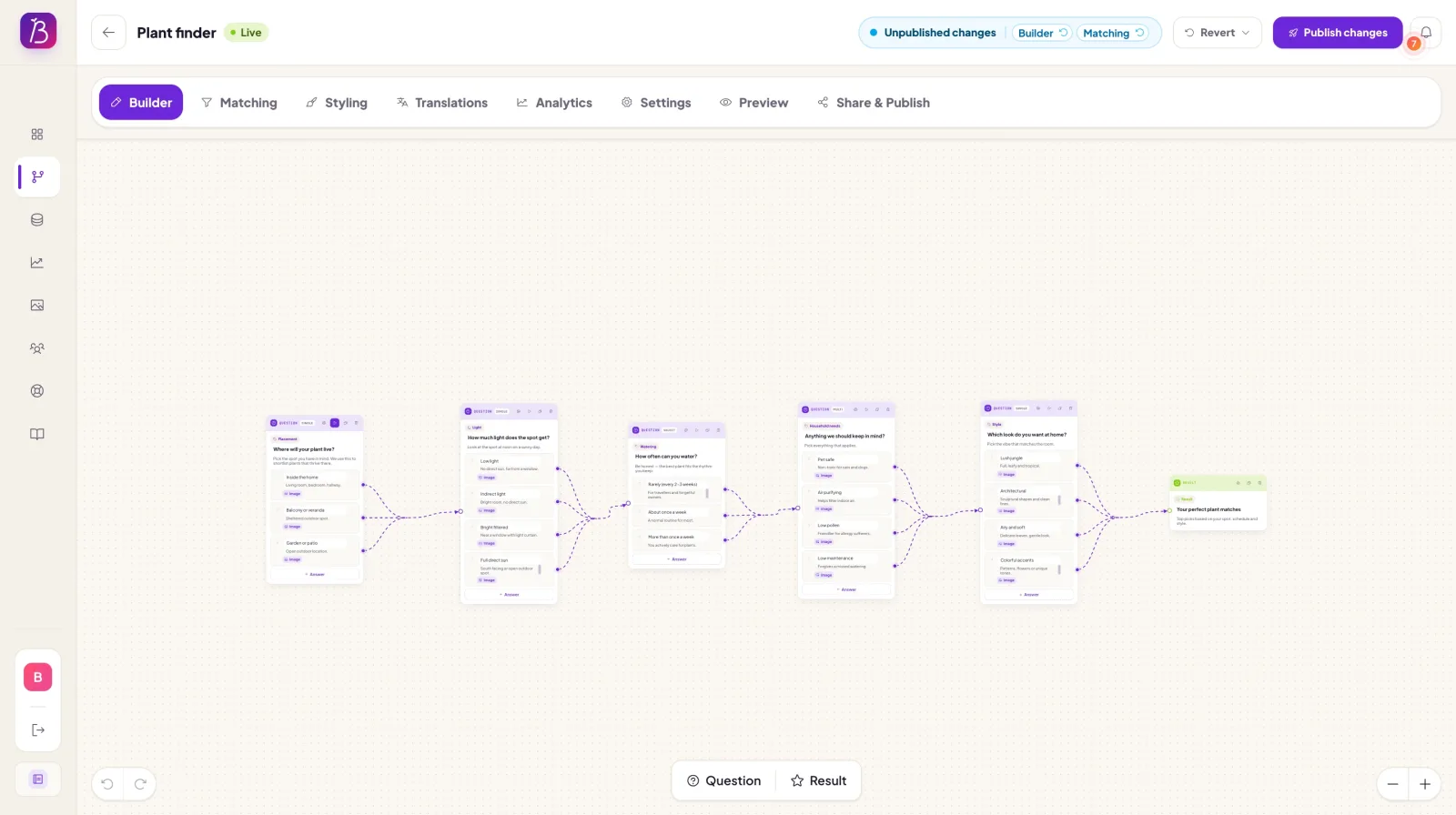
How product data determines the advice
A choice helper becomes valuable when answers are connected to product data. You do not need perfect data on day one, but you do need the fields that influence the advice.
Examples are use case, material, size, target group, compatibility, price level, style, content, problem type or maintenance. You can use those fields to exclude products, score products higher or show alternatives.
A practical example:
- answer "outside" matches products suitable for outdoor use;
- answer "beginner" gives simple products a higher score;
- answer "sensitive" excludes products with risky properties;
- answer "premium" can boost products with extra quality or longer lifespan.
Then explain briefly why a product is recommended. That makes the advice more trustworthy than a normal product row. To work out the data side, start with the docs about product data and matching.

Choosing choice helper software
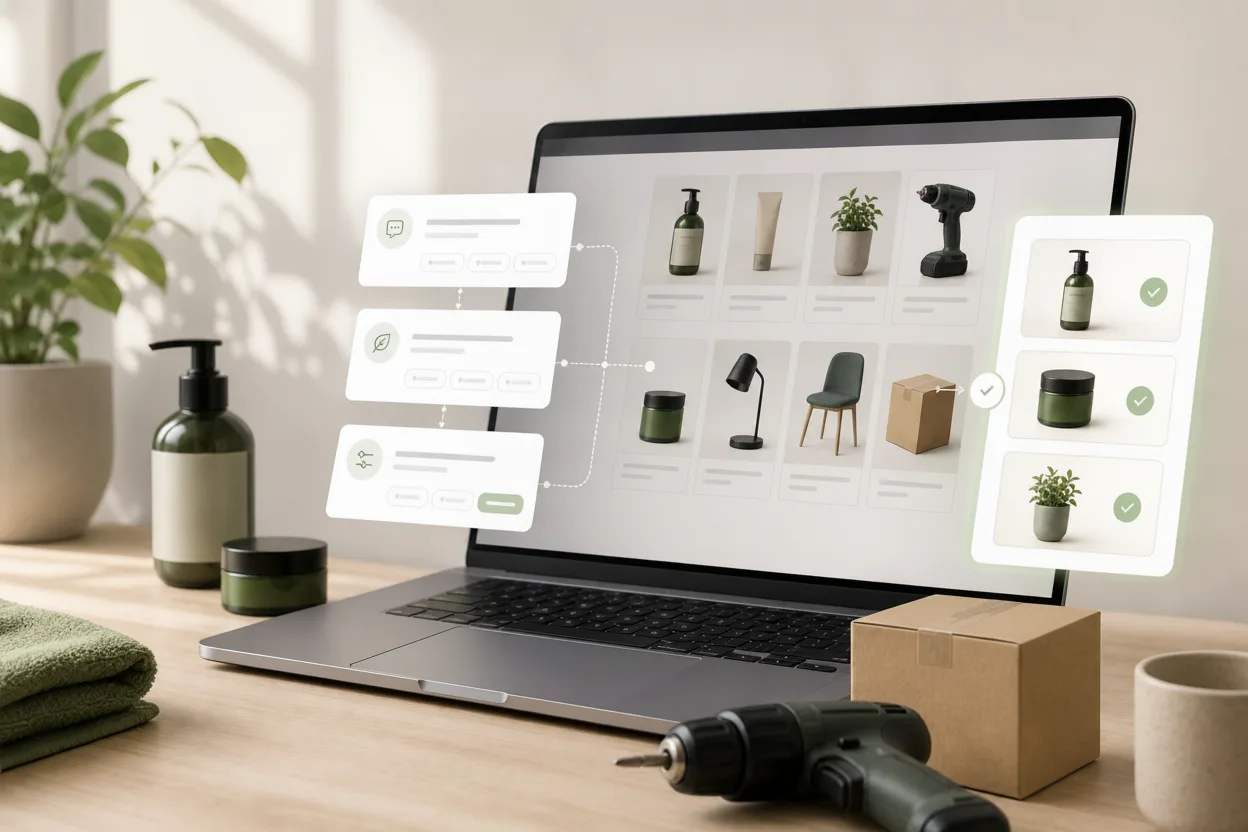
Choice helper software for webshops should do more than show a questionnaire. Your team needs to build the flow, connect product data, manage matching and place the Flow widget neatly in the webshop.
Pay attention to these points:
- Builder: can you edit questions, routes and results yourself?
- Product data: can you use feed data, uploads or fields for matching?
- Matching: can you work with filters, scores, boosts and exclusions?
- Explanation: can you show why each recommendation fits?
- Styling: does the Flow widget feel like part of your brand?
- Analytics: can you see starts, drop-off, results and product clicks?
So the real question is not only: which tool can ask questions? The better question is: which tool helps us keep improving product advice after publishing?
Compare the best guided selling software tools, see how guided selling software for ecommerce supports the wider journey, or explore choice helper software for webshops.
Where should you place a choice helper?
The best place is where hesitation appears.
Category pages are logical when visitors see many similar products. The choice helper narrows the list before someone has to compare everything manually.
Product pages work well when visitors want to know whether this product fits their situation. A short product check can confirm the fit or show a better match. Read the separate guide to product advice on product pages for that placement.
Landing pages are useful for campaigns, seasons or advice questions. Think of "find your starter set", "choose your routine" or "check which part fits".
You do not have to start everywhere. Pick a place with traffic, hesitation or recurring support questions. Then measure what visitors do.
Choice helper, product finder or product quiz?
The terms often overlap, but the nuance helps your approach.
A product quiz is usually short and focused on preference, inspiration or engagement. A product finder helps shoppers find the right option within a product group. A choice helper is broader: it combines questions, product data, matching logic, explanation, placement and improvement based on behavior.
In practice, a product finder can be a choice helper. The difference is not the label, but the quality of the advice. If the result is explainable and truly depends on product data, you are beyond a simple quiz.
Want to compare the formats? Read product quiz vs product advisor or learn more about product finder software.
How to start small
Do not start with your entire catalog. Choose a product category where visitors visibly get stuck or where your team often answers the same choice questions.
- Choose one category or buying question.
- Write the three to six most important customer questions.
- Decide which product fields are needed for advice.
- Map answers to matching rules.
- Show a best match, alternatives and explanation.
- Place the Flow widget where visitors hesitate.
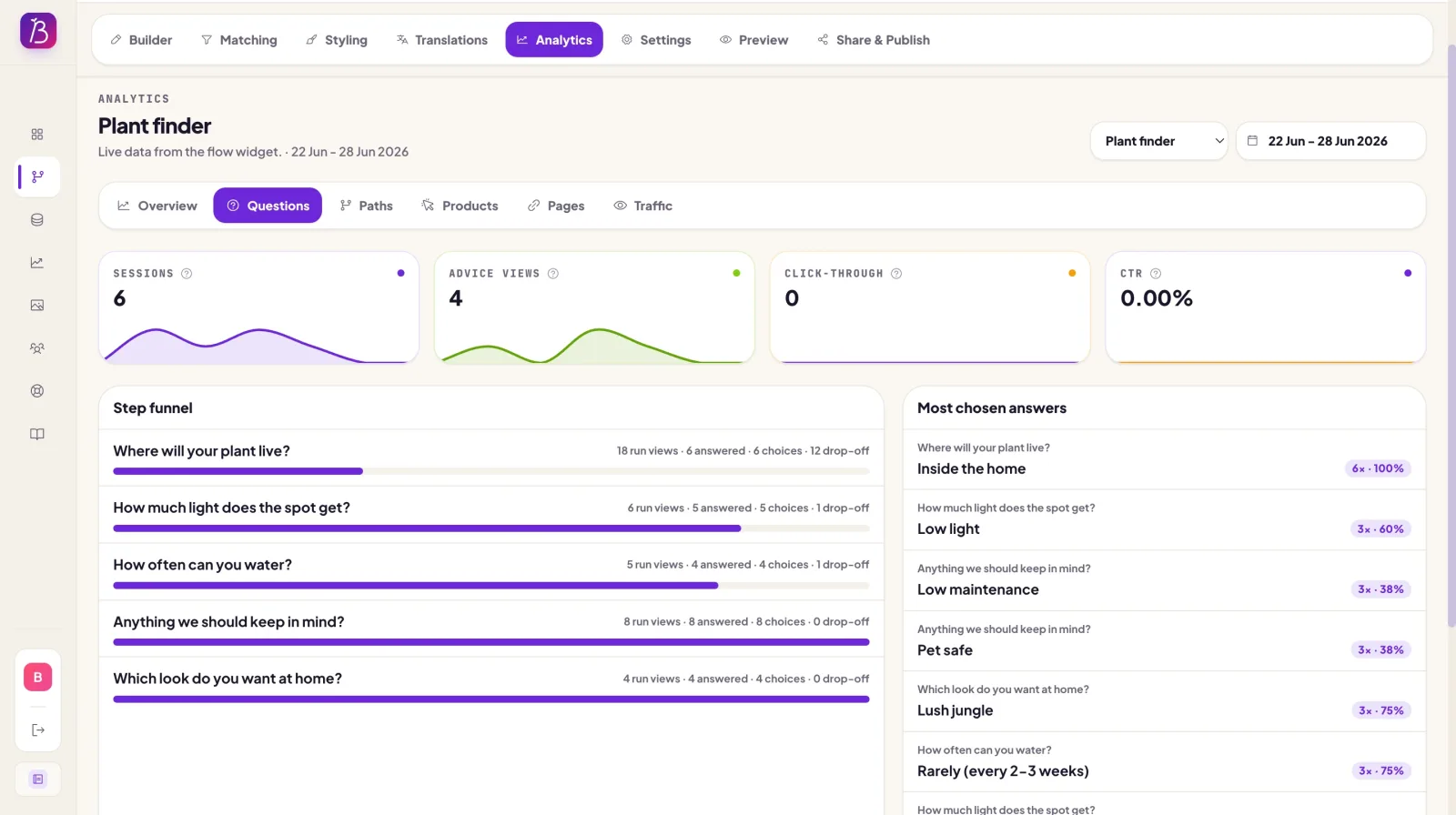
- Measure starts, completion, product clicks and drop-off.
Then improve based on behavior. Maybe one question should come earlier. Maybe an answer option is missing. Maybe a product is recommended too often without a strong reason. That is normal: a choice helper gets better through use.
Want to build instead of only explore? Read how to build a product advisor for your webshop, try the demo or start with the product page for a product advice tool.
Short summary
A webshop choice helper helps shoppers choose calmly. You ask questions in customer language, use product data to find fitting products and show advice with explanation.
That gives shoppers more direction than filters alone, without rebuilding your whole webshop. Start small, publish the Flow widget at a clear moment of hesitation and improve the advice once you see how visitors use the flow.