Product filters are not broken. They are just often asked to do a job they were not designed for.
Filters help shoppers narrow a product list by known attributes: size, price, brand, material, color, capacity or compatibility. That is useful when the visitor already understands what those attributes mean.
But many buying journeys start earlier. The visitor knows the problem, not the specification. They do not want to filter. They want advice. In many webshops, that is exactly the moment for a webshop choice helper.
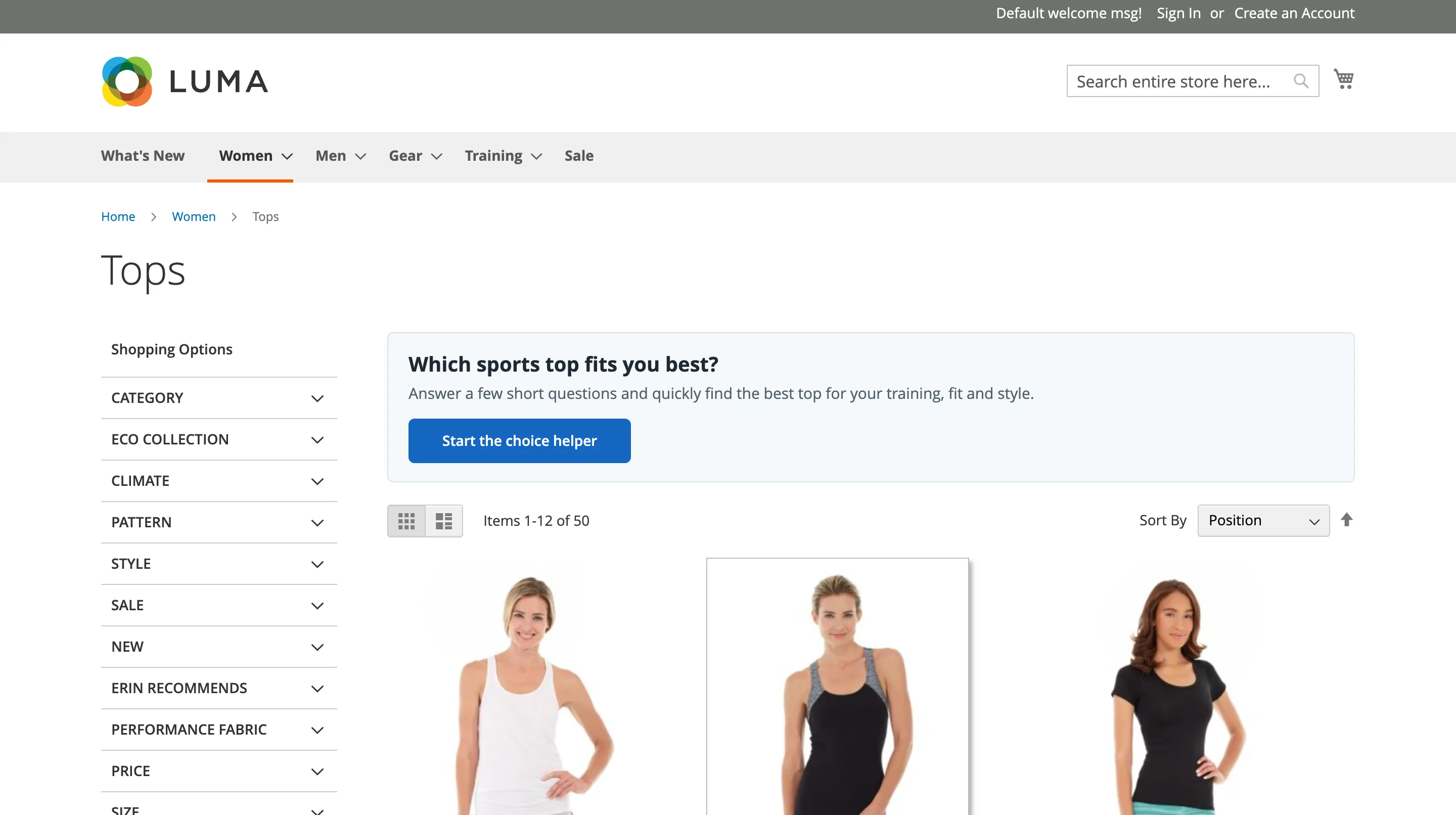
Filters assume product knowledge
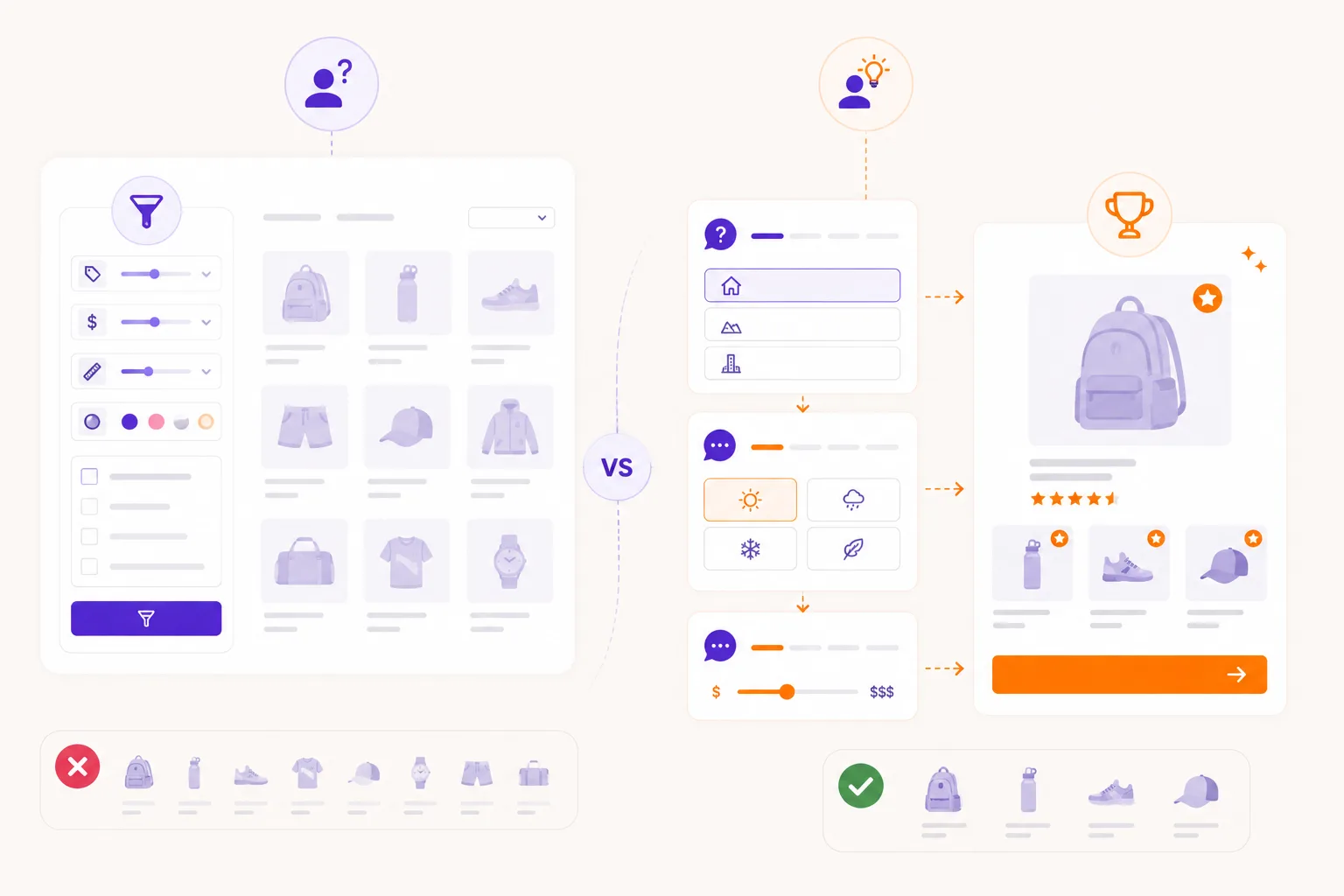
A filter says: choose the attribute you need.
That works for expert shoppers. It fails when the shopper has questions such as:
- Which size fits my situation?
- Which material is safest?
- What product do I need as a beginner?
- What is the difference between these options?
- Which product solves this problem without overbuying?
The visitor may not know the vocabulary. They may also be afraid of choosing wrong. A filter cannot explain the difference unless the surrounding content does that work.
Filters remove products, advice explains choices
Most filters work by removing products from a list. That can be efficient, but it can also create dead ends.
If a visitor selects a strict combination and no products remain, the store has said: nothing fits. In reality, a close alternative might be perfectly useful. Maybe one preference was flexible. Maybe one product is slightly above budget but a better match. Maybe the shopper chose the wrong technical term.
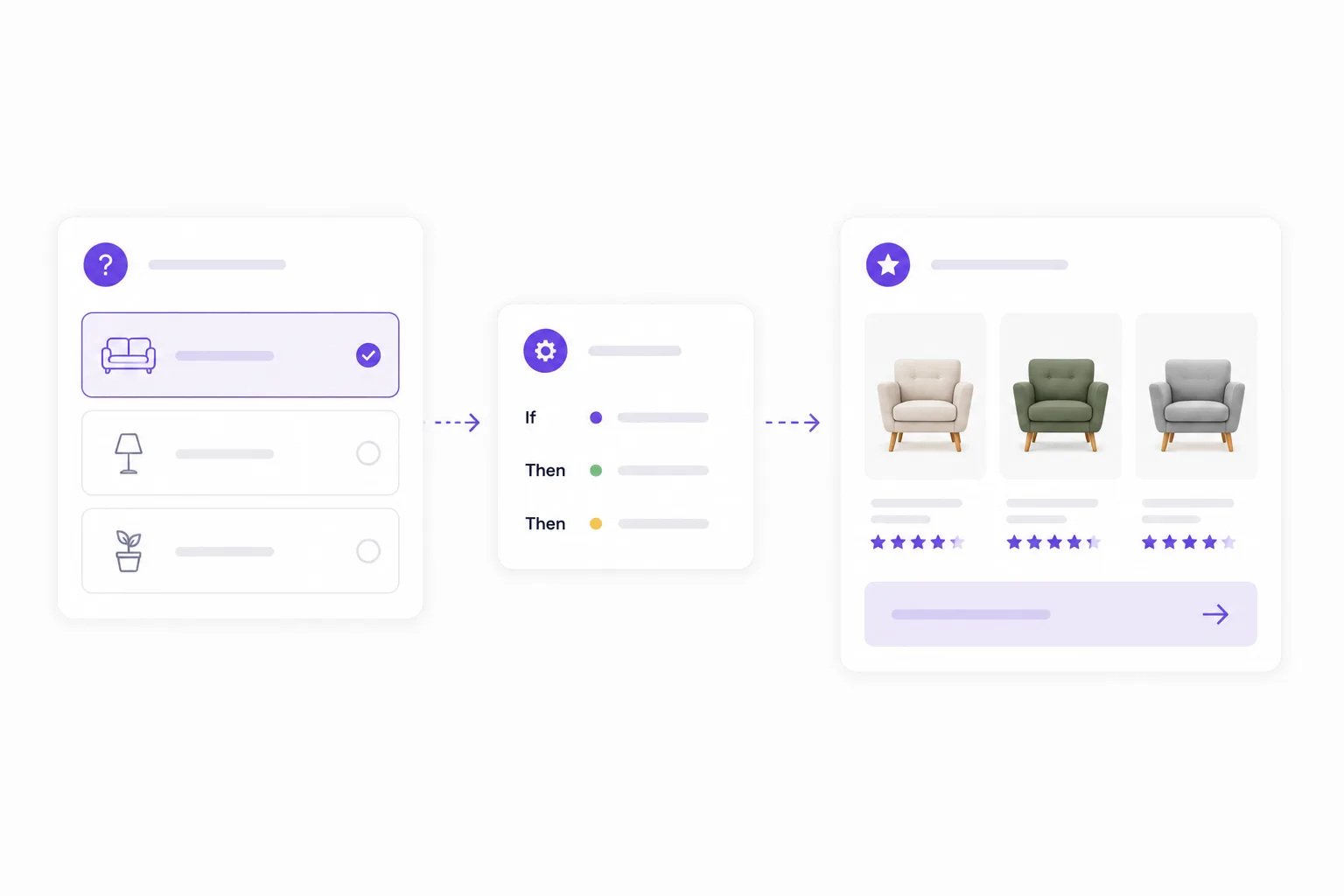
Guided selling can treat answers differently. Some answers can be hard requirements. Others can be preferences, scores or boosts. That makes the result more helpful than a simple filtered grid.

Product advice can translate language
Customers describe needs differently from product teams.
A team might use attributes such as:
- pH-neutral;
- IP rating;
- torque;
- fabric weight;
- surface type;
- breed size;
- coating;
- mounting system.
Customers often say:
- safe for this surface;
- suitable for outside;
- strong enough for this job;
- not too warm;
- good for a sensitive dog;
- easy to install.
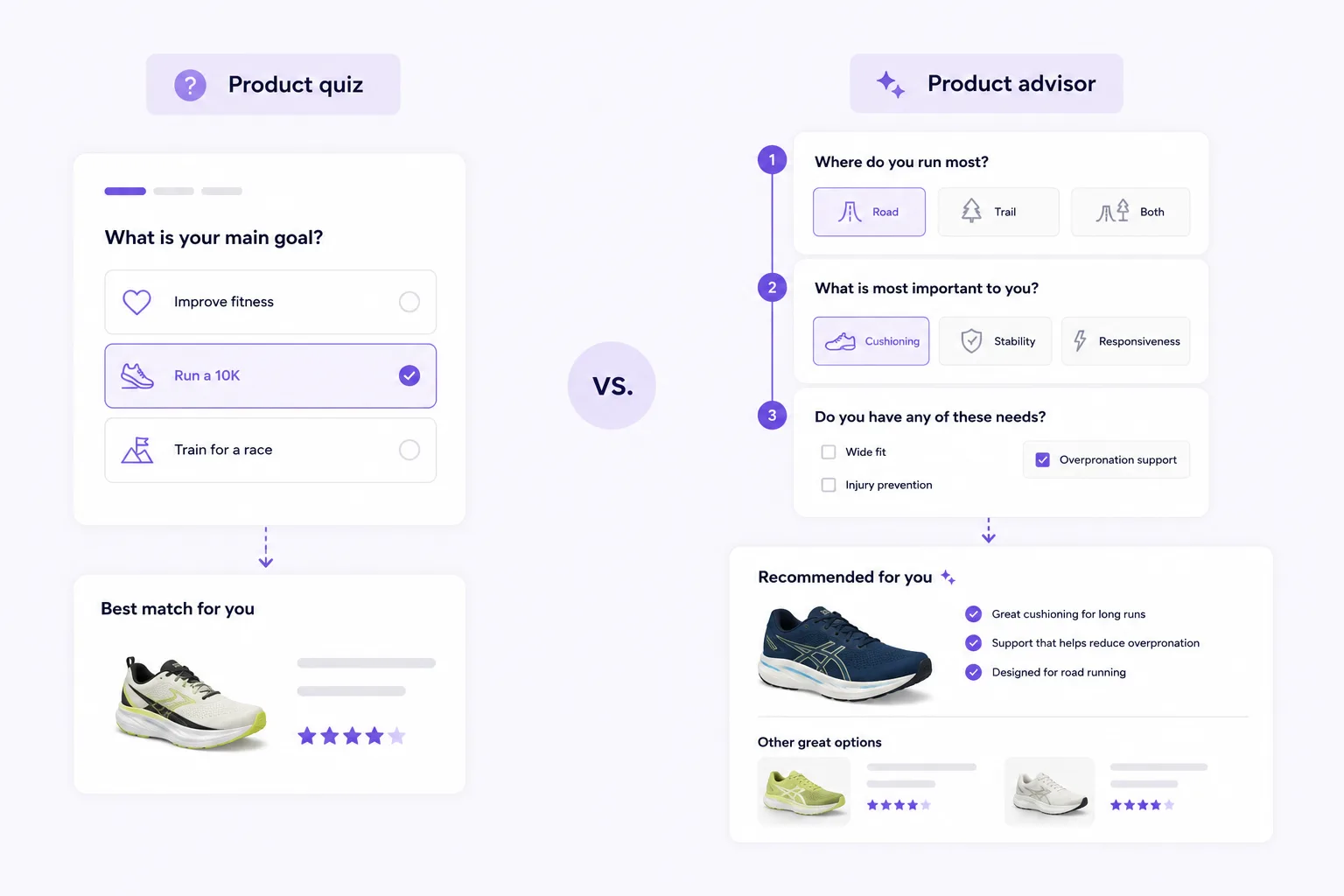
A product advisor can ask in customer language and map the answer to product attributes behind the scenes.
Filters are still useful
Guided selling does not replace filters everywhere.
Filters are still valuable after the advice. Once a visitor sees a relevant product set, filters can help refine price, color, brand or availability. The difference is sequence: advice first, refinement second.
That sequence feels calmer. The visitor is not dropped into the entire catalog. They start with a guided shortlist and can refine from there.
When to add guided selling
Add product advice when:
- visitors compare many similar products;
- support receives recurring buying questions;
- product pages have high traffic but low conversion;
- returns happen because products do not fit the situation;
- filters include technical terms shoppers do not understand;
- important attributes are not visible in filters;
- buyers need confidence before clicking through.
Start with one category where the current filter experience causes visible friction. You do not need to replace the full category page. Add a Flow widget near the moment of hesitation and measure whether visitors complete the advice and click recommended products.
The best setup uses both
The strongest ecommerce experience often combines both approaches:
- A product advisor asks about the shopper's situation.
- Matching logic creates a relevant shortlist.
- The result explains why products fit.
- Filters or sorting help refine the shortlist.
- Analytics show where visitors still hesitate.
Filters organize the catalog. Guided selling turns the catalog into advice.
That difference matters when visitors do not just need fewer products. They need help choosing the right one.
Quick answers
Is guided selling better than filters?
Where should a product finder live?
Do I need developers for every change?
What should we measure after launch?
Should guided selling replace category filters?
How many questions should a first flow ask?