Shopware gives merchants a flexible foundation for ecommerce. You can shape content, categories, product pages and shopping experiences with a lot of control.
That flexibility is useful, but it does not solve one common problem by itself: visitors still need to choose. When a category contains many similar products, filters often ask shoppers to understand the product data before they can use it.
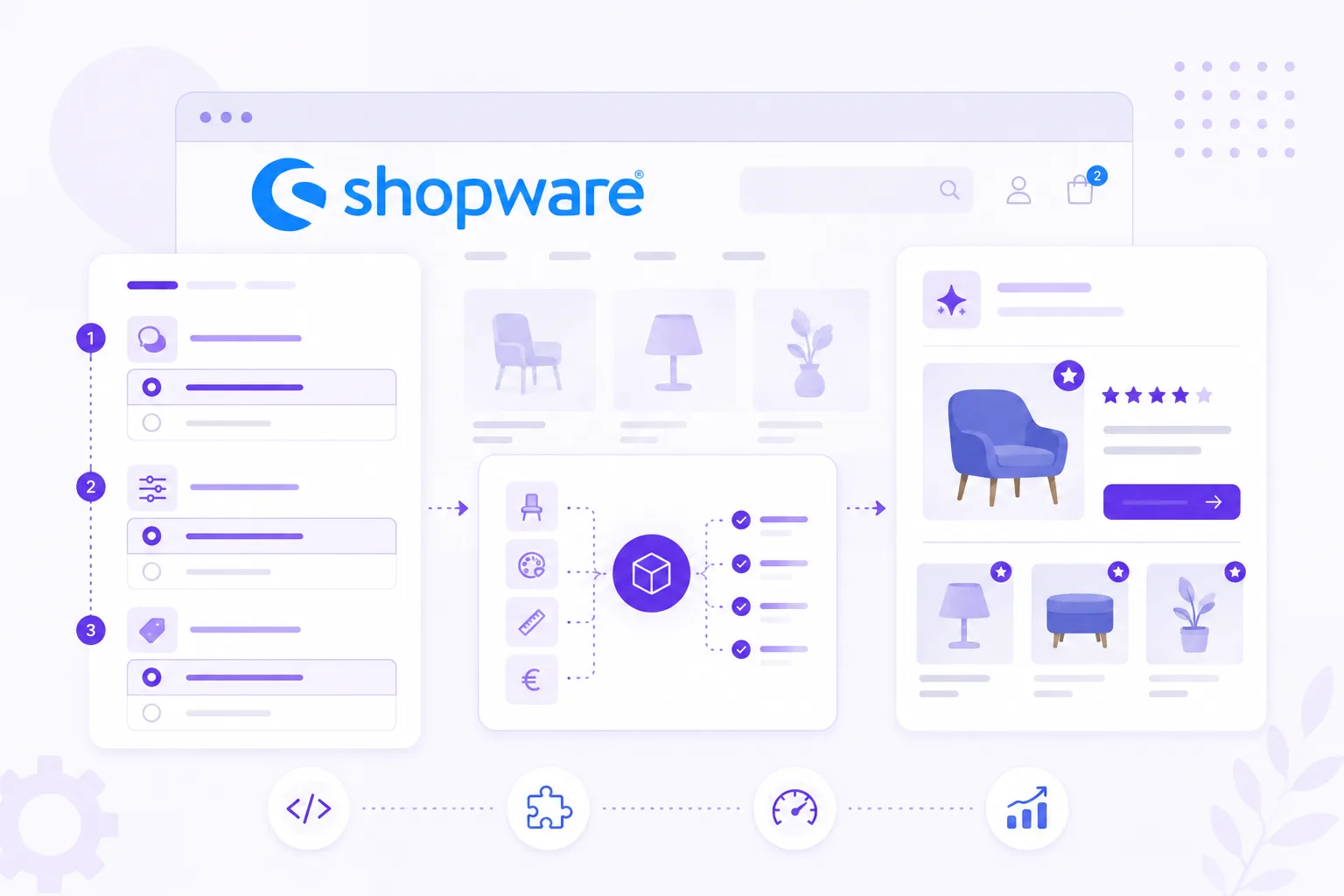
Guided selling turns that around. Instead of asking visitors to know the right specification, you ask about their goal, situation or preference. The Flow widget then translates answers into product recommendations.
Where Shopware filters stop
Filters work when shoppers already know what matters. If someone knows the exact size, material, brand or compatibility requirement, a filter is efficient.
But many shoppers arrive with a different kind of question:
- Which product fits my use case?
- Is this suitable for beginners?
- What do I need for this situation?
- Which option is safest for my material, room, dog, bike or project?
Those questions are not always product attributes. They are buying doubts. A guided selling flow can translate those doubts into matching logic.
Useful Shopware placements
Start with one placement where visitors hesitate most.
Category pages are useful for broad ranges. Add a product finder above or inside the product listing so visitors can narrow the catalog before comparing.
Product pages are useful when visitors land from Google Shopping, ads or organic search. A short product check can confirm whether the current product fits or point to a better match.
Landing pages work well for campaigns, seasonal buying guides or advice around one specific problem.
The same advice flow can often support more than one placement. Keep the questions focused, and let the entry point explain what the visitor will get.
Product data comes first
A Shopware guided selling setup becomes stronger when product data is clean enough to match against.
You do not need every attribute. Start with the fields that influence advice:
- use case;
- compatibility;
- audience or experience level;
- budget range;
- material or surface;
- dimensions;
- stock and availability;
- product URL and image.
If your product feed contains these fields, the flow can recommend products without manual maintenance for every result.
Keep the widget separate from the shop logic
With BerryPath, the webshop loads a lightweight JavaScript Flow widget. The advice logic, styling and matching rules live in BerryPath. Shopware keeps doing what it already does well: catalog, checkout, orders and customer account logic.
That split keeps implementation calmer. You do not need to rebuild your theme or move product data into a custom advice module. You publish the flow, place the widget and improve the advice from one workspace.
Use the plug and play Shopware plugin
For Shopware 6 stores, BerryPath also has a plug and play plugin. It lets Shopware admins place Flow widgets through Shopping Experiences, category pages and product detail pages without adding every snippet by hand.
Use these links when you are ready to test it:
- Read the Shopware plugin docs
- View the Shopware plugin on GitHub
- Open the Shopware integration overview
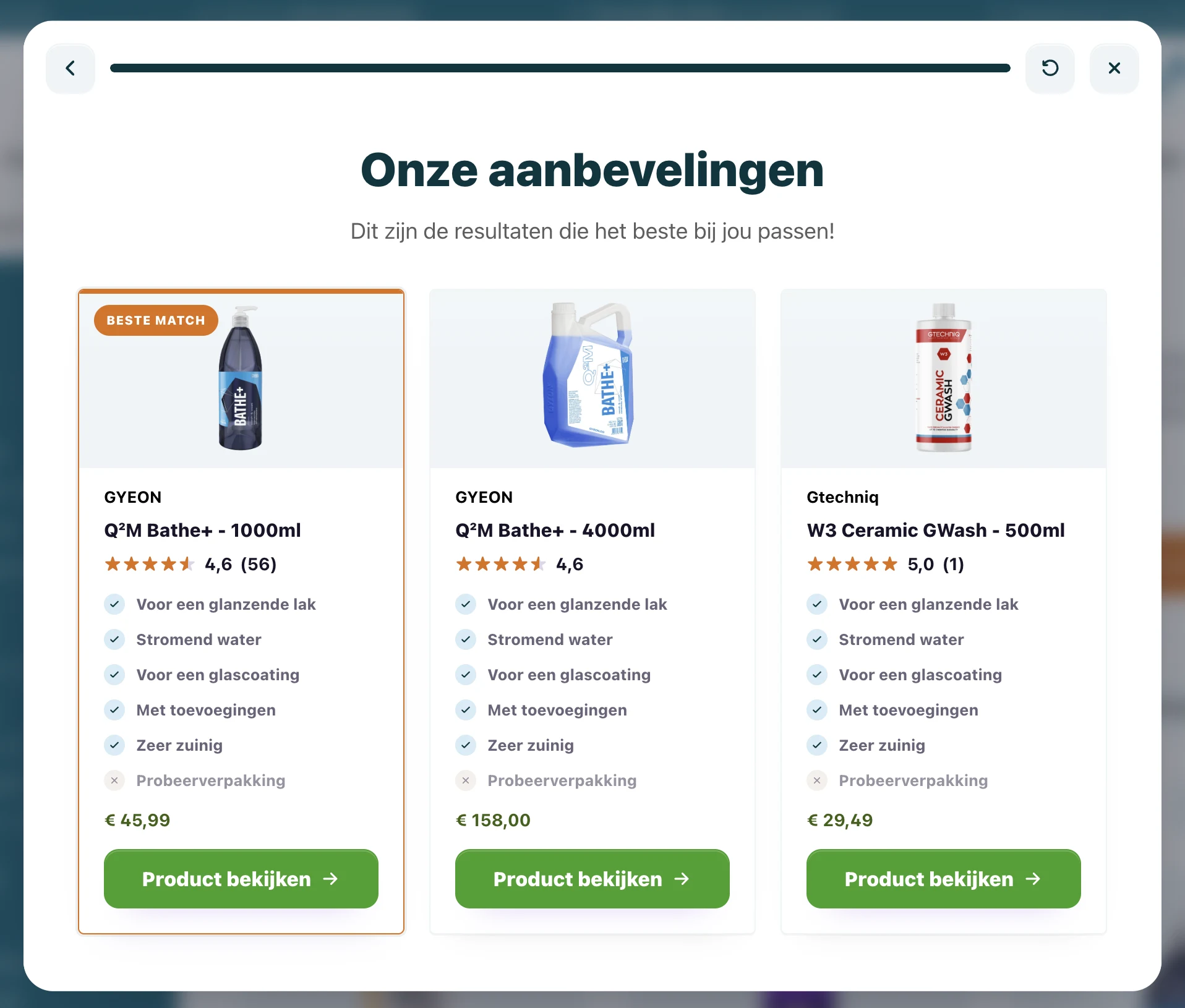
- See how Carclean uses guided selling for product advice
A practical first flow
Choose one category with high comparison or support pressure. Write down the questions your team already asks before recommending a product.
A first flow can be simple:
- What are you trying to solve?
- Where or how will you use the product?
- Are there any restrictions?
- Which preference matters most?
- Show the best match and two alternatives.
That is enough to learn. Once the flow is live, use completion, drop-off and product click data to improve it.
Guided selling should feel native
The Flow widget should not feel like a separate campaign tool. Match colors, spacing, button style and copy to your Shopware theme. Use shopper-friendly language instead of internal category names.
When guided selling feels like part of the store, visitors trust it faster. And when the flow is maintained outside the theme, your team can keep improving it without waiting for every small frontend change.
For the wider ecommerce approach, see how guided selling software for ecommerce connects product data, matching and storefront advice across platforms.
For a Shopware catalog with professional buyers, compatibility rules or technical variants, the guide to B2B guided selling software helps separate storefront product advice from CPQ and quoting.