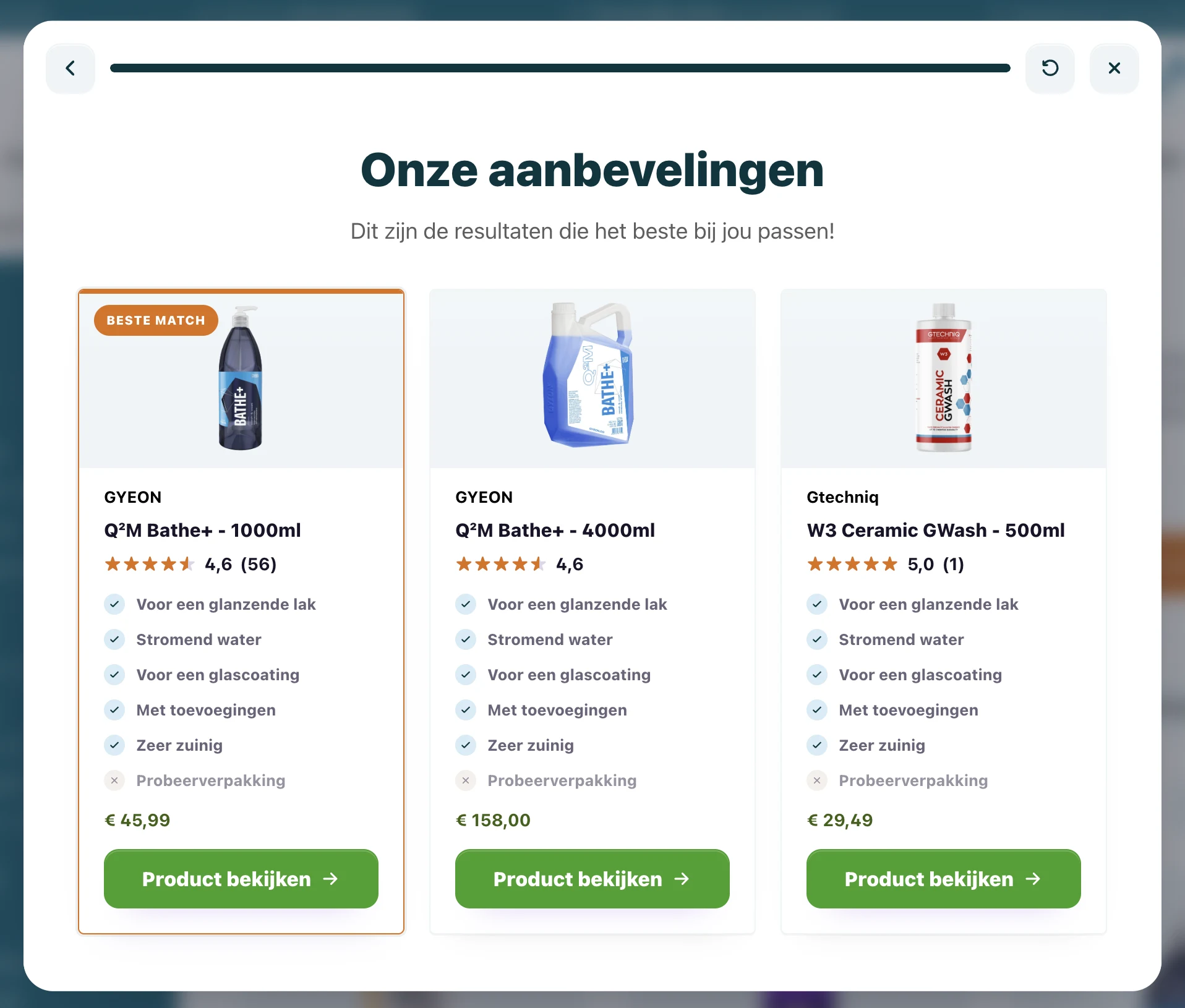
Scolio sells solutions for education, healthcare and business environments. For products such as tablet wall mounts, good advice matters: the right choice depends on use case, mounting, daily routine and practical preferences.
That is why we built an interactive product finder with Scolio using BerryPath. The implementation ran in a Magento webshop with Hyvä. With our Magento module and Hyvä compatibility module, the Flow widget was technically in the storefront and working within 30 minutes. After that, the work was mostly styling and sharpening the advice.
The goal: make product expertise available online
Scolio already has strong product expertise in its sales process. Online, the challenge is to make that same expertise available without asking visitors to understand every specification, mounting option and exception first.
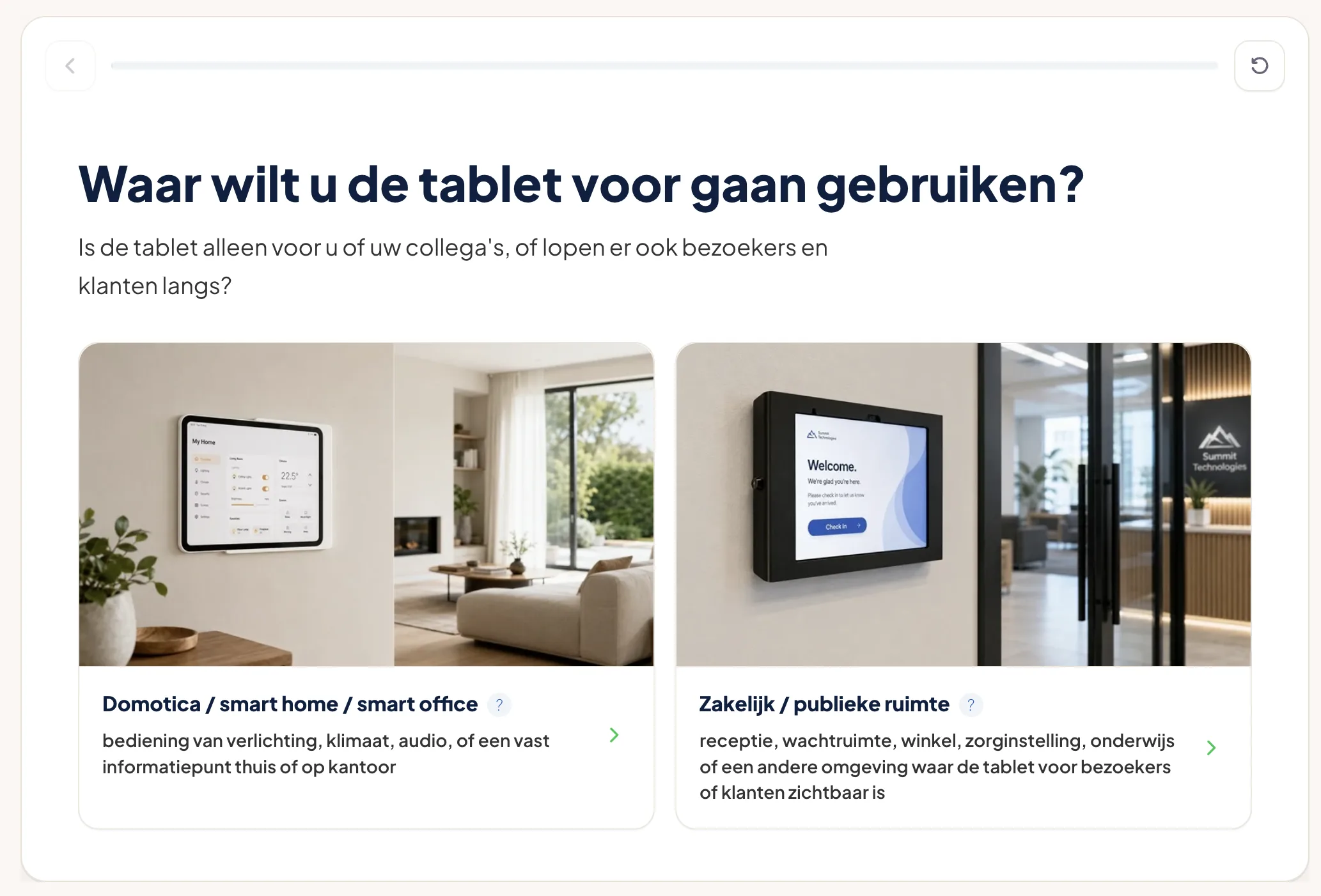
For the tablet wall mounts, we chose a short product finder. Visitors answer a few focused questions about their situation. The Flow widget then shows a clear recommendation that fits the selected use case.
Implementation in Magento Hyvä
The webshop runs on Magento with Hyvä. That called for an implementation that stays lightweight, fits the storefront and does not become a large custom frontend project.
The setup was compact:
- install the BerryPath Magento module;
- add the Hyvä compatibility module;
- connect the right Flow widget to the storefront;
- test the placement in the webshop;
- align the styling with Scolio.
The technical base was in place within 30 minutes. From there, we could focus on the part that creates value: questions, answer options, matching and the way the advice is presented.
Why the module worked well here
With Hyvä, frontend performance and simplicity matter. The Flow widget is loaded lightly and stays separate from Magento checkout, cart and account logic. Magento remains responsible for the buying journey; BerryPath guides the choice before that.
That keeps the implementation practical. Teams do not need to edit templates for every wording or question change. The flow, matching and styling are managed in BerryPath, while the webshop places the widget where advice is needed.
For teams that want to start with guided selling in Magento Hyvä quickly, this is the right route: keep the technical step small and keep improving the advice.
From questions to product advice
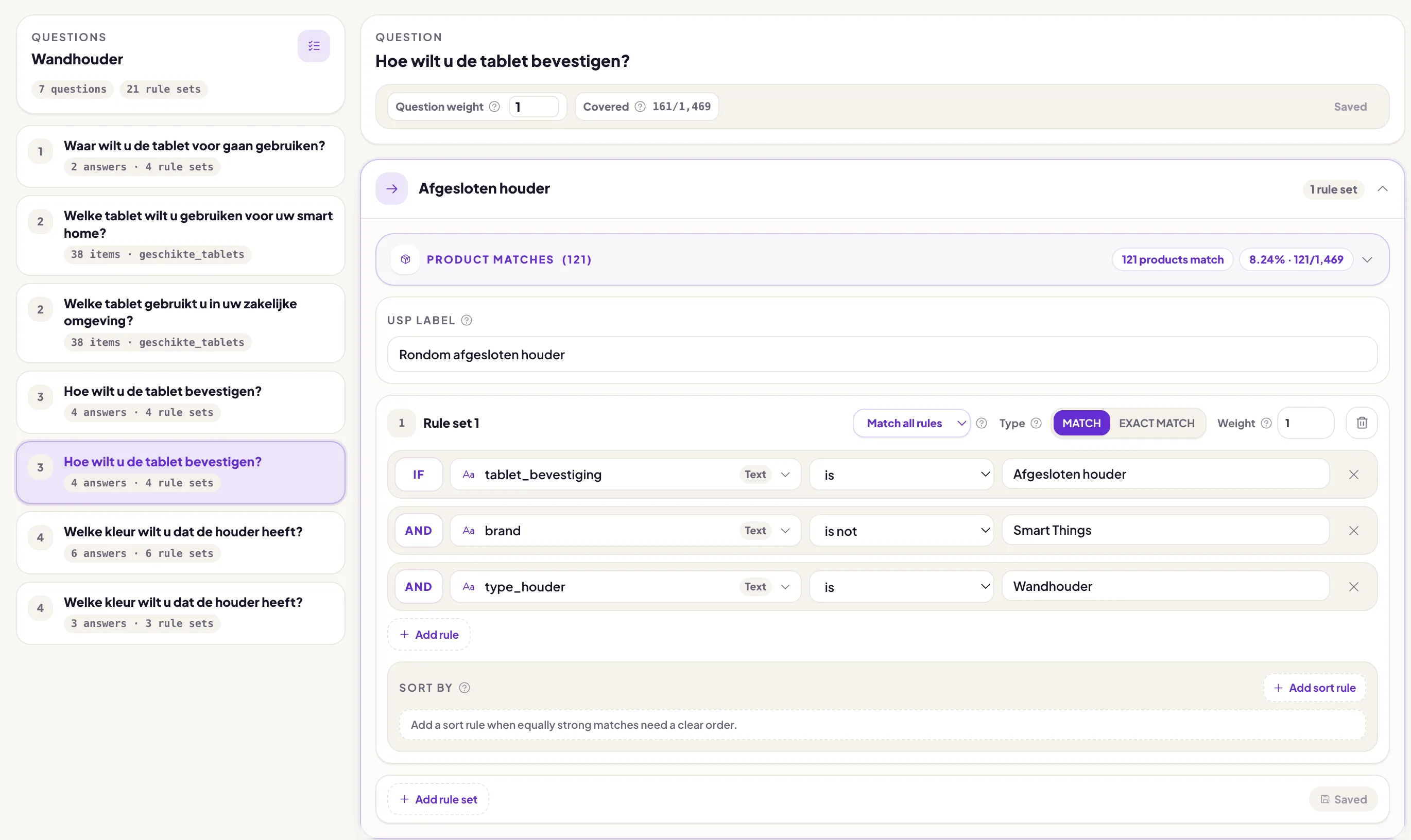
After the webshop placement was working, we refined the flow itself. The most important step was not the technical install, but translating product expertise into clear questions.
For Scolio, that means:
- asking about the use case;
- making the mounting choice easier to understand;
- connecting answer options to product attributes;
- showing only the information that helps the decision;
- making the advice visually fit the webshop.
What this shows
A product finder does not have to be a large project. Especially in Magento Hyvä, the technical step can stay small when the module fits the storefront well.
The real value comes after that: the questions you ask, the product data you use and the way the advice gives shoppers confidence. At Scolio, the base was live quickly, leaving room to keep improving the product finder for more product groups.
More about this implementation
Read the Scolio case, the page about Magento product advice, our Hyvä product finder and the Magento module documentation. The module is also public on GitHub: Magento 2 module and Hyvä compatibility module.