
Magento is often used for catalogs with depth: many attributes, configurable products, category rules, customer groups and integrations. That power is useful for ecommerce teams, but it can make the buying journey heavy for visitors.
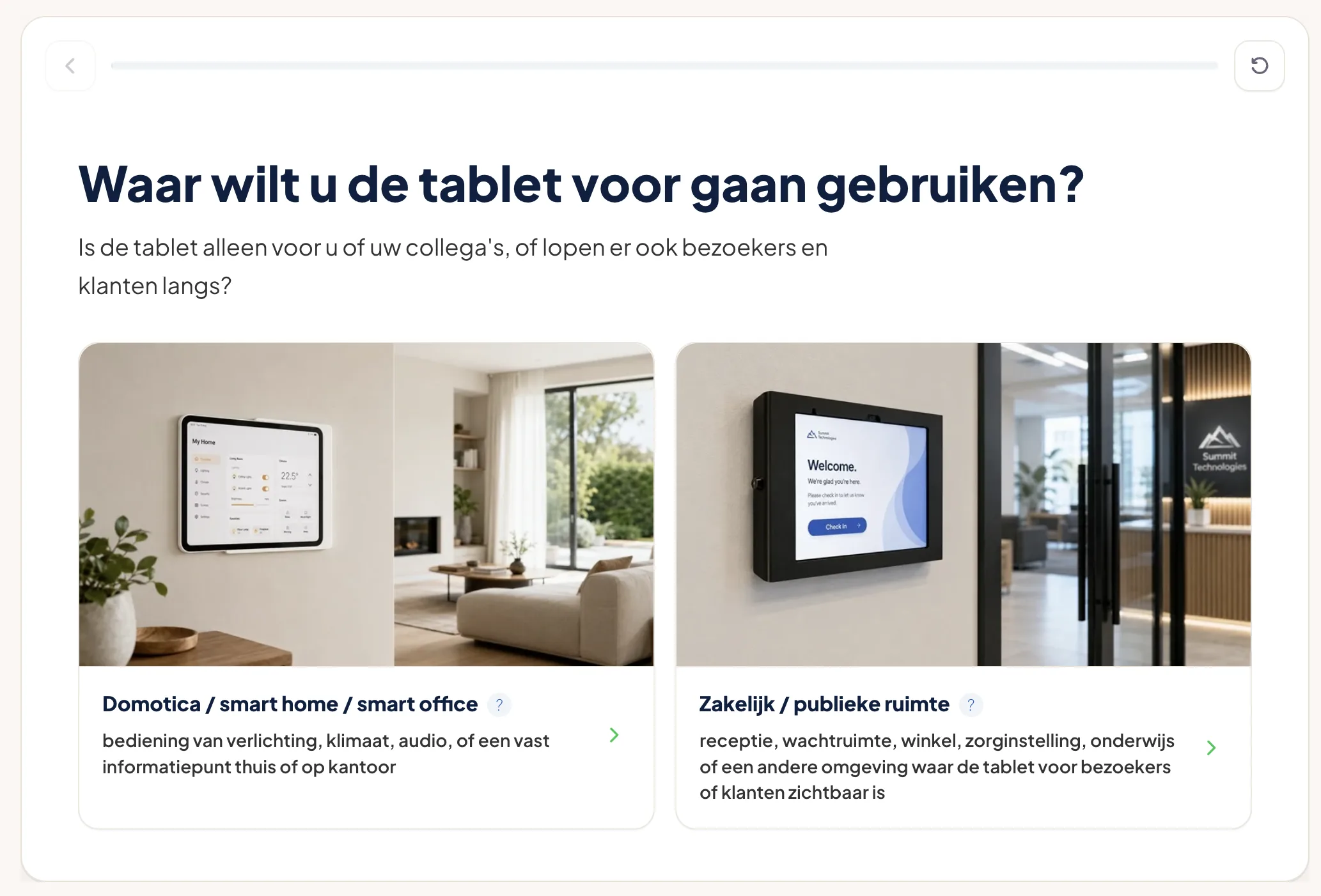
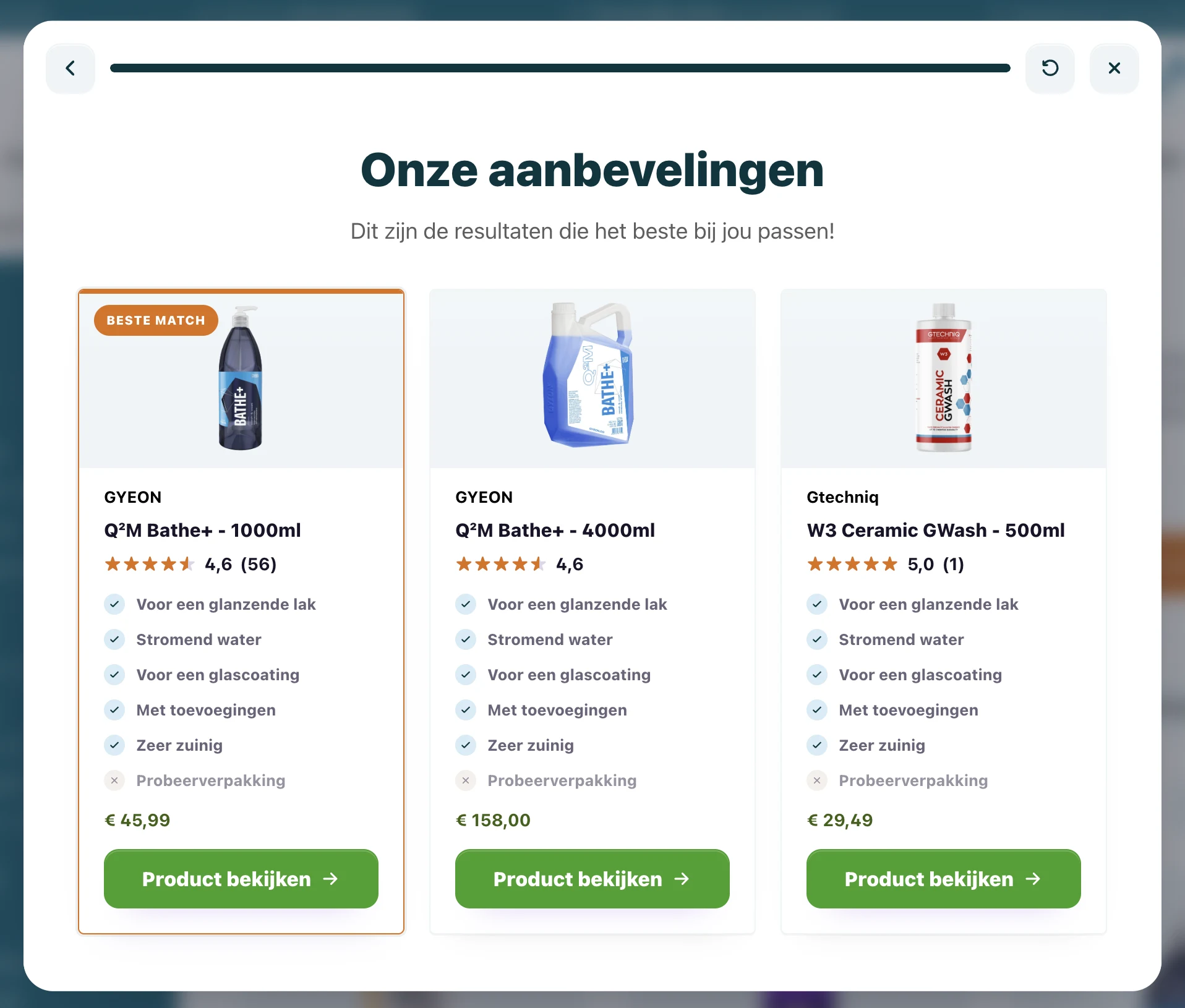
Guided selling helps translate a complex catalog into a calmer route. Visitors answer a few questions. The flow uses product data and matching rules to recommend products that fit.
Magento catalogs need explanation
A Magento product grid can contain all the data a shopper needs, but that does not mean the shopper understands it.
Attributes such as viscosity, compatibility, capacity, finish, package size, fitting, material or use case may be clear to your team. For a new customer, they can create doubt.
Guided selling bridges that gap. It asks about the real situation first and uses the technical attributes behind the scenes.
Category advice and product checks
Two placements are especially useful for Magento shops.
Category advice helps when visitors face a broad list of similar products. The flow narrows the catalog before the shopper starts comparing.
Product checks help when visitors land directly on a product page. The question is no longer "Which category should I browse?" but "Does this product fit me?" A short check can confirm the choice or show a better match.
Both placements can use the same product data. The difference is the moment of doubt they solve.
Use product feeds instead of manual result lists
For Magento, manual result maintenance becomes painful quickly. A better setup uses product feeds or platform data as the source for matching.
Useful fields include:
- SKU and product URL;
- image;
- price;
- stock status;
- category;
- relevant attributes;
- compatibility fields;
- labels or use cases.
The flow can then stay connected to current product information. When products change, the advice does not need to be rebuilt from scratch.
Keep Magento responsible for checkout
The Flow widget should guide the shopper, not replace Magento. Magento should remain responsible for catalog, product pages, cart, checkout, pricing and account logic.
That keeps the integration safer. The widget recommends and sends visitors to product pages. Magento handles the purchase.
Hyvä and frontend performance
Magento frontend performance matters. A guided selling widget should not become a heavy iframe or block the page render.
BerryPath uses a lightweight JavaScript Flow widget. It can be placed where advice is needed while keeping the core Magento experience intact. Styling can match the storefront, and the advice logic can be managed without changing template code for every copy or question update.
Use the plug and play Magento module
For Magento 2 stores, BerryPath also has a plug and play module. Magento admins can place Flow widgets on category pages, product detail pages and CMS content, with optional Hyvä compatibility through a separate module.
Use these links when you are ready to test it:
- Read the Magento module docs
- View the Magento 2 module on GitHub
- View the Hyvä compatibility module on GitHub
- Open the Magento integration overview
- See how Scolio uses guided selling in Magento Hyvä
Start with one high-impact category
Do not begin with the whole catalog. Pick a category where visitors often compare products, ask support for advice or buy the wrong item.
Build a first flow around the real questions your team already asks:
- What are you using it for?
- Which product or surface should it work with?
- Are there compatibility limits?
- What matters most: price, performance, ease or safety?
Then measure completion, drop-off and product clicks. Magento has the catalog depth; guided selling helps visitors use that depth without getting lost in it.
For the wider ecommerce approach, see how guided selling software for ecommerce connects product data, matching and storefront advice across platforms.
Does the Magento catalog serve professional buyers with compatibility rules or technical variants? Use the guide to B2B guided selling software to decide where product advice ends and CPQ or quoting begins.