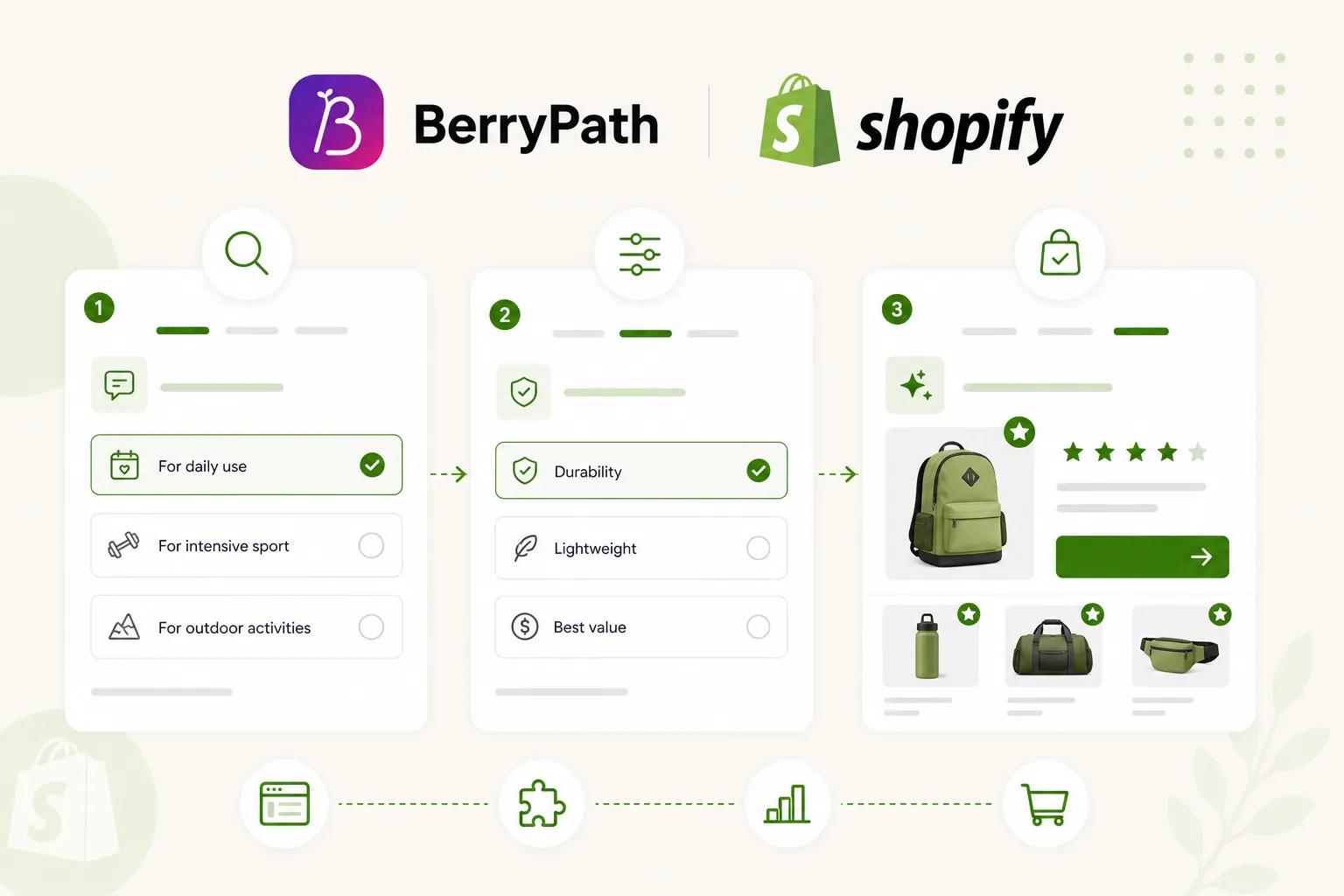
Shopify makes it easy to launch a store, add products and test campaigns. It also makes it tempting to add a simple product quiz when shoppers need help choosing.
A quiz can be useful. But when the catalog grows, a quiz often becomes too manual. Results are hardcoded, product changes are easy to miss and recommendations may not reflect stock, attributes or category changes.
Guided selling is the next step. It keeps the friendly question experience, but connects it to product data and matching logic.
Quiz first, advisor later
Many Shopify teams start with a question-and-result flow:
- ask a few preference questions;
- show one result;
- send the visitor to a product page.
That works for simple categories. It becomes limited when:
- products change often;
- multiple products can fit;
- availability matters;
- you sell across markets or languages;
- shoppers need an explanation, not just a result.
A guided selling setup can still feel as light as a quiz, but the result is based on product data instead of a fixed answer map.
Product data makes advice maintainable
For Shopify, product data can come from product fields, feeds or structured exports. The goal is not to import everything. The goal is to use the fields that make advice better.
Useful fields include:
- product type;
- tags;
- price;
- image and URL;
- inventory status;
- variant information;
- use case;
- compatibility;
- audience or skill level.
When that data supports the flow, your team can update products without rewriting every result.
Where to place guided selling in Shopify
Use the Flow widget where shoppers hesitate.
On a collection page, it can help visitors narrow the range before they compare products.
On a product page, it can confirm whether the product fits or suggest a better alternative.
On a landing page, it can turn a campaign into a guided buying route.
In a popup or sidebar, it can offer help without taking the visitor away from the current page.
The best placement is not always the homepage. It is the place where the visitor has a question.
Keep the storefront fast
Shopify stores often depend on theme speed, app scripts and campaign landing pages. A product advisor should not slow the first render or take over the page.
BerryPath uses a lightweight JavaScript Flow widget. It can be styled to match the store and can be embedded without using an iframe. The storefront keeps checkout, cart and product page logic; the flow handles advice.
What to measure
After launch, measure more than starts.
Watch:
- completion rate;
- drop-off per question;
- answers selected most often;
- products recommended most often;
- click-through to product pages;
- product data gaps.
These numbers show what shoppers actually need. They also help your Shopify team decide which content, products and collections deserve attention next.
Keep it practical
The best Shopify product advisor does not feel like software. It feels like a helpful store assistant that asks the right question at the right moment.
Start with one collection. Connect the product data that matters. Publish the Flow widget where doubt appears. Then improve it with real behavior.
For the wider ecommerce approach, see how guided selling software for ecommerce connects product data, matching and storefront advice across platforms.