Building a custom guided selling tool can sound attractive. You get exactly what you ask for, in your own storefront, with your own design and rules.
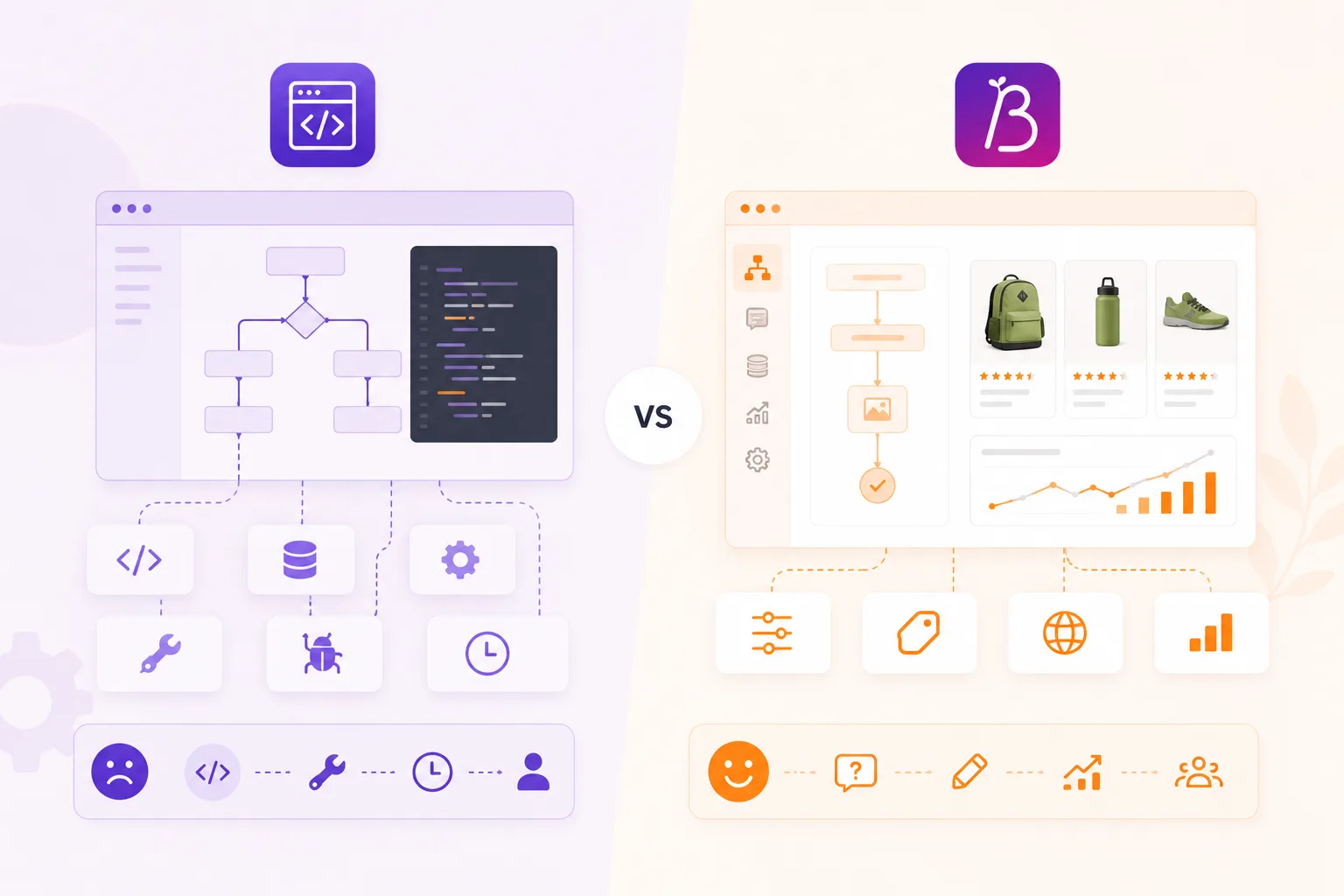
Sometimes that is the right choice. But for many ecommerce teams, the hidden cost is not the first build. It is everything that comes after: product data changes, new questions, new languages, analytics, styling updates and performance maintenance.
Before choosing custom work, compare the full lifecycle.
What custom gives you
A custom product finder can be useful when the buying logic is deeply tied to your own systems or when the user experience is completely unique.
Custom can make sense if:
- the flow is part of a larger configurator;
- pricing depends on many live backend rules;
- the result must write complex data into cart or ERP;
- your category is highly specialized;
- the experience is a strategic differentiator that cannot follow standard patterns.
In those cases, custom development may be worth the investment.
Where custom becomes expensive
Most product advisors are not only frontend projects. They need ongoing content and product work.
Common maintenance questions are:
- Who edits questions when support learns something new?
- Who updates logic when product attributes change?
- Who checks whether recommendations still make sense?
- Who adds a new language?
- Who measures drop-off and product clicks?
- Who keeps the widget fast after theme changes?
- Who documents the logic when the original developer leaves?
If every change needs a developer ticket, the product advisor becomes slow to improve. That is a problem because guided selling should be optimized with real behavior.
Why software is often enough
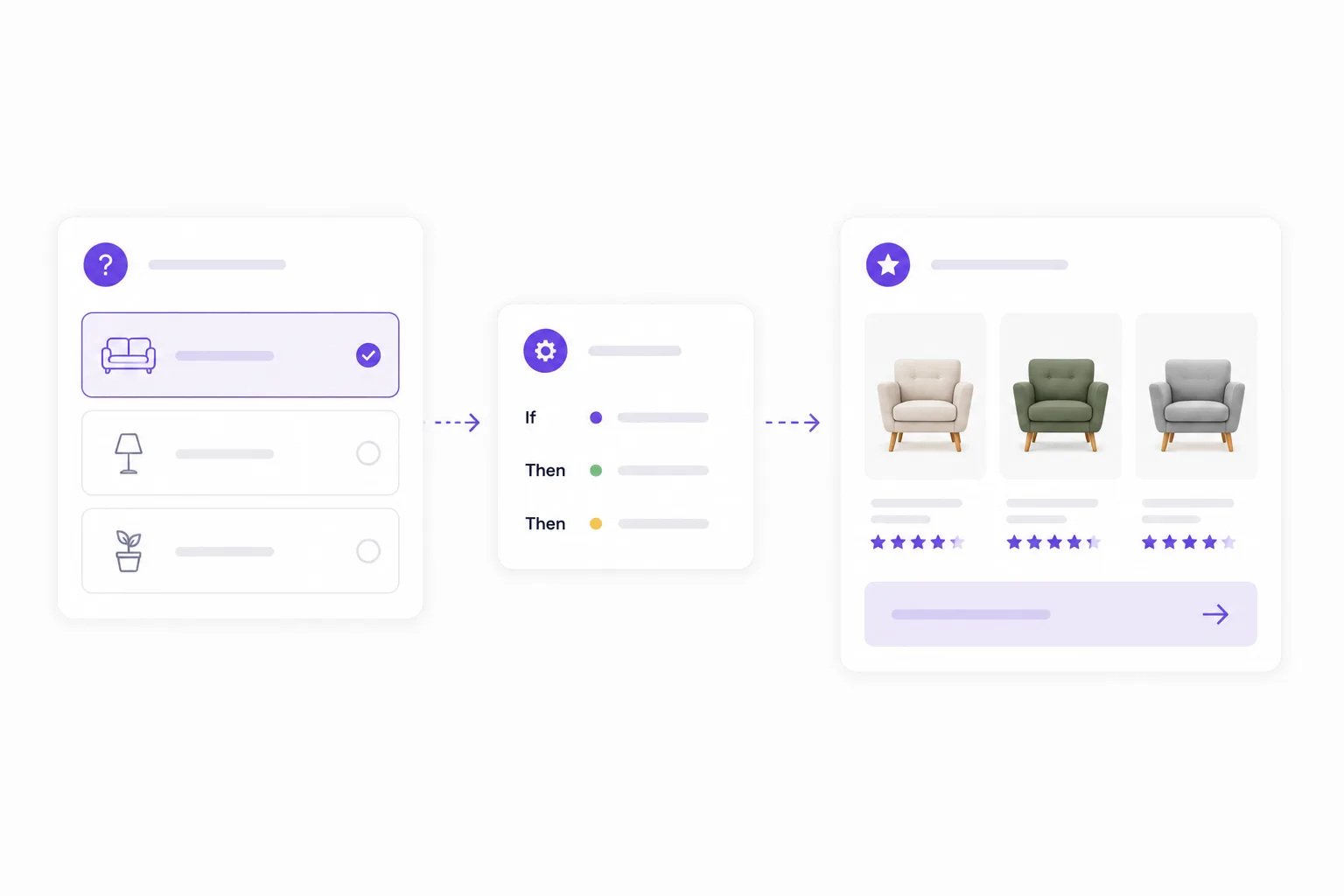
Guided selling software covers the repeatable parts:
- visual flow building;
- question and answer management;
- branching;
- product feeds;
- matching rules;
- scoring and boosts;
- styling controls;
- analytics;
- publishing;
- embed code.
That lets ecommerce teams manage advice without rebuilding the same foundation. Developers can focus on placement, data quality and any integration work that truly needs code.
The hybrid option
The choice is not always custom or software. A hybrid setup is often best.
Use guided selling software for the flow, matching, styling and analytics. Use custom work only where your storefront needs it:
- theme placement;
- product feed preparation;
- cart or tracking integration;
- market-specific layout;
- special product-page entry points.
That keeps the reusable parts reusable and the custom parts focused.
What to ask before you build custom
Before starting a custom product finder, ask:
- How often will questions change?
- How often does product data change?
- Do marketers or category managers need editing access?
- Do we need multiple languages?
- How will we measure completion, drop-off and product clicks?
- Can we reuse the flow on category pages, product pages and landing pages?
- Who owns maintenance after launch?
If the answers point to frequent change, software is usually safer.
A product advisor is never finished
The best product advisors improve over time. They learn from drop-off, support questions, search terms, product clicks and stock changes.
That is why maintainability matters as much as the first design. A custom build can be beautiful on day one and painful by month six. A software setup may feel less bespoke at first, but it gives your team the controls needed to keep improving.
Choose custom when the experience truly cannot be built any other way. Choose guided selling software when the goal is to launch, learn and improve product advice without turning every change into a development project.