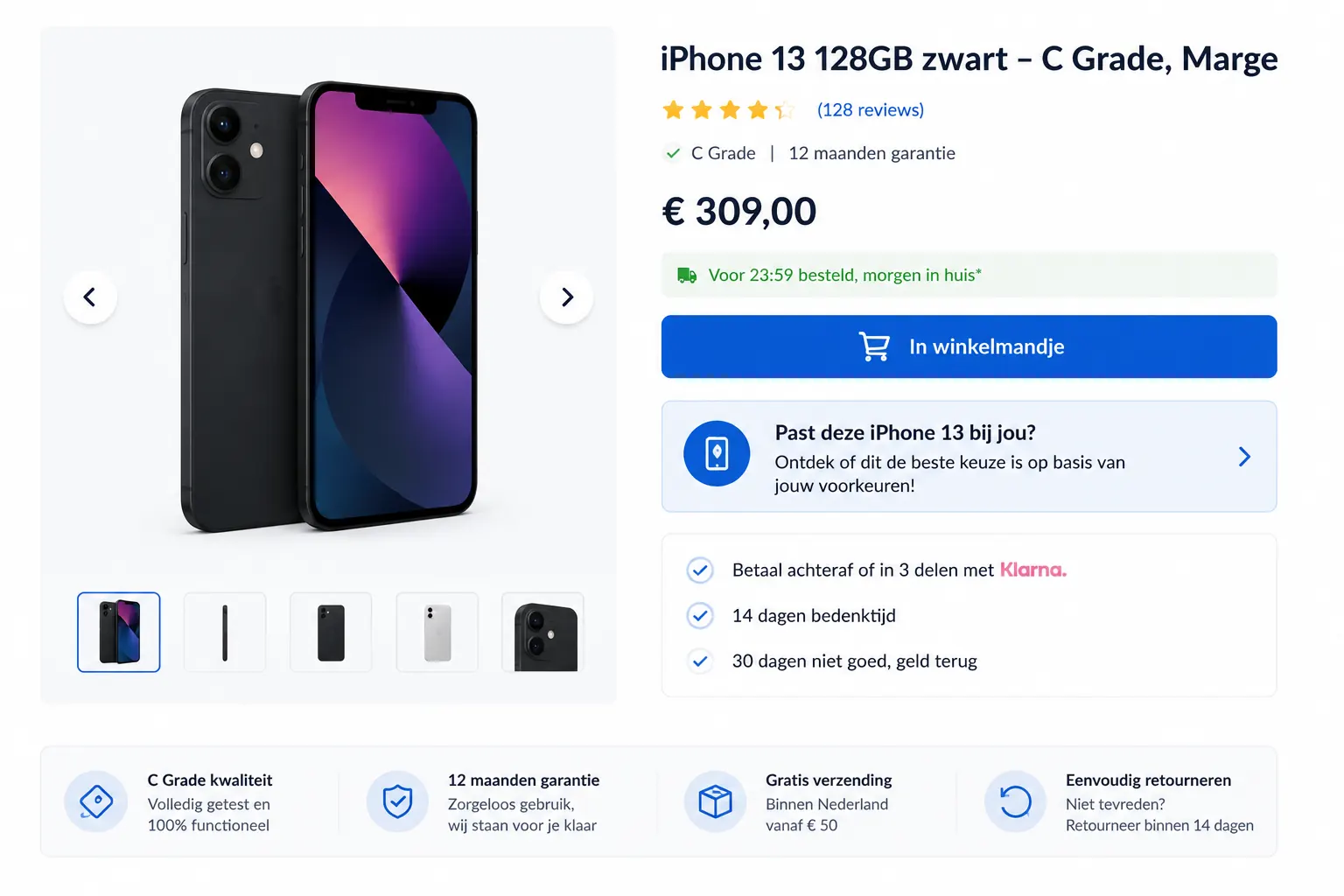
Many shoppers do not enter your store through a neat category journey. They land directly on a product page from Google, ads, email, social or a comparison site. At that moment, the question is often not: "What does this store sell?" The question is much more specific: "Is this product right for me?"
That is where many product pages struggle. A product detail page can have strong photos, reviews, specifications and a clear add-to-cart button, while the shopper still hesitates. Is this the right size? Is it compatible? Is it suitable for my skin, pet, machine, plant, sport level or use case? And if it is not right, which product should I choose instead?
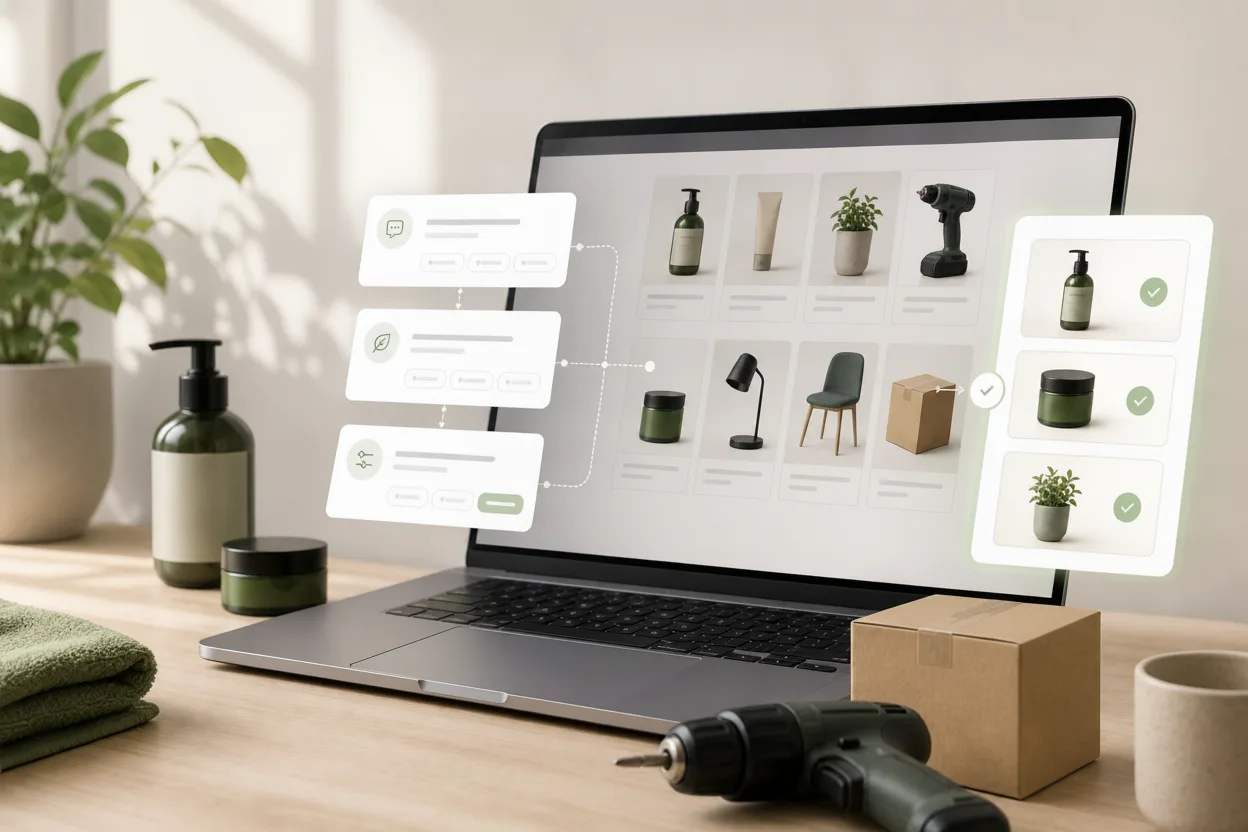
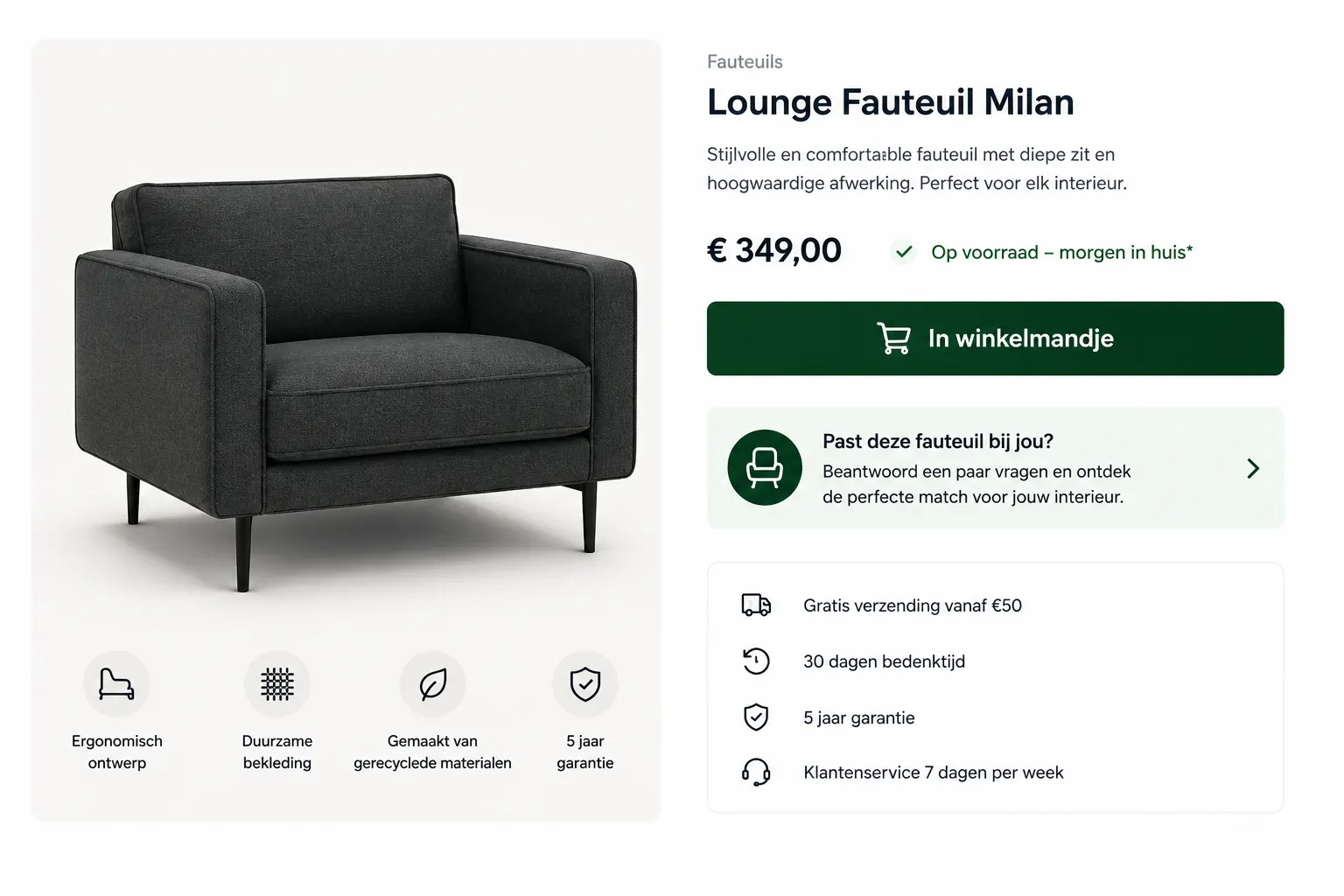
A choice helper on product pages helps at exactly that moment. A short advice flow or Flow widget asks a few practical questions. Then it gives product advice on the product page: confirmation that the current product fits, a better alternative or a bundle that makes the choice complete.

Why product pages create hesitation
A product page is usually designed to inform and convert. That makes sense. But shoppers also use product pages to check risk. They compare, look for confirmation and try to avoid choosing the wrong item.
Common doubts include:
- Does this product fit my situation?
- Is this the right variant, size or strength?
- Do I need anything else to use it properly?
- Is there a simpler, cheaper or better fitting alternative?
- Can I buy this without needing to return it later?
Filters are useful earlier in the journey. Reviews can help. But on the product page, shoppers often need a short personal answer instead of another long table of specifications.
What product advice on a PDP does
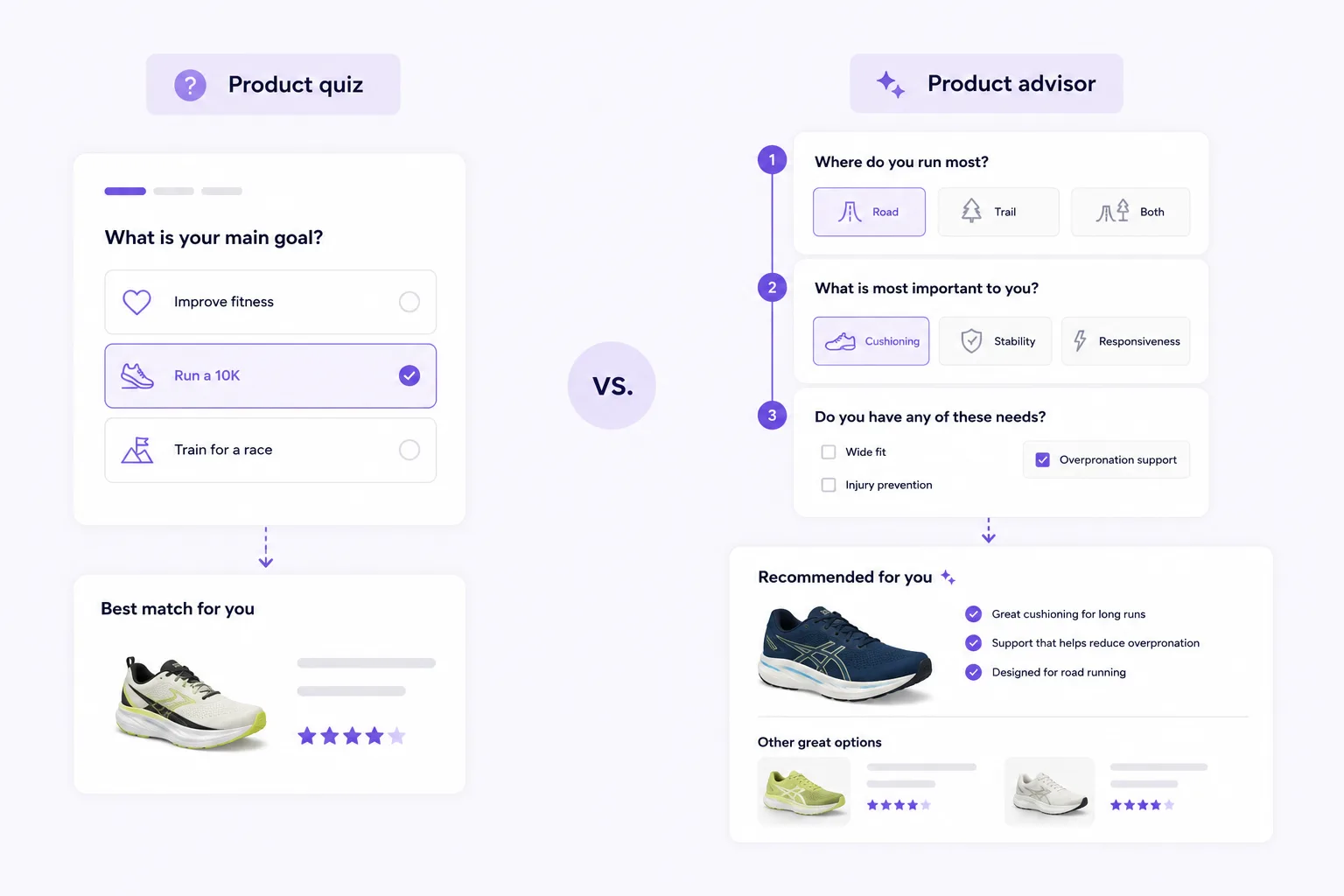
PDP stands for product detail page. Product advice on a PDP works best as a short check near the buying decision, not as a heavy form.
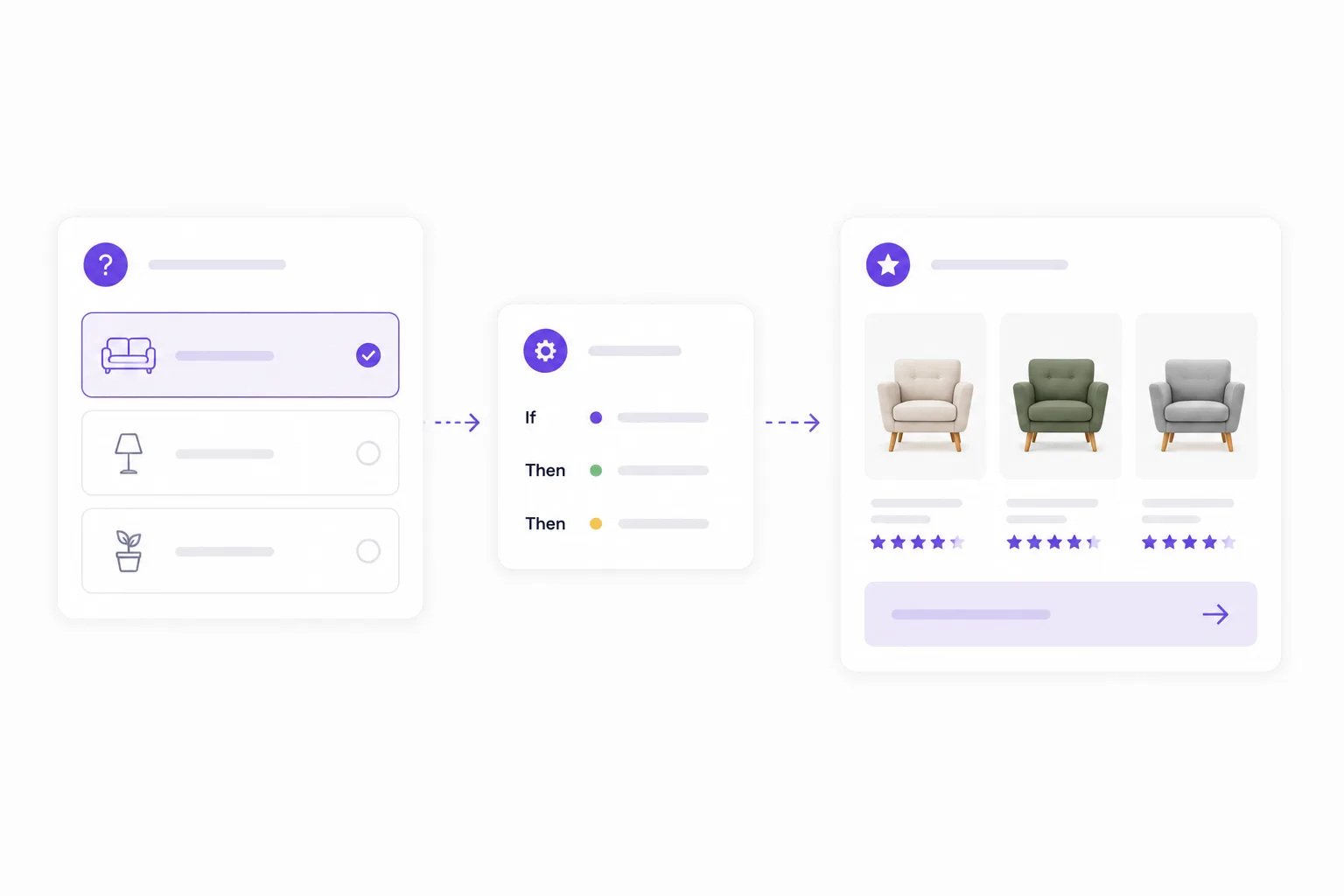
A simple flow could work like this:
- The shopper views a product.
- The Flow widget asks two to five focused questions.
- The answers are matched with product data and rules.
- The shopper receives a clear recommendation.
- The result confirms the current product or points to a better choice.
This does not always need to be a full product finder. Sometimes a small product check is enough.
For example:
- Is this food right for my dog?
- Is this cleaner safe for my floor?
- Which size do I need?
- Is this cartridge compatible with my printer?
- Will this plant fit this room?
- Which bundle goes with this product?
The value is not only the recommendation itself. The value is the calm it gives: the shopper understands why something does or does not fit.
When a Flow widget works well on product pages
Not every product page needs product advice. A simple item with little risk or choice may not need another layer. Product advice is most useful when the shopper has to evaluate fit before buying.
Products with fit or compatibility
Think of parts, accessories, cartridges, filters, bike components, clothing sizes, pet products or B2B items. The shopper wants to know whether the product fits a device, situation, size or requirement.
A short product check can prevent returns, support questions and frustration.
Products with many variants
If a product group has several strengths, formats, scents, materials or versions, choosing can become difficult. The product page can explain each variant, but an advice flow makes the choice more personal.
The shopper does not need to understand every variant. They need the right one.
Products where use case matters
For skincare, supplements, plants, paint, tools, sports gear and cleaning products, the best recommendation often depends on context. What does the shopper want to achieve? Where will the product be used? How experienced are they? Are there constraints?
Product advice works better than filters here because it uses customer language instead of internal product attributes.
Products with higher buying risk
The more doubt a product creates, the more useful a short check becomes. This applies to expensive products, products that require installation, items that are often chosen incorrectly and products that are annoying to return.
A Flow widget does not need to push harder. It should help the shopper feel sure.
Category page, product page or another placement?
A Flow widget can work in several places. The best placement depends on where the shopper hesitates.
Category pages are useful when shoppers are still exploring. They may know they need plant food, a supplement or a filter, but not which one. A product finder can quickly narrow the catalog.
Product pages are useful when shoppers are already looking at one item. The goal is confirmation: does this product fit me? If yes, the advice strengthens the purchase decision. If not, the flow can prevent a poor choice and show a better alternative.
Advice pages, landing pages and campaigns work well when the Flow widget is tied to one need. Think "find your starter set", "choose the right care routine" or "check which solution fits your situation".
The practical rule: place product advice where the shopper needs to make a decision, not only where the catalog begins. For the broader approach, read how choice helper software for webshops connects category pages, product pages and campaigns.
Checklist: is your product page ready for a choice helper?
Do not use a choice helper as decoration. Add it to product pages where the shopper's answer genuinely changes the advice.
- Does the product group have clear choice questions, such as size, use case, material, skin type, power or compatibility?
- Are there several variants or alternatives that look very similar to shoppers?
- Does sales or support often answer the same question before someone buys?
- Can returns or post-purchase doubt be linked to a poor fit?
- Can you explain for each outcome why the product fits or why an alternative is better?
If several answers are "yes", a product page choice helper is probably more valuable than another USP block or a longer product description.
How recommendations remove doubt
A good recommendation does more than show a product. It explains why the product fits.
Strong product advice usually contains three parts:
- A clear outcome: this product fits, this alternative fits better or this bundle is complete.
- A short reason: based on the shopper's answers.
- A logical next step: view, add to cart or compare with an alternative.
Example:
Based on your answers, this cleaner is suitable for sealed wooden floors. Do not use it on untreated wood. If you want a streak-free result, this refill is the right add-on.
That is more helpful than simply saying "Recommended for you." The shopper sees the reasoning and can trust the choice.
Practical ecommerce examples
Skincare
A shopper views a serum. The Flow widget asks about skin type, sensitivity and goal. If the serum fits, the shopper gets confirmation. If it is too strong for sensitive skin, the recommendation points to a gentler variant.
Pet food
On a dog food product page, the product check asks about age, weight, activity and sensitivities. The recommendation confirms whether the food is suitable and can show the right pack size or variant.
Tools
For a drill, an advice flow can ask about material, frequency of use and required power. The outcome can confirm that the product is right for light jobs, or recommend a stronger model for concrete.
B2B parts
With filters, hoses, adapters or technical components, compatibility is everything. A short check on dimensions, application and connection type can prevent many wrong orders.
Start small and measure behavior
You do not need to add product advice to every product page at once. Start with one product group where hesitation is visible. Look at support questions, return reasons, search terms and product pages with high traffic but lower conversion.
A practical first version:
- Choose a product group with clear decision questions.
- Write down the questions your sales or support team already asks.
- Keep the advice flow limited to questions that change the recommendation.
- Connect answers to product data, variants or recommendation rules.
- Show a short reason with every recommendation.
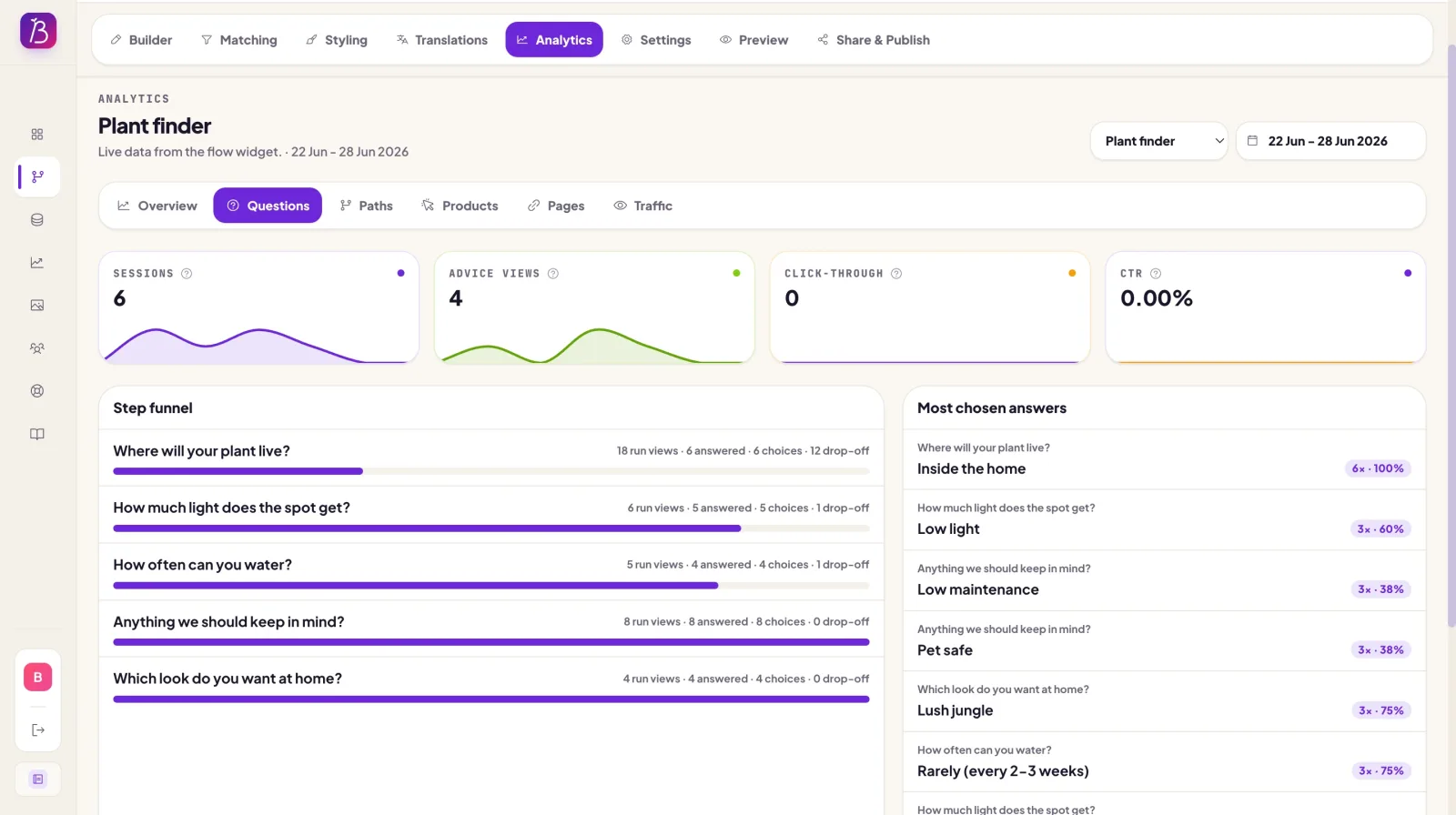
- Measure where shoppers start, drop off and click through.
Then improve it. Add missing answer options. Simplify questions that feel difficult. Adjust matching when recommendations feel off. Expand to more product pages only after the first route proves useful.
Common mistake: only optimizing for the sale
Product advice works best when it feels honest. If every path leads to the most expensive product, shoppers will notice.
Sometimes the best recommendation is:
- a simpler product;
- a smaller package;
- a bundle with accessories;
- an alternative that fits better;
- or a clear message that the current product is not suitable.
That last one may feel risky, but it can help long-term conversion. You prevent a poor purchase and show that the store is genuinely helping.
FAQ
Is product advice on product pages the same as cross-sell?
No. Cross-sell usually shows additional products. Product advice first helps decide whether the viewed product fits. A bundle or accessory can be a logical next step, but the advice starts with the shopper's need.
Should every product page have a Flow widget?
No. Start with product pages where shoppers hesitate, compare heavily or return products more often. Product advice is especially useful for fit, compatibility, variants and use case.
What if the viewed product is not the best match?
Show a better alternative and explain why. That helps the shopper move forward and prevents a purchase made with doubt.
Can product advice help SEO?
Indirectly, yes. A helpful product page can better match search intent, answer concrete questions and keep shoppers engaged. The page itself still needs clear product information, useful copy and customer-focused explanations.
Ready to test product advice on PDPs?
Product advice on product pages makes your store more helpful at the moment shoppers hesitate. It adds a short path to certainty: does this product fit, is there a better alternative and why?
With BerryPath, you can build an advice flow, connect product data and publish the Flow widget on category pages, product pages or other logical places in your store. Try the demo, read how to build an advice flow, or learn more about choice helper software for webshops and a product advice tool for ecommerce.